

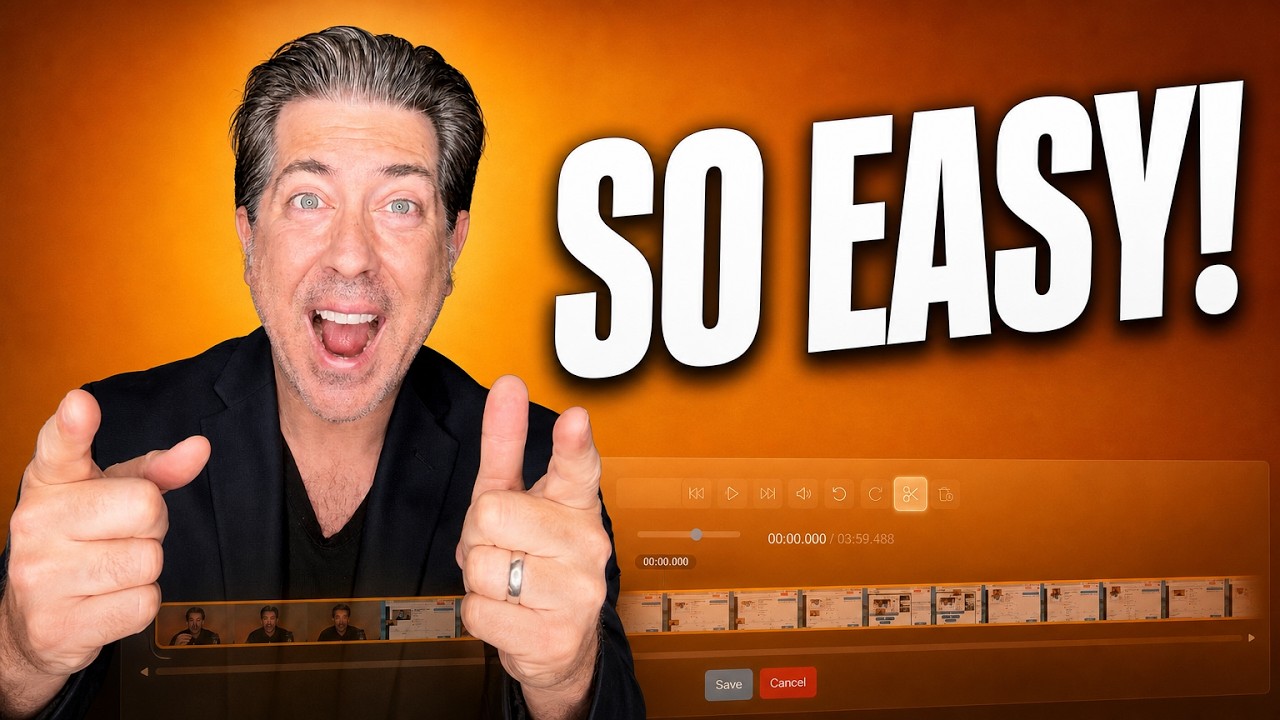
How to Edit a Video After You Record It
Split, delete, undo. Plus the auto title drawn from your first twenty seconds, the QR code every video carries, and the preview worth running before you send.
Discover the latest tips, strategies, and insights on video marketing, sales enablement, and growing your business with Dubb.
Split, delete, undo. Plus the auto title drawn from your first twenty seconds, the QR code every video carries, and the preview worth running before you send.
Three routes to sending video, the subject line habit almost nobody uses, and why the add-in matters more than the recording itself.
Auto scroll makes you match the machine. Auto track follows your voice. Here is the teleprompter on all four recorders, plus the eyeline and width fixes.

Six fields replace the technical spec a chatbot build used to need. Here is what each one does, including why your FAQs should number two, not twenty.

Enable the certification skill, ask the agent to certify you, and work through a conversational curriculum and quiz. Here is the process and what follows.

Ship an AI agent with your own logo, domain and prompts. What to build first, what to white label, and how to bill for it without guesswork.

Record one sixty-second pitch video, edit in proof, and send it with contact-level tracking so you know who watched, who clicked, and who to follow up with.
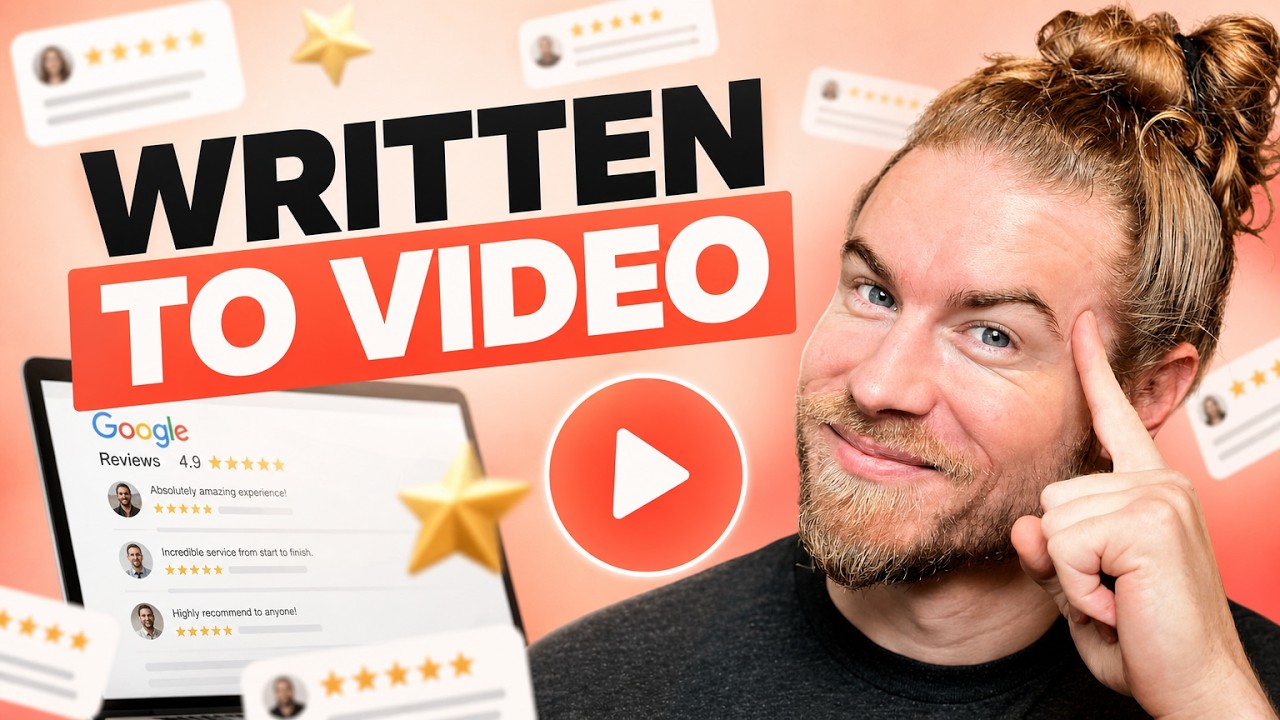
Your best reviews are stuck on one page. Record your screen and camera together, tell the customer's story, and get both landscape and vertical versions.

A calendar only catches buyers ready today. Here is why a lead magnet captures the middle of your funnel, and how one switch makes a page industry specific.
Talking head videos do not grow a real estate channel. Three formats do: on-location property tours, virtual tours, and housing market updates.
How to get HD video in Zoom on your next call: the settings to check, the bandwidth they need, and when recording locally is the better option.

Video does not trigger spam filters, but links do. Here are the cold email rules that decide inbox placement, plus the one to one and one to many video workflows