How to Edit a Video After You Record It
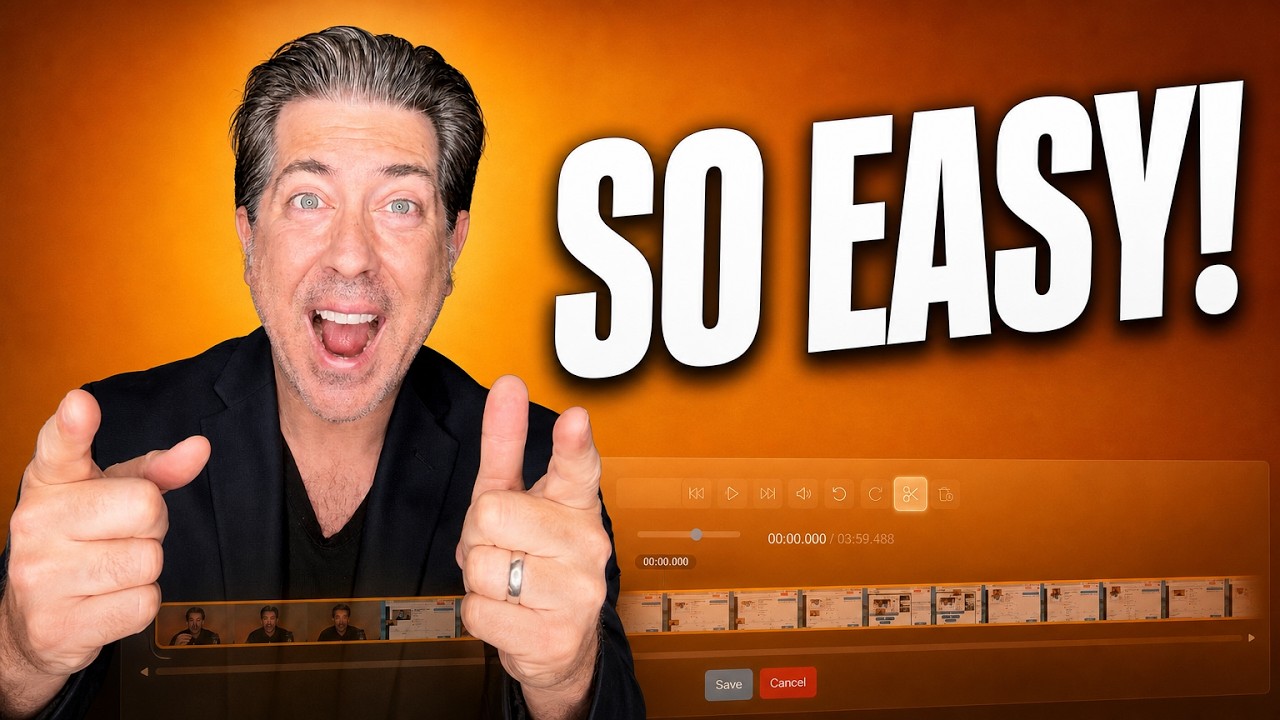
Split, delete, undo. Plus the auto title drawn from your first twenty seconds, the QR code every video carries, and the preview worth running before you send.
Latest articles in Tutorials.
Split, delete, undo. Plus the auto title drawn from your first twenty seconds, the QR code every video carries, and the preview worth running before you send.
Three routes to sending video, the subject line habit almost nobody uses, and why the add-in matters more than the recording itself.
Auto scroll makes you match the machine. Auto track follows your voice. Here is the teleprompter on all four recorders, plus the eyeline and width fixes.
Video does not trigger spam filters, but links do. Here are the cold email rules that decide inbox placement, plus the one to one and one to many video workflows
Learn how to build a video landing page, customize the buttons and links under your video using presets, and add forms, calendars, and testimonials.
Learn how to send a video email with AI in minutes. Discover how AI creates personalized video emails, automates follow-ups, and helps you increase replies with Dubb AI.
Learn practical NLP training frameworks for business video messaging, plus an AI-to-teleprompter workflow (including Dubb) to write clearer scripts and stronger next steps.
Learn how to send and track Dubb videos across Gmail, LinkedIn, text, CRMs, campaigns, and automations. See what analytics you get in one-to-one sends, Dubb-native sends, and third-party tools.
How Do I Embed a Video on My Website or Landing Page? To embed a video on a website or landing page, copy a platform-gen...
Discover how to use YouTube to improve your sales strategy, build trust, and consistently drive sales with a strategic video marketing approach.

Learn why virtual sales still feels awkward and follow this 7-step framework to make it more human, consistent, and effective.