You deliver a lead magnet automatically by connecting three pieces: the file itself, a form that captures the visitor's details, and an automation that fires when the form is submitted. Once connected, every signup receives the resource without anyone touching it, either by email, by a redirect to a page with a download button, or by opening the file directly in the browser.
Most people who have a lead magnet have the first piece. The ebook exists, the checklist exists, the planning guide exists. What they do not have is the plumbing that gets it from a form on Instagram to a person's inbox at two in the morning without anyone touching it.
That plumbing is what this post is about. We help people wire this up most days of the week, and the build itself is short. The decisions inside it, particularly how the file reaches the person, matter more than most guides admit.
What Is Lead Magnet Delivery?
Lead magnet delivery is the automated process that sends a promised resource to someone the moment they submit a capture form. It covers where the file is stored, what triggers the send, and the route the file takes to reach the person, whether that is an email, a thank you page or a direct download.
In Dubb, all three pieces live in one place. The file sits inside a call to action, the form captures the details, and the automation connects the two. If you are still deciding what to offer in the first place, our post on what makes a landing page convert covers the strategy. This one assumes you have the file and want it delivered.
What is on this page
- The three pieces every delivery needs
- Step 1: Put the file in a call to action
- Step 2: Build the capture form
- Step 3: Connect the form to the delivery
- Four ways to deliver the file
- Email or instant download: the tradeoff
- Common mistakes that leak or lose leads
- Dubb, Kit and HubSpot compared
- What a download does and does not permit
- Proof: why this actually works
- Frequently asked questions
- Connect the file you already have
The Three Pieces Every Delivery Needs
Every lead magnet funnel, in every tool, is the same three things in the same order:
- The asset. The ebook, guide, checklist or video training you are giving away. If you do not have one yet, our AI agent can draft it, though I would treat that draft as a starting point for your own expertise rather than the finished product.
- The capture. A form that collects first name, last name, email and, if you plan to text, a mobile number.
- The connection. The thing that notices the form was submitted and sends the asset, notifies you, and puts the person into whatever follow-up comes next.
The third piece is the one people skip, and it is why so many free guides end in a thank you message that says "we will be in touch" and then nothing happens for three days.
Step 1: Put the File in a Call to Action
The asset lives inside a call to action. Think of it as a button that holds your book. Dubb's call to action types include one specifically for this, listed as "Download a file (PDF, Doc)", alongside booking, forms, payments and the rest. If you have used calls to action on Dubb before for a calendar link, this is the same thing with a document behind it.
Two practical notes from doing this a lot:
- Replacing is better than stacking. When you release a new version of the guide, update the file in the existing call to action rather than creating a second one. Every page and email that points at that button now serves the new file. In one session we did exactly this for a client: their planning guide was already live, and the new guide went in by replacing the document, with the option to keep the old guide as a secondary offer.
- Name the button for the outcome. "Download the planning guide" beats "Download". The person should know what they are getting before they click.
Step 2: Build the Capture Form
If the lead magnet is being promoted on social media, you need a form before anything else, because there is no other way to get the person's details in exchange for the file. A simple social capture form asking for first name, last name, mobile and email is the standard shape.
Dubb forms can be embedded into a video page or a landing page, and added to a preset so they appear wherever that preset is used. After submission you can show a thank you message, redirect to a specific URL, or notify your team.
Ask for the fewest fields you will actually use. Every extra field costs signups. If you have no plan to text people, leave the mobile field off, which also saves you a consent question later.
Step 3: Connect the Form to the Delivery
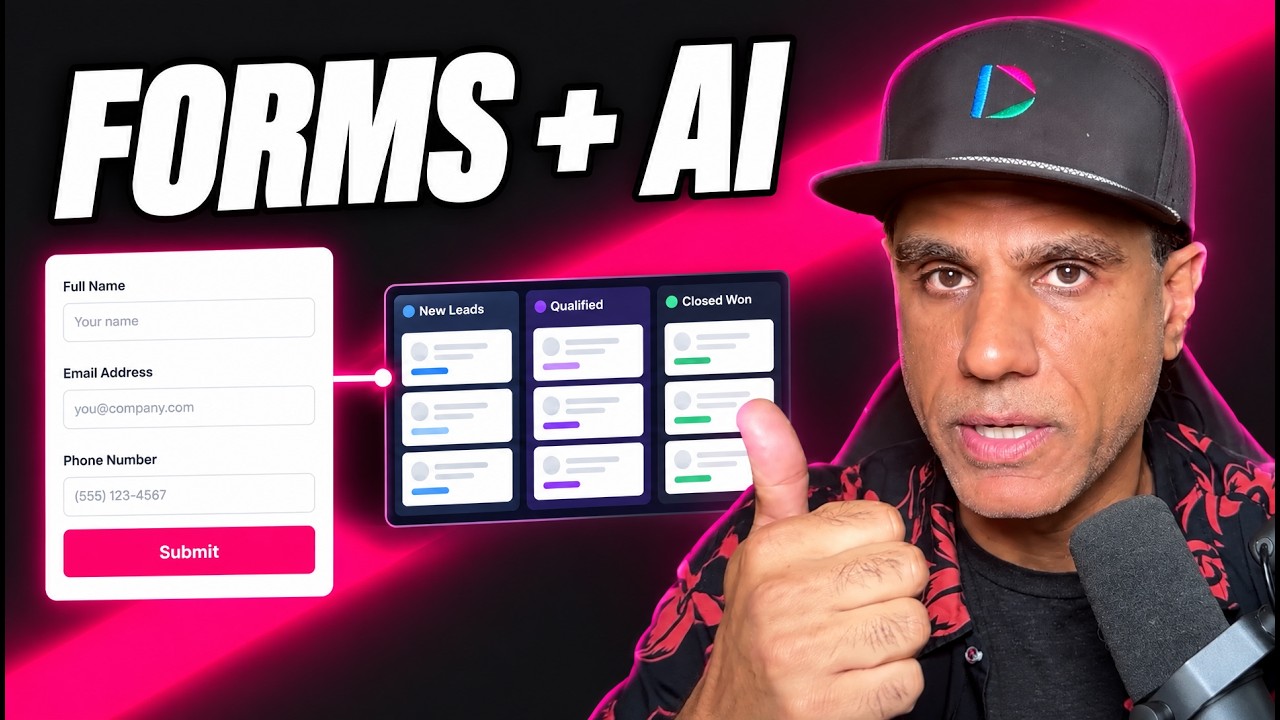
This is where the form stops being a form and becomes a funnel. When someone submits it, an automation fires and does several jobs at once:
- Delivers the asset by whichever route you choose
- Sends you a notification that a new lead came in
- Puts the person into the next step of your workflow, whether that is a follow-up sequence, a booking prompt or your CRM
The setup we use most often is the simplest one that works: the form submits, the person lands on a video page that says "thanks for filling out our form, here is the resource", and a button underneath holds the file. You can change any part of that later without rebuilding the rest. If you have not built a video email automation before, that post walks through the builder itself.
Four Ways to Deliver the File
How the document reaches the person is fully customizable, and each route has a different job.
| Delivery route | What the person sees | Best for | Watch out for |
|---|---|---|---|
| Video page with a download button | Redirected straight after submitting to a short thank you video, with the file in a button below. | Instant gratification plus a face. The simplest setup that still feels personal. | No proof the email address was real, since the file arrives whatever was typed. |
| Video email | An email arrives with a video and the attachment, a link to the landing page, or both. | Verifying the address and starting the relationship in the inbox, where your follow-up will happen anyway. | A short delay and the spam folder. Tell people on the thank you screen to look for it. |
| Custom landing page | A full page built for the resource, with the download button, context and next steps. | Flagship resources that deserve their own page, and that you want to share or pin publicly. | If this page is public and holds the file, anyone can skip the form. See the mistakes section. |
| Open in browser | The button opens the document in a browser tab rather than downloading it. | Mobile visitors from social, who often never find a file once it lands in a downloads folder. | People close the tab and lose it. Pair it with an email copy. |
These combine. An email can contain the attachment, the landing page link, or a video with both. The simplest thing of all is a plain download of the PDF, and there is nothing wrong with starting there.
Email or Instant Download: The Tradeoff
This is the decision I would spend the most time on, and it rarely gets discussed.
When the file appears on screen the moment the form is submitted, the person has no reason to give you a real email address. Some will type a junk one, get the file, and you are left with a lead you cannot reach. When the file is delivered by email, a real address is the price of the resource. Fewer people finish, and the ones who do are reachable.
Email marketing tools have known this for years. Kit's confirmation email, for example, lets you upload the file or send people to a URL, and ties the delivery to a double opt-in so the subscriber has to click before they are confirmed. The file is the incentive to verify the address.
My rule of thumb:
- Cold social traffic: deliver by email, with a thank you video on screen telling them to check their inbox. The video softens the wait.
- Warm traffic, such as existing customers or people who came from your own newsletter: give it instantly. You already have their details, and friction just annoys them.
- Not sure: do both. Show the download button on screen and send the email copy. You get instant gratification and an inbox touch, and the email is the one that tells you the address works.
Common Mistakes That Leak or Lose Leads
Making the delivery page searchable. The landing page that promotes your resource should be public and easy to find. The page that delivers it is a different matter. If the download page is public and indexed by search engines, people will find it without ever filling in the form. Keep the promotional page and the delivery page separate, and where your platform allows it, keep the delivery page out of search results.
Ending on "we will be in touch". If the form submits and nothing arrives, the person assumes it broke. Deliver something on the screen immediately, even if the file itself comes by email.
No notification to you. A lead magnet signup is the warmest that person will ever be. If you find out three days later from a spreadsheet, the moment has passed.
Stacking new files instead of replacing. Version two of the guide goes into the existing call to action. Otherwise old pages keep serving version one and you will not notice until someone asks.
Not testing it as a stranger. Fill in your own form from a phone, with an email you do not normally use, on mobile data. Check what arrives, how long it takes, whether it lands in spam, and whether the file opens on a small screen.
Stopping at delivery. The file is the start of the conversation. The point of connecting the form to an automation is the next step after the download, whether that is a follow-up video two days later or a prompt to book a call.
Dubb, Kit and HubSpot Compared
All three can deliver a lead magnet automatically. They are built for different situations.
| Tool | How it delivers | Strongest when | Less suited when |
|---|---|---|---|
| Dubb | A file call to action, a form, and an automation that can redirect to a video page, send a video email or point to a landing page. | You want a person on screen at the moment of delivery and follow-up that continues in video. | Your free resource feeds a large newsletter programme that already lives in a dedicated email platform. |
| Kit | A confirmation email that holds the file or a redirect URL, tied to double opt-in. | You are building a newsletter audience and address verification matters more than speed. | You want a face and voice in the delivery rather than a text email. |
| HubSpot | Forms that create CRM records, redirect on submit, and trigger a follow-up email through a workflow. | Sales and marketing already run on HubSpot, and the lead needs to land on a contact record with an owner. | You are a small team who wants the whole thing live this afternoon without configuring a CRM. |
These are not mutually exclusive. Plenty of teams capture and deliver in Dubb, then send the contact on to their CRM for everything after.
What a Download Does and Does Not Permit
Someone who fills in a form to get your guide has asked for your guide. Whether they have also agreed to ongoing marketing emails depends on where they are, and the rules differ meaningfully between countries. Some places treat a clear opt-out in every email as enough. Others want the person to have clearly agreed to marketing at the point of signup.
Text messages are stricter again. If your form collects a mobile number and you plan to send marketing texts, check the consent rules that apply where your leads are before you switch that on. A tick box on the form saying what they are signing up for, separate from the download, is the simplest way to stay on the right side of most of them.
None of this is a reason to avoid lead magnets. It is a reason to write one honest sentence under the form.
Proof: Why This Actually Works
Based on anonymized usage patterns across Dubb accounts running free resource funnels, mostly coaches, agencies, real estate teams and small service businesses, observed over the past year, three patterns are consistent.
The first is that the build is rarely the obstacle. The file usually already exists. What stops people is not knowing where the pieces connect, and once they see it is a button, a form and one automation, the setup tends to happen in a single session.
The second is that funnels with a person on screen at the moment of delivery get more replies to the follow-up than funnels that end on a plain thank you message. The thank you video is the first time the lead sees who they are dealing with, and it changes how the next email is received.
The third is that the funnels that keep producing are the ones whose owners change the file. Accounts that update the guide inside the existing call to action, rather than building a new funnel each time, end up with one well-tested path that improves over time instead of several half-finished ones.
Frequently Asked Questions
How do I deliver a lead magnet automatically?
Upload the file somewhere a button can serve it, build a form that collects the visitor's details, and connect the form to an automation that fires on submission. The automation then sends the file by email, redirects the person to a page with a download button, or both. It should also notify you and start whatever follow-up comes next.
Should I email the lead magnet or let people download it right away?
Email it if the traffic is cold, because a real email address becomes the price of the resource and you end up with leads you can actually reach. Give it instantly if the traffic is warm and you already have their details. If you are unsure, do both: show the download on screen and send an email copy.
Can I put a PDF behind a button on a video page?
Yes. A call to action can hold a downloadable file such as a PDF or a document, and it sits under the video like any other button. You can set it to download the file or open it in the browser. When you release a new version, replace the file in the same call to action so every page using it updates at once.
Why are people giving fake emails to get my free download?
Because the file appears on screen whatever they type, so there is no reason to give a real address. Deliver the file by email instead, or alongside the on-screen download, so that a working email is what unlocks it. Fewer people finish the form, but the leads you get are reachable.
Does downloading a lead magnet mean I can email them marketing?
Not automatically, and it depends on where the person is. Some places allow marketing emails as long as every one has a clear opt-out, while others require clear agreement to marketing at signup. Text messages are stricter in most places. Add a short, honest line under the form saying what people are signing up for, and check the rules that apply to your audience.
Do I need a landing page for a lead magnet?
No. The simplest working setup is a form that redirects to a short thank you video with the file in a button underneath. A dedicated landing page is worth building for a flagship resource you want to promote publicly. If you build one, keep the page that promotes the resource separate from the page that delivers it, so the file cannot be reached without the form.
Connect the File You Already Have
If you have a guide sitting in a folder, you are most of the way there. Put it in a call to action, build a four-field form, and connect the two so every signup gets the file, a short thank you video, and a notification lands with you. That is a working funnel. Everything after that, the custom landing page, the video email, the follow-up sequence, is an improvement on something that already runs.
If you want the social side as well, our post on turning a social media video into a lead capture funnel covers getting traffic to the form, and video landing page setup covers customizing the page.
Helping people connect their lead magnet to a form and their follow-up is something our team does most days. If you would like a hand with yours, start a free trial at dubb.com and bring the file to a training session.