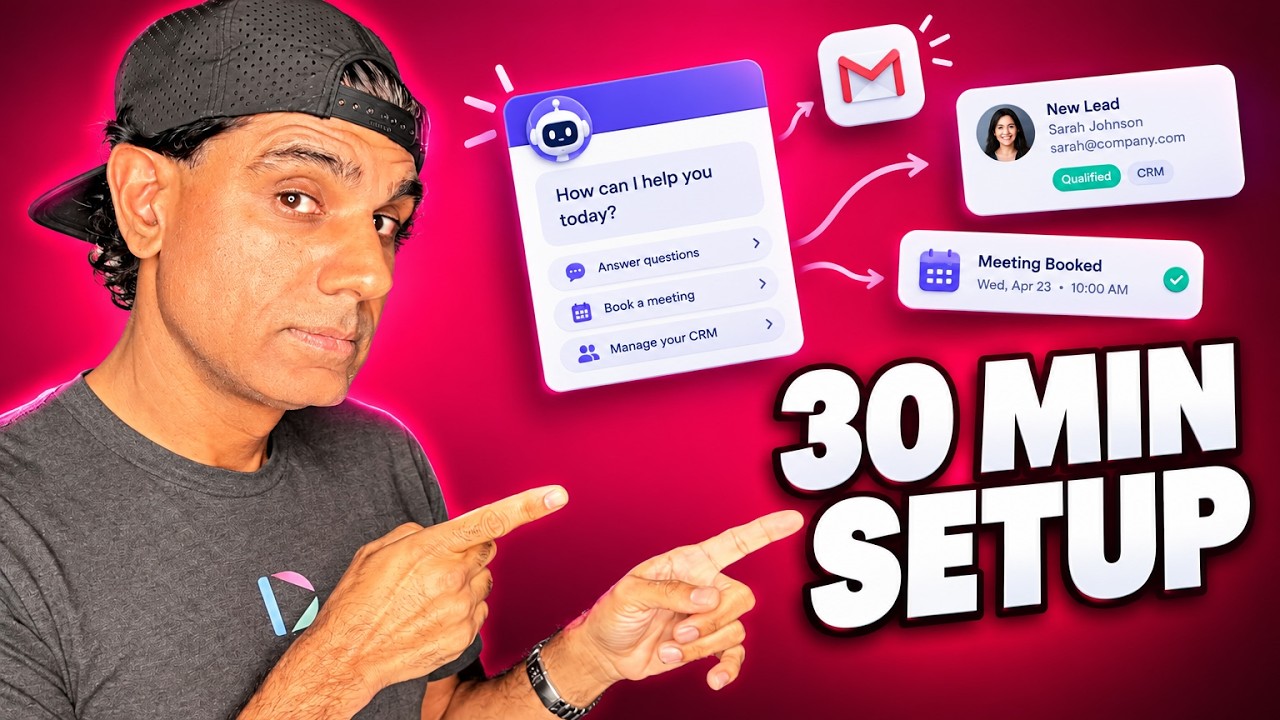
To make Instagram carousels with AI, give an AI tool the topic and source information, have it write the text for each slide, generate the images in your brand colors with your logo, and add your contact details and call to action on the final slide. Review every slide, then schedule the carousel to Instagram or Facebook. Keep images the same size and within the slide limit your scheduler supports.
Carousels are one of the most engaging formats on Instagram. They are the image sliders you swipe through: one image, then the next, then the next. Essentially a slideshow.
They work because sometimes people just want to swipe. After a feed full of videos and people talking, flat images are a break. They are visual, they can be beautiful, and when the content is useful, people read every slide. What is new is that AI can now make the whole thing for you: the writing, the images in your brand, the call to action, and the scheduling.
What Is an Instagram Carousel?
An Instagram carousel is a single post containing multiple images or videos that viewers swipe through horizontally, like a slideshow. Carousels are commonly used for step-by-step tips, before-and-after comparisons, data and lists, because each slide can carry one idea and the swipe keeps the viewer moving through the sequence.
In Dubb Agent, an AI carousel skill built by the Dubb team writes the content, generates the images in your brand with your logo, contact information and calls to action, and schedules the finished carousel to Instagram, Facebook and other channels that support carousels.
What is on this page
- Why carousels work
- Example: a sold-prices carousel for a real estate agent
- A carousel template you can reuse
- How to make one with Dubb Agent
- The limits that trip people up
- Real photos and real numbers
- A carousel cadence you can keep
- Dubb Agent, Canva and Adobe Express compared
- Common carousel mistakes
- Proof: why this actually works
- Frequently asked questions
- Let the swipe do the selling
Why Carousels Work
- They are easy to consume. No sound, no waiting, no one talking. Swipe at your own pace.
- They give a break from video. If your feed is mostly talking-head video, a set of slides stands out by being different.
- They hold more than a single image. One idea per slide lets you teach something in sequence.
- Useful ones get saved and shared. A slide full of local prices or a checklist is something people keep.
The point, though, is not just engagement. It is leads. A good one ends with who you are and how to reach you, so the people who found it useful have somewhere to go next.
Example: A Sold-Prices Carousel for a Real Estate Agent
Here is one I made for a real estate agent client in a resort market. The skill took the properties he had sold and built a post from them: an opening image, then a sequence of slides showing recent sale prices in his area, with views of the kind that make people stop scrolling.
It is high-value content. People want to know what homes near them are selling for, so they read it. It is educational, it is beautiful to look at, and the final slide has his contact information, because the purpose is to start conversations with buyers and sellers.
A Carousel Template You Can Reuse
The structure works for almost any business, not only real estate. Swap the middle slides for your own subject.
| Slide | Job it does | Real estate example |
|---|---|---|
| 1. Hook | Stop the scroll and promise something worth swiping for. | "What homes in [area] actually sold for this quarter" |
| 2 to 4. Value | One idea or one fact per slide, readable in a few seconds. | One sold home per slide: photo, price, a single line of context. |
| 5. Takeaway | Tell them what it means for them. | "If you are thinking of selling, here is what this means for your home." |
| 6. Call to action | Who you are and one clear next step. | Name, logo, phone, and "DM me for your home's value." |
Six slides is a comfortable length: enough to teach something, short enough to finish. Write the caption to support the first slide, not to repeat the whole carousel.
How to Make One With Dubb Agent
- Get the carousel skill. It is in the skills library. Comment carousel on the video and we will send you the link, or browse our AI skills library.
- Set your brand. Make sure your company information, logo, colors and contact details are in your Dubb Agent settings, so every slide comes out on brand.
- Give it the source. Your sold properties, a list of client questions, a process you explain often, figures you are allowed to share. The more specific the input, the more useful the carousel.
- Review every slide. Check the numbers, the spelling of every street and name, and that each image is appropriate. AI writes fast; you are the editor.
- Schedule it. With the Buffer integration connected, ask the agent to schedule it to Instagram, Facebook or another channel that supports multi-image posts. Our post on consistent social media content covers connecting Buffer.
The Limits That Trip People Up
A few platform rules decide whether a post publishes cleanly. Knowing them up front saves a lot of re-work.
- Slide count depends on where you post from. Instagram raised the carousel limit to 20 photos and videos in August 2024. But Buffer's Instagram scheduling guide lists carousels as up to 10, so plan for 10 or fewer if you schedule through Buffer.
- Keep scheduled carousels to images. Buffer's guide says scheduled carousels do not support mixed media, so do not combine images and videos.
- The first slide sets the shape. The first image determines the aspect ratio for the whole carousel. Make every slide the same size. Buffer's Instagram size guide gives 1080 by 1350 pixels, a 4:5 portrait ratio, as the format Instagram recommends for feed posts.
- Use a professional account. Buffer can only publish automatically to Instagram Business or Creator accounts. Personal accounts get a reminder to post by hand instead.
Real Photos and Real Numbers
An AI tool that generates images is powerful, and in real estate it needs a rule: never show a property as something it is not.
Use real photos of the homes you are showing, ones you have the right to use. If an image has been digitally altered, rules are tightening. Real Estate News reports that California's AB 723 requires licensees to disclose digitally altered images in real estate marketing and link to the original, that Wisconsin has passed a similar requirement, and that NAR's Code of Ethics already requires members to avoid misrepresenting pertinent facts in advertising. Use AI for the design, the text and the layout, not to invent a better view.
Sale prices need the same care. Rules on using MLS data in marketing, and on how sold data can be displayed, vary by MLS and by state. Check yours before you publish slides showing other agents' sales, and credit listings where required.
A Carousel Cadence You Can Keep
Imagine posting a useful carousel every day, every other day or once a week, whatever cadence suits you, without designing a single slide. That is the shift. Dubb Agent becomes your social media writer, designer, editor and publisher.
It can also check your comments and tell you where to engage. Do that part yourself. A reply from you to someone who asked a question under your post is often the start of the conversation you were posting for.
Dubb Agent, Canva and Adobe Express Compared
| Tool | How you make a carousel | Best for | Less suited when |
|---|---|---|---|
| Dubb Agent | Describe it; the carousel skill writes, designs in your brand and schedules through Buffer. | Busy owners who want carousels made from their own data and published on a schedule. | You want pixel-level control of every design element. |
| Canva | Design multi-page posts from templates, with a content planner for scheduling. | People who enjoy designing and want full control over the layout. | You do not have time to design each carousel by hand. |
| Adobe Express | Design from templates and Adobe Stock, with a content scheduler for Instagram posts, Reels and Stories. | Teams already using Adobe tools and assets. | You need carousel scheduling specifically; its scheduler page lists posts, Reels and Stories. |
Common Carousel Mistakes
Too much text per slide. One idea per slide. If it needs a paragraph, it needs two slides.
A weak first slide. The first slide is the only one most people see. Make it a promise.
Mixed image sizes. The first image sets the shape for the rest. Make them all the same size.
No call to action. Beautiful slides with no next step are decoration. End with who you are and what to do.
Publishing unchecked numbers. A wrong price on a public post is worse than no post. Review every figure.
AI-improved property photos. Do not alter how a property looks. Disclose any edits where the law requires it.
Proof: Why This Actually Works
Based on anonymized patterns from Dubb users who post carousels made with the agent, mostly real estate agents and local service businesses, observed over the past few weeks since the carousel skill launched, two early patterns stand out.
The first is that data carousels outperform generic tips. Carousels built from the user's own information, such as their sales, their local market or their clients' questions, draw more saves and comments than general advice that could have come from anyone.
The second is that removing the design step is what makes the cadence stick. People who previously posted one once in a while are posting weekly or more, because the slide design was the part they kept putting off.
Frequently Asked Questions
How do I make an Instagram carousel with AI?
Give an AI tool your topic and source information, have it write one idea per slide, generate the images in your brand with your logo, and end with your contact details and a call to action. Review every slide for accuracy, then schedule the carousel. In Dubb Agent, a carousel skill does the writing, design and scheduling from one request.
How many slides can an Instagram carousel have?
Instagram allows up to 20 photos and videos in a carousel, a limit it raised from 10 in August 2024. Scheduling tools can be stricter. Buffer's Instagram guide lists carousels as up to 10, so plan for 10 or fewer if you schedule through Buffer.
Can I schedule an Instagram carousel?
Yes, with a scheduler such as Buffer. Automatic publishing needs an Instagram Business or Creator account, and scheduled carousels should contain images only, since mixed images and videos are not supported. Personal accounts get a reminder to publish by hand instead.
What size should Instagram carousel images be?
Make every slide the same size, because the first image sets the aspect ratio for the whole carousel. Portrait at 1080 by 1350 pixels, a 4:5 ratio, is the format Instagram recommends for feed posts, according to Buffer's size guide.
Can I use AI images in real estate marketing?
Use AI for design, text and layout, but show properties as they really are. California now requires licensees to disclose digitally altered images in real estate marketing, Wisconsin has a similar rule coming, and NAR's Code of Ethics prohibits misrepresenting pertinent facts in advertising. Check your state's rules and your MLS's rules before publishing.
How often should I post Instagram carousels?
Choose a cadence you can sustain, whether that is daily, every other day or weekly. Consistency matters more than volume. If an AI tool handles the writing and design, posting a carousel every week or more becomes realistic for a busy business owner.
Let the Swipe Do the Selling
Carousels give people something to swipe, save and share, and a good one ends with your name and a reason to contact you. The hard part used to be designing them. With the skill in Dubb Agent, you supply the knowledge and the agent writes, designs and schedules the slides.
If you want the skill, comment carousel on the video and we will send you the link. Start with your own data, check every slide, and post on a schedule you can keep.