You edit videos with AI by describing the edits in plain language instead of working a timeline. An AI video editor can cut silences, trim the start and end, add music, place text on screen and generate captions from a short instruction, then export the result for YouTube, social media or a video email. Saving a finished edit as a template lets you repeat the same format without re-explaining it.
If you have ever opened a video editor, looked at a timeline and closed it again, this is for you. Cutting silences, trimming, adding music, text overlays and captions used to mean learning software. Now each of those is a sentence.
In this walkthrough I show how Dubb Agent takes a video from words all the way to ready-to-post, whether that is YouTube, Instagram, Facebook or a video email, and how to save the result as a template so the next one is faster.
What Is Prompt-Based Video Editing?
Prompt-based video editing is a way of editing video in which you describe the changes you want in natural language, and an AI system carries them out on the footage. It replaces manual timeline work, such as cutting, trimming and layering, with instructions like "cut the silences and add captions."
In Dubb Agent, video editing is a skill. You can start from a recording, from photos or from just a script, describe what you want in a few prompts, and the agent edits, exports and publishes the video for you.
What is on this page
- What you can ask the agent to do
- From words to a finished video
- Turn your best edit into a template
- Publish it anywhere
- When to edit by prompt and when by hand
- AI voice, music and disclosure
- Dubb Agent, Descript and CapCut compared
- Common AI video editing mistakes
- Proof: why this actually works
- Frequently asked questions
- Say what you want, then post it
What You Can Ask the Agent to Do
Here are the edits people ask for most, with a prompt you can copy and the one thing worth checking afterwards.
| Edit | Example prompt | Check afterwards |
|---|---|---|
| Cut silences | "Cut the silences and long pauses." | It still sounds natural, not choppy. |
| Trim | "Trim the first three seconds and end right after I say thank you." | The first and last words are intact. |
| Music | "Add upbeat background music, quiet under my voice." | You can hear every word over it. |
| Text overlay | "Put 'Three Mistakes Sellers Make' on screen for the first five seconds." | It is readable on a phone and not covering your face. |
| Captions | "Add captions for social media." | Names, places and numbers are spelled right. |
| Collage or photos | "Use these photos to make a collage opening." | You have the rights to every photo. |
| Format | "Make a vertical version for Instagram Reels." | Nothing important is cropped out. |
You do not have to do these one at a time. "Tighten it up, cut the silences, trim the ends and add quiet music" works as one instruction.
From Words to a Finished Video
Here is the path my example video took, start to finish.
- Started with a prompt. A few lines on what the video should say and who it was for.
- Added photos. I gave the agent some photos and it built a collage from them.
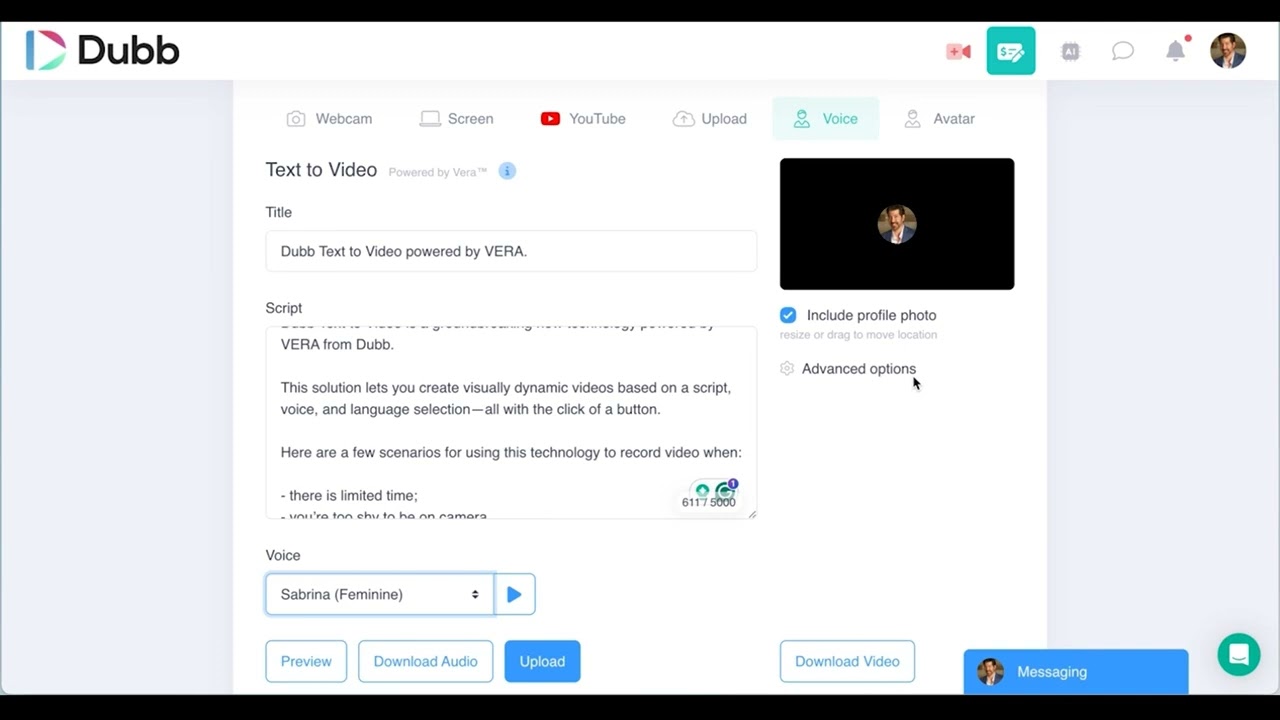
- Generated the video with AI voice. The narration came from an AI voice rather than a fresh recording.
- Cleaned it up over a couple of prompts. Tightened it, added music, trimmed it and cut the silences.
- Exported. A clean, finished video, ready to post.
The video itself happened to feature a roof, which suits a lot of what we talk about in our live trainings: real estate, home services and showing value. But the same flow works for any business.
If you would rather start from footage you already shot, the same prompts apply. And if you are working from a long recording such as a webinar, our post on micro-clipping covers finding the best short clips inside it first.
Turn Your Best Edit Into a Template
This is the step most people miss. Once I had a video I liked, I did not want to describe the same style every time. So I asked the agent to create a template from it.
Now that edit is the format: the same music feel, text style, caption look, pacing and length. The next video starts from the template, and I only describe what is different. It is the video equivalent of a brand kit, and it is what makes a series look like a series rather than a set of experiments.
A good time to make a template is after your second or third video in a format, once you know what you actually like. Templates built on the first attempt tend to lock in things you would have changed.
Publish It Anywhere
Once the video is ready, the agent can keep going: cut more silences, trim specific lines, then upload to YouTube or publish to Instagram, Facebook, TikTok or LinkedIn, or use it in a video email. With Buffer connected, it can schedule posts across your channels. Our post on consistent social media content covers that setup.
When to Edit by Prompt and When by Hand
Prompts are fastest for whole-video changes: tighten, caption, add music, reformat. They are less precise when you need a single cut at an exact frame, or one word removed from the middle of a sentence.
For those, hand edits are quicker. Our guides to editing a video after you record it and editing on your phone cover the manual tools. The two work well together: prompt for the big moves, then fix the one moment you care about by hand.
AI Voice, Music and Disclosure
AI voice and AI-generated visuals are part of what makes this fast, and platforms have rules about them. YouTube's guidance on disclosing altered or synthetic content is a useful reference:
- Disclosure is required for realistic content that makes a real person appear to say or do something they did not, alters footage of a real event or place, generates a realistic scene that did not happen, or creates music that is the main focus of the video.
- Disclosure is not required for minor edits such as captions, color and lighting adjustments, audio repair, using AI to write a script or title, or cloning your own voice for voiceovers.
Practical rules that follow: clone only your own voice. Never use AI to show a property, product or person differently from how they really are; in real estate, some states, including California, now require disclosure of digitally altered images. And use music you are licensed to use, so your video is not muted or claimed after you post it. For more on AI presenters, see our post on AI avatar videos.
Dubb Agent, Descript and CapCut Compared
| Tool | How you edit | Best for | Less suited when |
|---|---|---|---|
| Dubb Agent | Prompts in chat, with templates, then publishing to social, YouTube or video email. | Business owners who want the edit and the posting done in one place. | You need frame-precise, multi-track editing. |
| Descript | Edit the transcript to edit the video; one-click filler word removal; an AI co-editor called Underlord. | Podcasts and talking-head content where editing by text is natural. | You want publishing, sending and tracking in the same tool. |
| CapCut | AI templates, auto captions and script-to-video in a full creative editor. | Social creators who enjoy the creative edit and trend templates. | You would rather describe the result than build it. |
Common AI Video Editing Mistakes
Not watching the result. Prompts are fast, but watch the whole export once before it goes anywhere.
Music over the voice. Say "quiet under my voice" in the prompt, and check it.
Unchecked captions. AI captions misspell names, streets and brands. Read them.
Over-cutting silences. Some pauses are for emphasis. If it sounds breathless, ask for a lighter touch.
Making a template too early. Wait until you have made the format two or three times and know what you like.
Ignoring disclosure rules. Realistic synthetic scenes, other people's voices and AI-generated music as the main feature all need care. Your own cloned voice and captions do not.
Proof: Why This Actually Works
Based on anonymized patterns from Dubb users editing with the agent, mostly real estate agents, home services businesses and coaches, observed in our live trainings over the past few weeks, two patterns are emerging.
The first is that editing by prompt brings in people who never edited at all. Many of the users now posting finished videos used to send raw recordings, or nothing, because the editor was the barrier.
The second is that templates are what turn one good video into a series. Users who save a template after a few videos produce more consistent content with less effort, because each new video only needs the parts that change.
Frequently Asked Questions
Can AI edit my videos for me?
Yes. AI video editors can cut silences, trim, add music, put text on screen, generate captions and reformat videos from plain-language instructions. In Dubb Agent, you describe the edits in a chat, review the result, and the agent exports or publishes it. Watch the final version once before posting.
How do I remove silences from a video with AI?
Ask for it directly, for example "cut the silences and long pauses." The AI removes the gaps automatically. Then listen back, because some pauses add emphasis, and if it sounds rushed, ask for a lighter touch.
Can I save a video edit as a template?
Yes. In Dubb Agent, once you have a video you like, ask the agent to create a template from it. Future videos start from that format, with the same style, music feel, captions and pacing, so you only describe what changes. It works best once you have made the format two or three times.
Do I have to disclose AI voice on YouTube?
Not if you clone your own voice for voiceovers. YouTube lists that as a minor edit that does not need disclosure, along with captions and color correction. Disclosure is required for realistic content that makes a real person say or do something they did not, alters real events or places, shows realistic scenes that did not happen, or features AI-generated music as the main focus.
Can AI add music to my video?
Yes, you can ask for background music in a prompt, including how loud it should be relative to your voice. Make sure the music is licensed for your use, so the video is not muted or claimed on social platforms. If AI-generated music is the main focus of a YouTube video, YouTube requires disclosure.
Can I post AI-edited videos straight to Instagram and YouTube?
Yes. Dubb Agent can upload a finished video to YouTube and publish or schedule it to Instagram, Facebook, TikTok and LinkedIn, especially with the Buffer integration connected. It can also use the video in a video email.
Say What You Want, Then Post It
Video editing used to be the step where good intentions stopped. Now it is a few sentences: cut the silences, trim it, add music and captions, make it vertical. Save the result as a template, and the next video starts most of the way there.
If you want the video editor skill, comment editor on the video and we will send you the link. There are related skills for social media management, trimming and voice generation in our AI skills library as well.