Video Emails for Business: Record, Send and Track
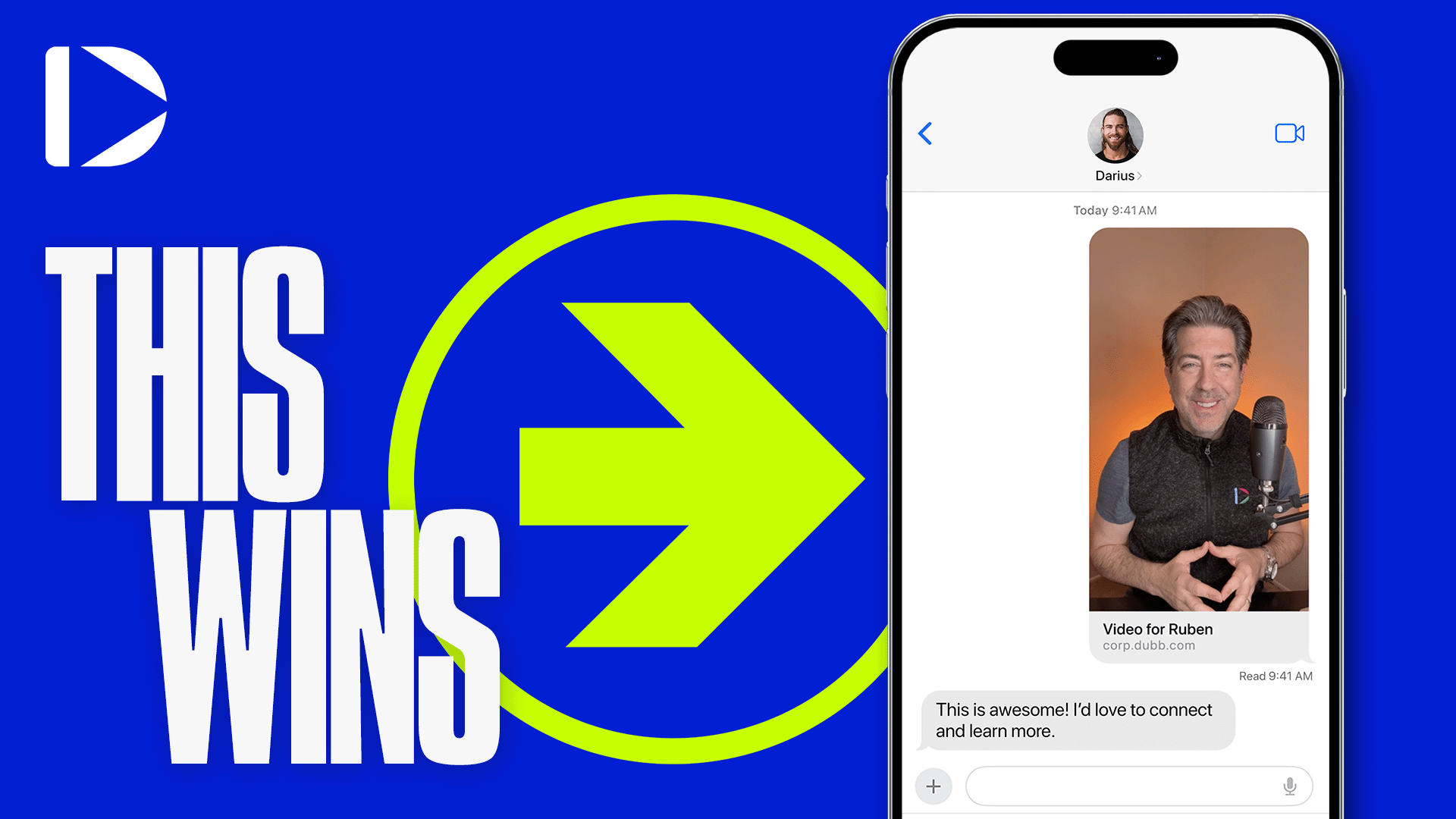
A video email is a short personal video sent with a preview image that links to a page you control. The four steps are: record the video, give it a page with one call to action, send it with a preview thumbnail, and follow up on who watched. The video plays on the page, not inside the inbox.
I have sent video emails to prospects, to customers and to my own team for years. The ones that work are short, specific and end on one small ask. The ones that fail are usually a template with a name dropped in. This guide is the whole method, from the recording to the follow up that gets the reply.
What is a video email?
A video email is a regular email that shows a preview or thumbnail of a video and links to a hosted page where the video plays. It is not a video file in the attachment tray, and it is not a player inside the message body: Gmail, Outlook and Apple Mail block or strip those.
The preview is usually a few seconds of animation with your face in it. The recipient reads that as a video, clicks once, and lands on a page with the video and one next step. The page is where the work happens: it loads the player, it records the watch, and it holds the button.
So a video email is really three things working together. A clip you recorded, a page that plays it, and an email that earns the click. If any one of the three is missing, the send does less than it could. A great clip with no page cannot be tracked. A page with no email never gets seen.
Why video emails work in business
A written email asks the reader to imagine you. A video email removes the imagination: they hear the tone, see the face and judge the intent in seconds. Sending video is not about being clever. It is about removing the guesswork a buyer does when a name they do not recognise lands in their inbox.
Three things follow from that, and all three show up in the same place, the reply.
- Trust arrives faster. Buyers decide whether to keep reading long before they evaluate the product. A face and a voice get you past that decision sooner than a paragraph does.
- Complex things get simpler. A screen recording of the actual report beats a paragraph describing it, because the buyer sees the thing instead of a description of the thing.
- The follow up gets a reason. You know whether they watched, how far they got, and which button they clicked. That turns a scheduled nudge into a message about something that actually happened.
Dubb is a video messaging platform for business teams. It handles the recording, the page and the tracking in one place, so a rep can send a personal video in about two minutes. That speed is the point. A video you send today beats a perfect one you send next week.
The three ways video gets into an email
Before you pick a tool, it helps to know that there are only three ways video can appear in an email, and they behave very differently. Most confusion about video email comes from mixing them up.
| Method | What the recipient sees | What you can measure | Where it breaks |
|---|---|---|---|
| Attachment | A file icon to download | Nothing | Most inboxes cap attachments well below the size of a normal video, and phones will not preview it |
| Embedded player | A player inside the message | Almost nothing | Gmail strips video tags, Outlook blocks them, and Apple Mail is inconsistent |
| Linked page with preview image | An animated preview that opens a page | Open, watch depth, clicks, repeat views | Needs a host that gives each video its own page |
The third row is the only one that works across every major client, and it is the only one that reports back. That is why every method in this guide is built on it. The first two rows are the reason so many people believe video email does not work: they tried options that never had a chance.
The four steps
1. Record
Use the desktop app, the mobile app or the Chrome extension. Camera, screen or both. Keep a first touch under 90 seconds and say the point in the first 10. For the four part structure of a one to one clip, see how to send a personalized video message.
Two rules I give every rep. First, do not script the whole thing word for word, because it sounds read. Write three bullets and talk to them. Second, record the second take and send it. Nobody has ever received a video and complained that the lighting was imperfect.
2. Give it a page
Every Dubb video gets a page with a player, a thumbnail and a call to action. If you would rather the player sit on your own site as well, the embed route is in video on your website with Dubb. Pick one action per send: book a call, open your calendar, or view a link. One action converts; four compete. If you cannot decide, choose the smallest next step, which is almost always a short call.
3. Send it
Insert the animated preview into Gmail, Outlook or your CRM with the Dubb add in, or copy the link and paste the preview image yourself. Write one line above it and one below. The client by client steps are in how to send videos via Gmail and Outlook.
4. Follow up on the watch
When the notification says they watched to the end, reply in the same thread with the next step. Not a week later. The video is still in their head for an hour or two, and that is the window. If they watched a third of it and stopped, that is also information: something in the middle lost them, and the follow up should address the part they abandoned.
Your first video email in 15 minutes
If you have never sent one, do this once today with a real contact and a real reason. Fifteen minutes is enough.
- Minutes 1 to 2. Pick one person you already have a reason to write to, and write the reason in a single sentence before you touch a camera.
- Minutes 3 to 5. Write three bullets: why you are writing, the one thing you noticed about them, and the ask. Nothing else.
- Minutes 6 to 9. Record one take on camera. If you fluff a word, keep going. If you fluff the first ten seconds, restart once.
- Minutes 10 to 11. Set the page title and add one call to action. One, not three.
- Minutes 12 to 14. Open the draft in Gmail or Outlook, add the preview, and write one line above and one below.
- Minute 15. Send it to yourself first and open it on your phone. Then send it to the contact.
That last step catches most of the mistakes. A preview that looks fine on a laptop can look cropped on a phone, and a page that loads instantly on your desk can crawl on mobile data. One test send solves both.
How long should a video email be?
Length follows the job. The mistake is treating every video email as the same kind of message, then wondering why the cold ones do not get replies.
| Use case | Target length | What has to be in it |
|---|---|---|
| Cold first touch | 45 to 90 seconds | Why you, why now, one observation about them, one small ask |
| Follow up after a demo or call | 60 to 120 seconds | The one thing they said mattered, and the next step you agreed on |
| Proposal or quote walkthrough | 2 to 4 minutes | Screen share of the actual document, the two or three numbers that decide it |
| Onboarding or support answer | 1 to 3 minutes | A screen recording that shows the click path instead of describing it |
| Internal update or team message | 60 to 90 seconds | Headline first, then the one detail people need to act on |
Send a video email that reports back
Dubb shows who opened it, how much they watched and whether they clicked, so the second email is timed, not guessed. Trusted by 100,000+ users.
Four scripts that work
These are outlines, not word for word scripts. Say them in your own words, or they will sound like a recording of someone else.
First touch to a cold prospect
Name, company, why you are writing, one specific thing you noticed about their business, then the ask. That is the whole video. The observation is the part that earns the reply, so spend your preparation time there rather than on the wording of the introduction.
Follow up after a demo or discovery call
Open with the thing they said mattered, in their words. Then show where that lives in what you sent. Then the next step and the date. This is the highest converting video email most teams send, because the buyer has context and you are reducing the work they have to do to decide.
Proposal walkthrough
Share your screen and open the real document. Walk the three numbers that decide it: the price, the outcome and the date. Say out loud what is negotiable and what is not. Buyers trust a walkthrough far more than a PDF, because reading a proposal alone is a lonely job and nobody wants to get it wrong.
Onboarding or support answer
Record the fix, not an explanation of the fix. If a customer asks where a setting lives, show the click path. This is the fastest way to cut a ticket thread in half, and it doubles as documentation you can reuse.
The subject line and the two lines around the preview
Three pieces of text surround the video, and each has one job. The subject line earns the open. The line above the preview earns the click. The line below gives the person who does not click something to do anyway.
- Subject line. Short, specific and written as if to one person. A question about their situation usually beats a claim about yours. Avoid words that read like marketing in a preview pane.
- Line above. One sentence that tells them what the video is about. Something like: I recorded a two minute walkthrough of what I meant about the reporting gap.
- Line below. One sentence with the same ask that is on the page. If you want a call, name the length. If you want a reply, say reply with a yes or a no.
Who uses them
- Sales teams: first touch, proposal walkthrough, and the follow up after a demo.
- Marketing: campaign sends to a segmented list, with the same preview and page for everyone.
- Customer success: an onboarding walkthrough or an answer to a support ticket, sent as a two minute screen recording.
- Recruiting: a role walkthrough to a candidate who is deciding between offers, which is a video email with a job description attached.
- Leadership: a weekly update that people actually watch, delivered to the team by email or Slack.
The mechanics of each channel differ. How to text a video needs opt in and a phone number. An email campaign needs a clean list and a warmed up sending domain. Video email top tips covers the writing that goes around the clip.
What you need to run them
- A camera, a microphone and light on your face. No editing.
- A host that gives every video a page with a call to action.
- A sender your buyers recognise, so replies come back to you.
- A CRM record for each contact, so the watch notification has somewhere to land. Dubb connects to HubSpot, Salesforce and its own CRM, and the video CRM explained covers why the record matters more than the clip.
Deliverability: what the preview does to filters
A video email is an email first, so the normal rules of deliverability still apply. Three of them matter more once an image and a link are involved.
- Keep the email small. A preview image and a link add little weight. An attachment adds a lot, and attachments are one of the oldest spam signals there is.
- Send from a domain you have warmed up. A brand new domain sending a hundred video emails on day one looks exactly like what it is. Send to people who know you first, then widen.
- Make the text and the image agree. A preview that says one thing and a subject line that says another is the pattern filters and humans both flag.
The same rules hold at higher volume, with one addition: a campaign should go to a list that opted in. For that version of the job, see why you should use videos in email campaigns.
Email, SMS or LinkedIn: where video belongs
| Channel | Best for | Watch out for |
|---|---|---|
| Formal or cold audiences, anything that needs a record, proposals | Preview images can be blocked until the reader loads images | |
| SMS | A contact who already replies to you and has opted in | Requires opt in by law, and a raw video file will not send |
| LinkedIn message | Prospects who live in LinkedIn and check it daily | Short text limits, and links can reduce reach on some accounts |
If you are unsure, start with email. It carries the least risk, it leaves a paper trail, and it is the channel where a video page URL still looks natural. When a contact starts replying to your email, moving the same style of video into a text message is the next step.
What to measure
Four numbers tell you almost everything, and each one points at a specific fix. I track these on the page, not in the inbox, because open rates in email are unreliable and clicks on a video page are not.
| Signal | What it tells you | What to change |
|---|---|---|
| Delivered, no view | Subject or preview did not earn a click | New subject and a new preview clip |
| Viewed, dropped in the first 10 seconds | The opening was about you, not them | Lead with their problem in one sentence |
| Watched to the end, no click | The ask was unclear or too big | One smaller call to action, named out loud |
| Watched twice | They are showing it to someone else | Call, do not email. A decision is being made |
Common mistakes
- Attaching the file. Most inboxes cap attachments below the size of a normal video, and the recipient has to download it before they can watch.
- Recording without watching it back. Ten seconds of checking saves the send.
- Sending the same generic clip to a list and calling it personal. Buyers recognise a template faster than you think, and the reply rate says so.
- No call to action on the page. A video that ends on nothing ends the conversation.
- Following up on a schedule instead of on the watch notification. The calendar does not know when they watched. The notification does.
- Making the video longer than the ask. A four minute clip about booking fifteen minutes is a contradiction the viewer feels.
- Recording in a noisy room. Audio quality decides whether a video feels professional far more than the picture does.
- Not tracking anything. If you cannot see the watch, you are guessing, and guessing is what the tool was meant to replace.
Send a video email that reports back
Dubb records the clip, gives it a page, and tells you who watched and who clicked, so the follow up is timed rather than scheduled.
Frequently asked questions
What is a video email?
A regular email that shows a video preview or thumbnail and links to a hosted page. The video plays on that page, not inside the inbox, because email clients block embedded players.
How do you send a video email?
Record the video, copy the link, take the animated preview, then paste the linked image into the draft. On Dubb, the Gmail and Outlook integrations do the copy and paste in one step.
What should a video email say?
Three parts in under a minute: who you are and why you are writing, one specific thing you noticed about their business, and one small ask such as a short call.
Do video emails get more replies than text emails?
They tend to, because the recipient can see who is writing and hear the tone before deciding to reply. Keep the video short, the ask small, and send it to a person rather than a list.
Can you track who watched a video email?
Yes, when the email links to a trackable video page rather than a raw file. Dubb shows who watched, how long they watched and which call to action they clicked.
Should I email a video or text it?
Email for a cold or formal audience, text for a contact who already replies to you and has opted in. The wide comparison is in how to send a video through email.
Can you embed a video directly in an email?
Not reliably. Gmail strips video tags and Outlook blocks embedded players, so the in inbox playback you have seen in demos usually does not survive a real send. A linked page with a preview image works in every major client.
How big can a video attachment be in email?
Most providers cap attachments at around 25 MB and many corporate inboxes are stricter. A one minute screen recording can already be larger than that once it is encoded, which is one more reason to link instead of attach.
What is a good open to reply rate for video email?
I do not publish a benchmark, because it depends on the list, the offer and the sender. Instead, track your own rate across twenty sends, then change one thing at a time and compare. A rate you measured beats a rate someone quoted you.