Video on Your Website with Dubb
If you're not using video on your website, you're missing out on one of the most powerful ways to engage visitors, build trust, and increase conversions. Video isn't just a nice addition, it’s a necessity. But adding video effectively can be challenging. That’s where Dubb comes in.Why Video Matters on Your Website
Think about the last time you landed on a website and saw a compelling video. Did you feel more connected to the brand? More informed? More likely to take action? Studies show that adding video to a landing page can increase conversions by up to 80% [source]. Here’s why video works:- Captures Attention Quickly – People prefer watching over reading.
- Builds Trust and Credibility – Seeing a face and hearing a voice makes your brand more human.
- Boosts Conversions – Customers feel more confident buying when they understand the product.
- Enhances SEO – Google loves video, and websites with embedded videos tend to rank higher.
How Dubb Makes Video Integration Easy
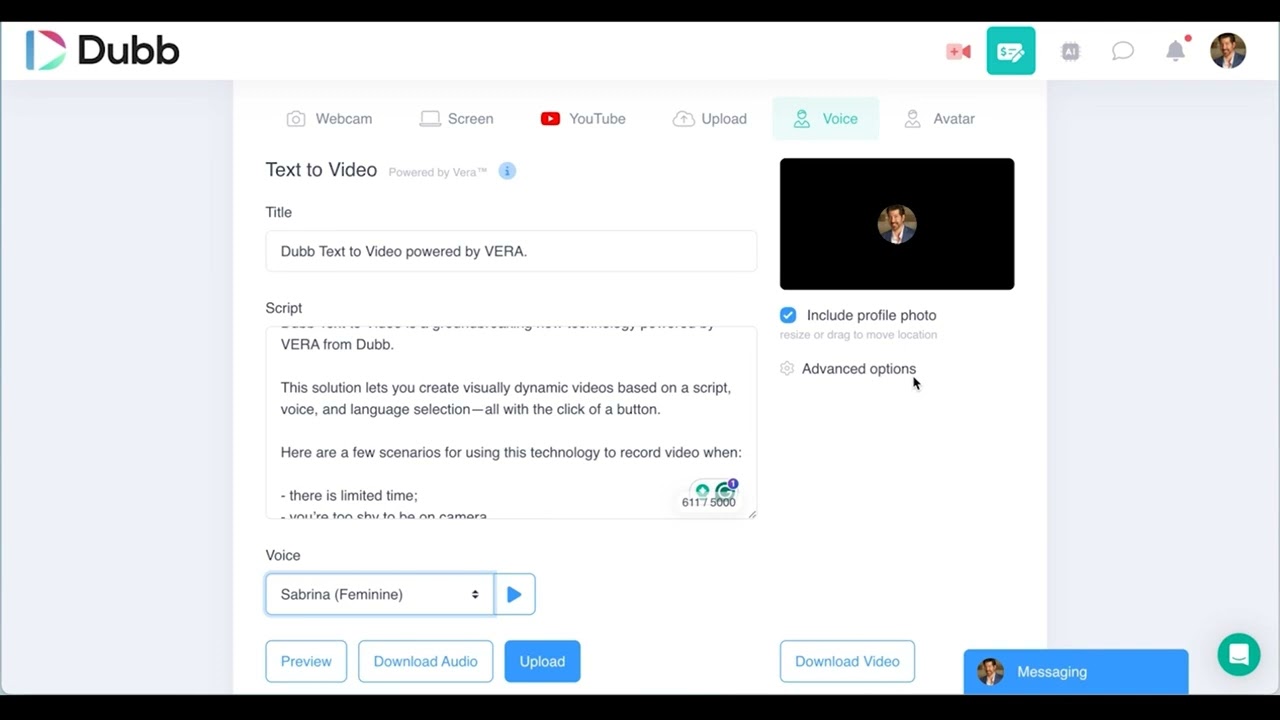
Dubb simplifies the process of adding high-impact videos to your website. Unlike traditional video hosting platforms that require embedding complex code or directing visitors to external pages, Dubb keeps your audience engaged directly on your site.1. Embedding Videos Seamlessly
Dubb allows you to easily embed videos on your homepage, landing pages, or blog posts. You can:- Use autoplay to grab attention instantly.
- Add a custom video thumbnail for a branded experience.
- Include clickable CTAs (calls to action) within the video to drive engagement.
2. Personalized Video Pages
Instead of just embedding a video, Dubb lets you create dedicated video pages that match your branding. These pages can include:- Custom text and headlines.
- Lead capture forms.
- Social media sharing buttons.
3. Interactive Features for Engagement
Dubb videos aren’t just for passive watching. You can make them interactive by adding:- CTA buttons – Encourage viewers to book a call, download a resource, or visit a sales page.
- Video replies – Let visitors respond to your video with their own recorded message.
- Forms and surveys – Collect feedback or qualify leads.
4. Real-Time Tracking and Analytics
Want to know who’s watching your videos and for how long? Dubb’s built-in analytics provide insights into:
- Viewer engagement.
- Click-through rates on CTAs.
- Audience drop-off points, so you can optimize your content.
Best Places to Add Video on Your Website
Wondering where to place videos for the biggest impact? Here are some ideas:- Homepage – A quick welcome video introducing your brand.
- Product Pages – Demos that show how your product works.
- About Page – A personal video that tells your story.
- Testimonials Page – Video reviews from happy customers.
- Landing Pages – Lead magnet or webinar invites with a video teaser.
Real-World Success with Dubb
One Dubb user, a real estate professional, saw a 60% increase in leads by embedding personalized video messages on their contact page. Another, a SaaS company, boosted free trial signups by 35% just by adding a Dubb video to their pricing page.Put the video where the visitor lands
Embed the clip or publish a full video page, and the tracking starts on the first view.
How to measure whether the video worked
A video on a page is only useful if you can tell what it changed. Three numbers do that without a second analytics tool:
- Watch depth. If most viewers stop in the first ten seconds, the opening line is the problem, not the video.
- Call to action clicks. A watched video with no clicks usually means the offer under it is unclear.
- Reply and booking rate. This is the one that matters. Dubb attaches the view to the contact, so the enquiry arrives with the watch history attached.
Read those before you change the creative, and change one thing at a time. A page that swaps the headline, the video and the button in the same week teaches you nothing.
A simple placement rule
Put one video where the visitor hesitates. On a pricing page that is beside the plan comparison. On a services page it is above the form. On a homepage it is the first thing under the headline. A second video further down is optional; a second video in the same screen is a distraction.
Frequently asked questions
Do I need a developer to add video to my site?
No. Dubb gives you either an embed snippet for an existing page or a hosted video page you can publish directly, so the video goes live without a build.
Will a video slow my page down?
The video is hosted and loaded as a preview that links to the player, so the page is not carrying the full file weight the way a self-hosted MP4 would.
Can I update the video without changing the page?
Yes. Replacing the video in Dubb keeps the same page and the same link, so anything already sent still works and starts playing the new clip.