

How Do You Send Birthday and Anniversary Videos Automatically?
Two ways to send birthday and anniversary videos automatically: build one date-based workflow, or upload a CSV and ask an agent to make the routine.
Two ways to send birthday and anniversary videos automatically: build one date-based workflow, or upload a CSV and ask an agent to make the routine.
Create Asana tasks with AI by describing the job in chat: assign someone, set a due date, add a comment and attach files, without opening the board.

Connectors wait to be asked. Triggers fire on arrival. How to make an agent handle mail as it lands, and what to check before forwarding an inbox anywhere.
Discover the latest tips, strategies, and insights on video marketing, sales enablement, and growing your business with Dubb.
Two ways to send birthday and anniversary videos automatically: build one date-based workflow, or upload a CSV and ask an agent to make the routine.
Create Asana tasks with AI by describing the job in chat: assign someone, set a due date, add a comment and attach files, without opening the board.
Connectors wait to be asked. Triggers fire on arrival. How to make an agent handle mail as it lands, and what to check before forwarding an inbox anywhere.
Connect Outlook to an agent, run a morning routine that catches what you missed, and let the follow-up carry a recorded video instead of another paragraph.

An AI skills library holds ready-made procedures grouped by industry. See what is inside, how to request a skill for your trade, and when to use a routine.
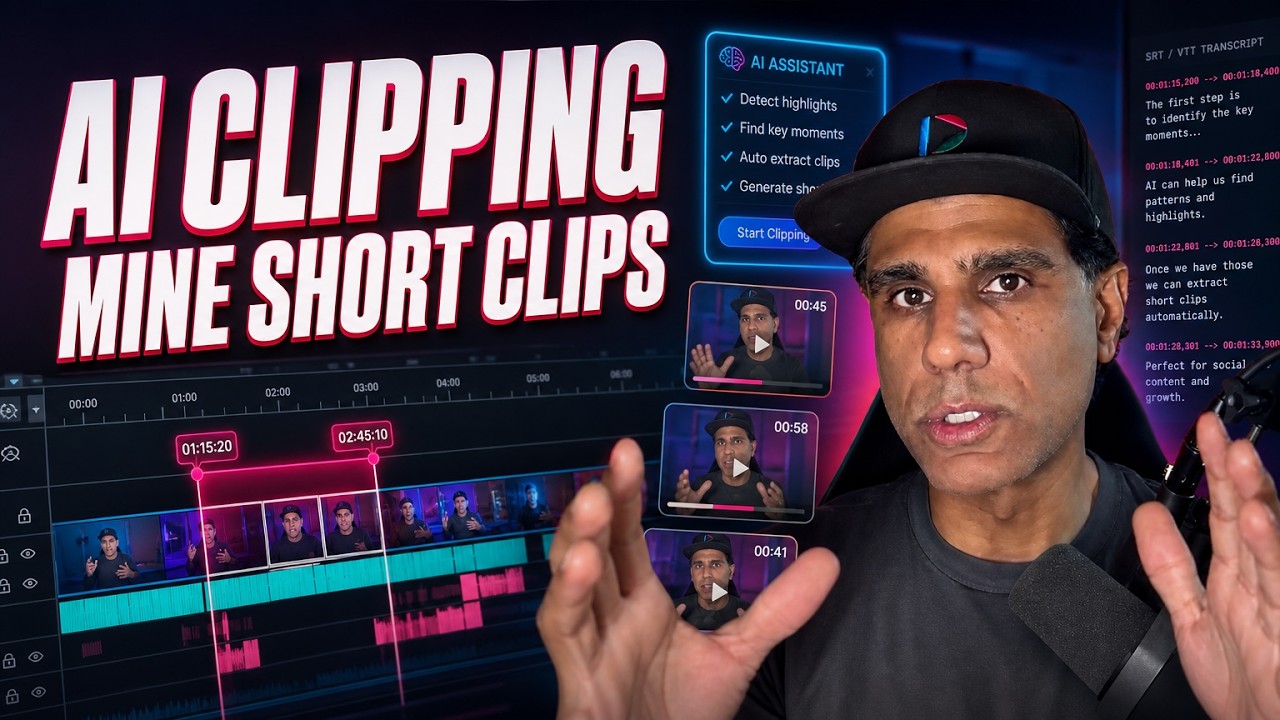
Work from the transcript, not the footage. An SRT or VTT lets AI name the start and stop points of three strong clips, so you cut instead of sorting.

Match your CRM against property data, score every contact on equity and ownership length, and work the top twenty-five. The prompt, the signals, and what to check first.
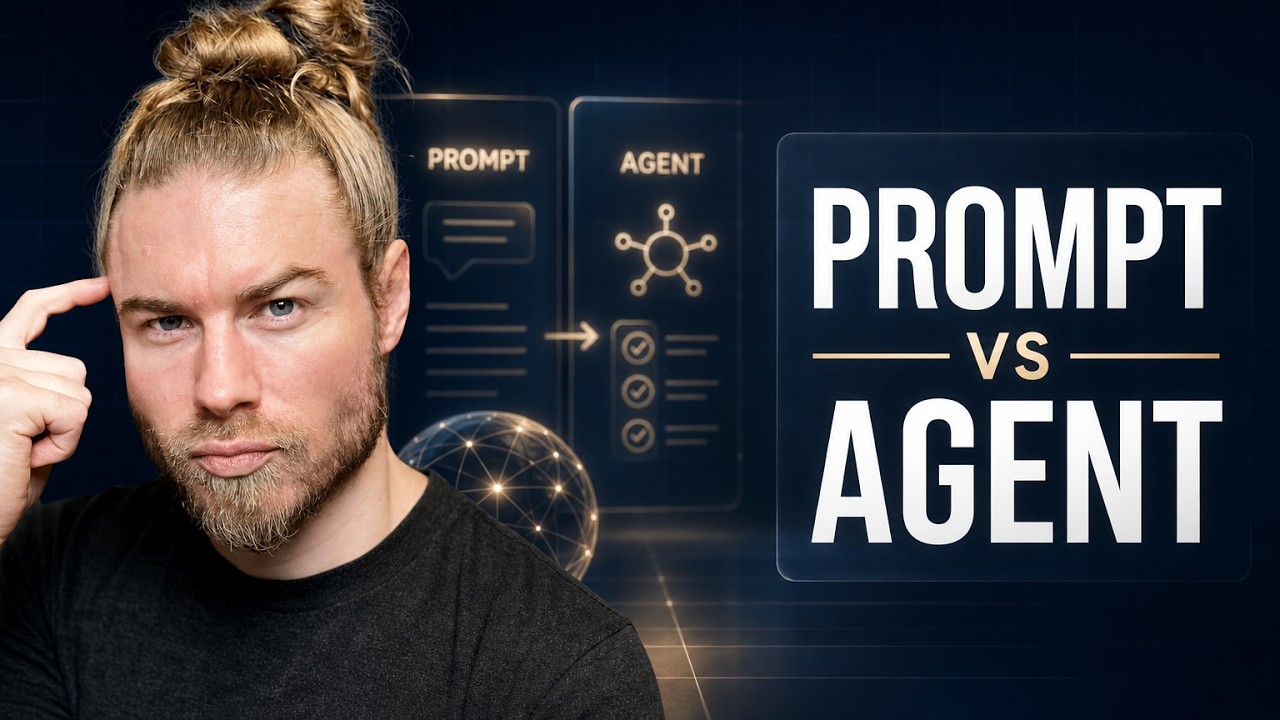
Generative AI produces and stops. Agentic AI acts across steps. Plus what a prompt, a skill, a memory and a bot each are, and what each one is not.
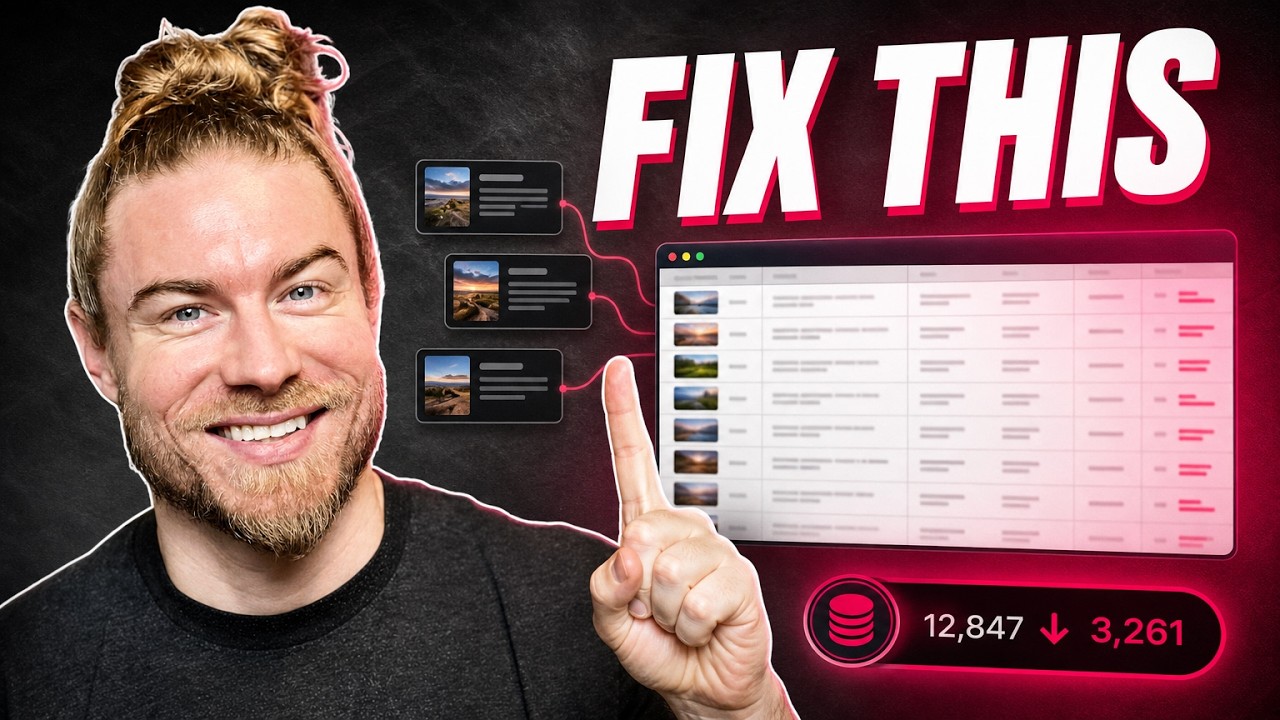
One document, every published piece, a short summary each. Your agent reads that instead of your whole site, so the duplicate check stays cheap enough to actually happen.

Describe your ICP first, name the action, then ask for three to five word phrases. The prompt, how to judge what comes back, and why the opening has to pay it off.
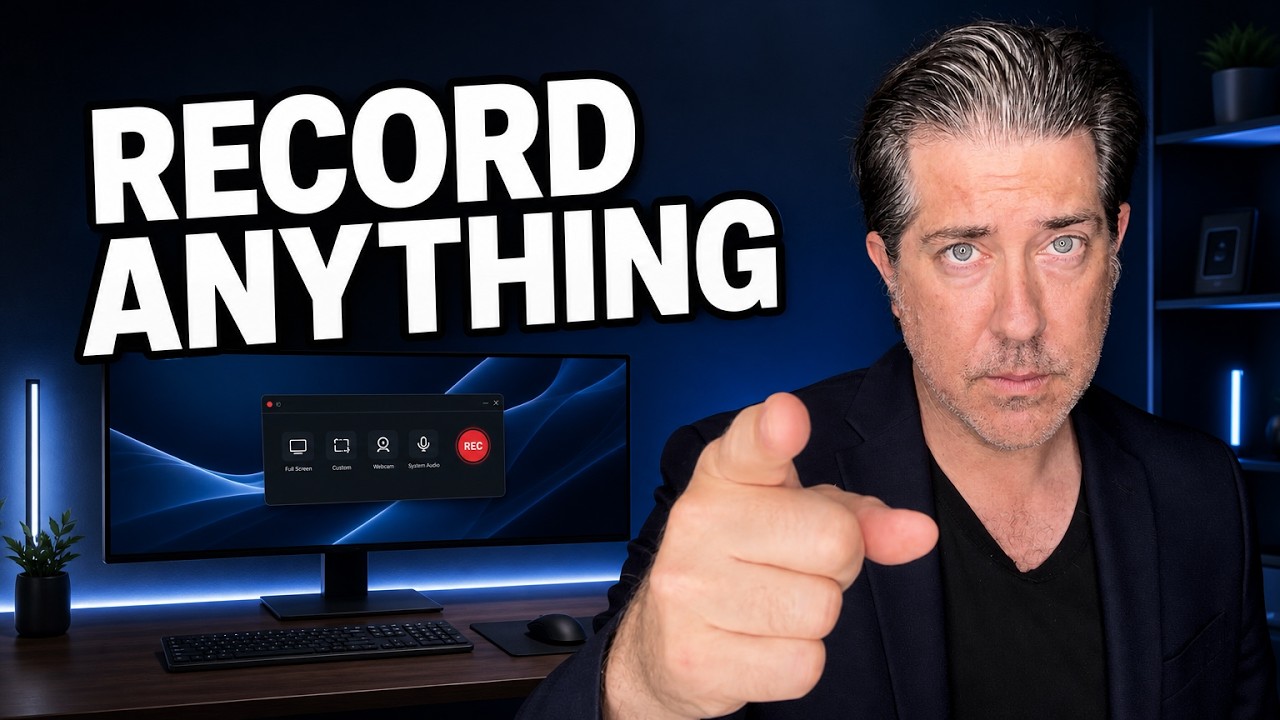
A desktop screen recorder that runs above the browser and records in clips. Frame in portrait or a custom crop, cut to webcam or narrator video, then merge and upload.

Learn how to frame your webcam bubble for screen recordings with better size, shape, and placement tips to keep videos clear, polished, and engaging.