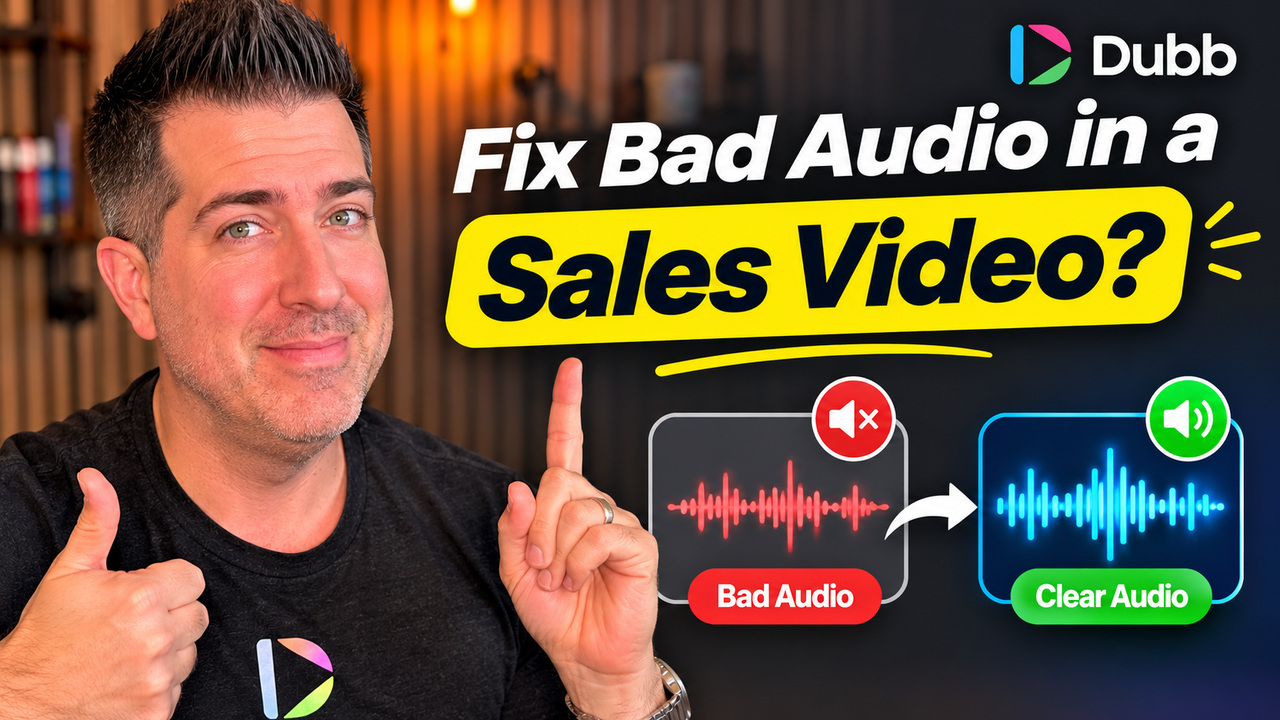
How Do You Fix Bad Audio in a Sales Video?
Bad audio in a sales video is almost never a microphone problem. It is a room problem, a distance problem, or a script problem. Check the sound before you record, keep the microphone close, and stop reading a script word for word, and the audio improves more than any equipment upgrade would.
Check the sound before you record
The single highest value habit is a ten second test. Record a test clip, play it back with headphones on, and listen for the room rather than for yourself. Most people skip this and discover the problem after the third take, when they are already bored of their own voice.
What you are listening for is the sound of the room: a hum from a fridge, an echo off a hard wall, traffic, a fan, a notification. None of those are fixable in editing without artefacts, and all of them are fixable in thirty seconds by moving.
The room matters more than the microphone
A phone microphone in a soft room beats a studio microphone in a glass box. Soft furnishings, books, curtains and a carpet absorb reflections. A hard floor, bare walls and a large window bounce them back. If you can hear a slight echo when you clap once, the recording will carry it.
- Record in the smallest soft room available, not the largest impressive one.
- Put a rug down if the floor is hard, and close the curtains.
- Turn off fans, air conditioning and anything with a compressor.
- Keep the phone or laptop off a hard desk surface, which transmits every tap straight into the recording.
- Move the microphone closer rather than turning the gain up. Distance is the cause, gain is the amplifier.
Stop reading the script out loud
The most common audio complaint people have about their own videos is not that it sounds bad. It is that it sounds boring. That is a delivery problem created by the script, not by the microphone.
If the reading voice is the habit you are trying to break, the teleprompter workflow keeps the words in front of you without the delivery going flat.
Reading a long script from a teleprompter produces a flat, even rhythm with no thinking in it. The fix is to reduce the script to a few beats and speak to them, so there is a pause while you decide how to say the next part. Those pauses are what make speech sound human.
If you need the whole script on screen, break it into short blocks and leave the transitions to your own words. You will stumble once and it will sound better than a clean read.
Match the delivery to the format
A relaxed, conversational style works on a phone screen watched at arm's length. The same delivery can sound flat in a longer video where a viewer expects more energy. Before recording, decide which one you are making, because the answer changes how you speak.
The test is simple. Watch the first twenty seconds back on a phone. If your attention slips, the viewer's will too, and the cause is usually pace rather than content.
Once the audio is clean, editing a video on your phone covers framing and editing on a phone.
What each problem sounds like
| What you hear | What causes it | The fix |
|---|---|---|
| Hollow, echoing | Hard surfaces bouncing sound | Softer room, closer microphone, curtains and a rug |
| Thin and distant | Too far from the microphone | Move the mic closer, not the gain up |
| Harsh and loud | Clipping from too much input gain | Lower the input level and speak at normal volume |
| Constant hum | A fan, fridge or electrical source | Turn it off before recording, not after |
| Boring | Reading a script word for word | Cut to beats and speak to them |
| Uneven between videos | Different rooms on different days | Pick one recording spot and keep it |
Editing cannot save a bad recording
Noise removal tools have improved a great deal, and they need something to work with. If the voice is buried under a fan, removing the fan removes part of the voice too, and the result sounds processed in a way listeners notice even when they cannot name it.
Treat cleanup as a rescue, not a routine. Two minutes of preparation removes the need for twenty minutes of repair, and the repair is always audible on a phone speaker with the volume up.
One take is usually enough
The instinct after a mediocre take is to record again, and again, until the delivery is bored and the energy has gone. The second take is usually better than the fifth. If a take is unusable, the problem is normally the room or the script rather than your performance, and neither of those improve with repetition.
Record two takes, pick the one where you sound most like yourself, and send it. A slightly imperfect video that arrives today beats a perfect one that never gets recorded.
A setup you can reuse in any room
Once you find a combination that works, stop improvising. A fixed setup removes the decision every time you record, which is the difference between recording when you have something to say and recording when you have time to set up.
You do not need a studio to get this right. The equipment list I actually use covers the microphone, light and mount that matter, and the ones that do not.
- One spot. The same corner of the same room, so the sound is consistent across videos.
- One microphone position. The same distance from your mouth, measured once and remembered.
- One soft surface behind you. A curtain, a bookshelf or a wardrobe door does more than a foam panel.
- One ten second test before the real take. Play it back on headphones and listen to the room.
- One export and one phone check. Watch the first twenty seconds on the device most recipients will use.
The value of consistency is not just audio quality. Videos recorded in the same place with the same framing start to look like a body of work rather than a series of experiments, and that is what makes a channel recognisable.
Common mistakes
- Recording before checking. A ten second test saves a wasted session.
- Upgrading gear instead of moving rooms. The room is the variable that matters most.
- Reading every word. It is the fastest route to a boring video.
- Recording outdoors without a wind cover. Wind destroys speech and cannot be repaired.
- Five takes. Energy drops with each one. Two is the limit.
- Trusting the laptop speakers. Listen on headphones, where the room noise is obvious.
Frequently asked questions
Do I need an external microphone?
Not to start. A phone or laptop microphone in a quiet, soft room is good enough for a sales video. Add a microphone when you are recording often enough that consistency matters, and add a wind cover before you record outdoors.
How do I stop sounding bored on video?
Reduce the script to the few points you actually want to make and speak to them. The boredom comes from reading, not from your personality. If you can explain the offer to a colleague without notes, you can record it without a script.
Can I record outdoors?
Yes, with a wind cover on the microphone and the mic close to your mouth. Wind noise sits in the same frequency range as speech, so a gust cannot be removed without damaging the voice. A cheap foam cover solves most of it.
Why does my video sound different on a phone?
A phone speaker reproduces a narrow frequency range and exaggerates the middle, which is exactly where room noise and compression artefacts sit. That is why a recording that sounds fine on headphones can sound poor on a phone, and why you should always check on one.
How long should a sales video be?
Short enough that the first three seconds carry the reason to watch and the rest delivers one point. Two minutes is usually the outer limit, and most first touch videos work better under ninety seconds.
If you want to record a video that sounds good on the first take, start a free 7-day Dubb trial.
Fix the audio once, in the recorder
The Dubb desktop app records the microphone and the screen in one take, so there is no second file to sync later.