How Do You Add a QR Code to Your Print Marketing?
To add a QR code to print marketing, create a dedicated web page for the offer, generate a code that points to that page, and place it on the printed piece with a short line telling people what they get when they scan. Keep a clear margin around the code, test it at its printed size, and point it at a page you can update, so the code never goes out of date.
QR codes are worth paying attention to again. Most of us got comfortable scanning them for restaurant menus and the Wi-Fi password at the dentist. That habit is now universal, and it means every postcard, business card and flyer you print can become a doorway to something far more persuasive than paper.
My view is simple: do not spend another penny printing sales or marketing collateral without a QR code on it. Below is how to use QR codes for print marketing: where to put one, where it should take people, how to make one in seconds with Dubb Agent, and the design rules that keep it scannable.
What Is a QR Code in Print Marketing?
A QR code in print marketing is a scannable square printed on physical material that opens a specific web page on the reader's phone. It turns a one-way printed piece into an entry point for video, forms, booking and follow-up, and the page it opens can show far more than the paper has room for.
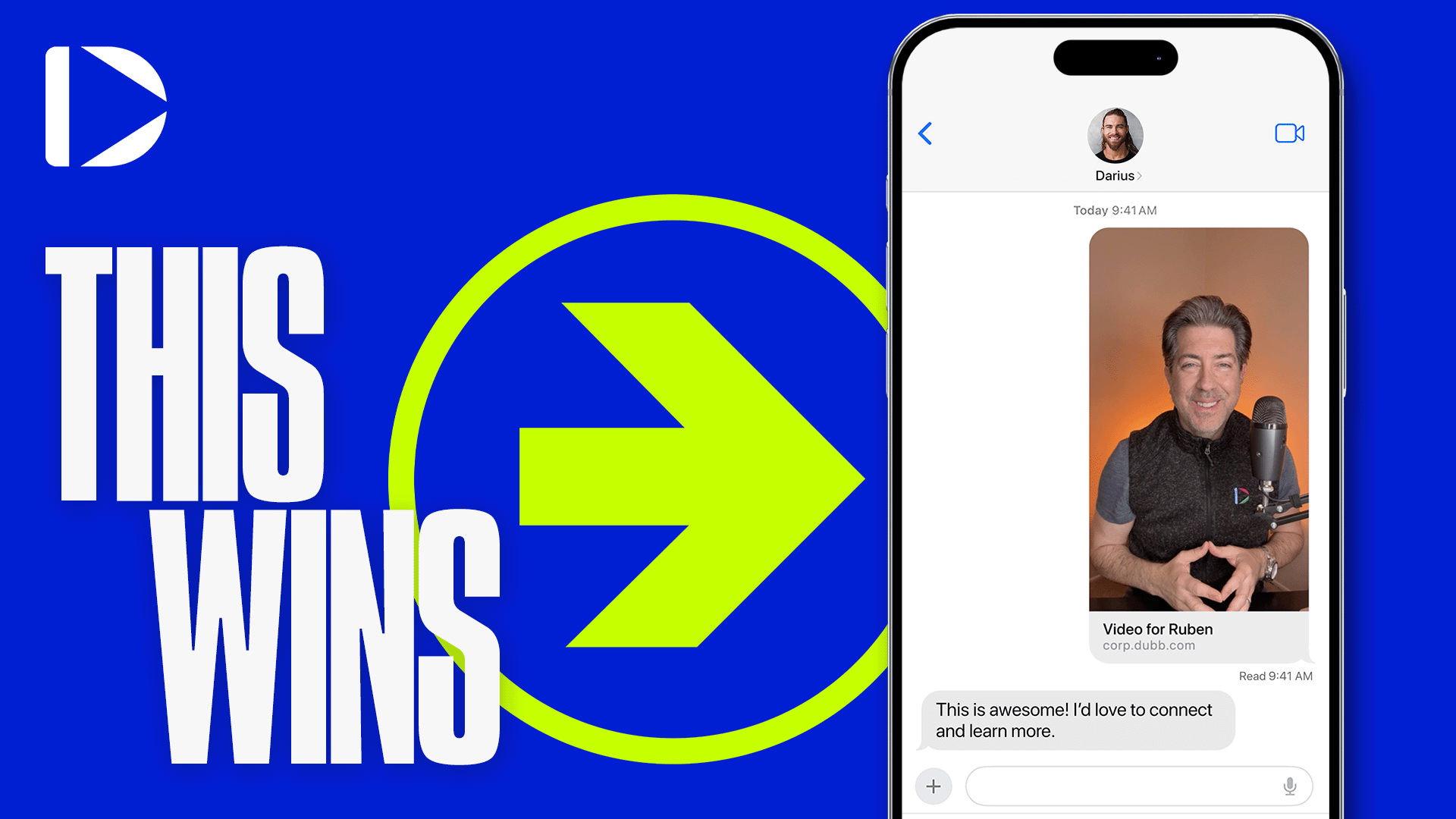
In Dubb, that page is usually a video landing page: your face, your offer, and the next step in one place. Every Dubb video already comes with its own QR code, and Dubb Agent can now generate styled QR codes for any link you give it, including your logo, and drop them straight into a printable PDF.
What is on this page
Why QR Codes Are Worth Adding Again
Print has one big weakness. Once someone has read the card, the card has nothing more to say. Adding a code fixes that, because the page it opens can do everything the paper cannot:
- Show a video of you, explaining the offer in your own voice.
- Capture their details with a form, so a stranger becomes a lead.
- Give them your phone number or a booking calendar.
- Answer the next questions they would have asked.
- Add social proof: testimonials, case studies and reviews.
That is the shift. The printed piece stops being the whole pitch and becomes the invitation to it. And because people already know how to scan, it costs almost nothing to add one to everything you print.
Where to Put a QR Code
Anywhere you hand someone paper and hope they take the next step. A few examples, and what the page behind each code should do:
| Printed piece | What the page should show | Line to print beside the code |
|---|---|---|
| Business card | A short intro video, your booking calendar and two testimonials | "Scan to meet me in 60 seconds" |
| Postcard or mailer | The specific offer on the card, with a form to claim it | "Scan to claim your free consultation" |
| Open house sign-in sheet | A digital sign-in form plus a video tour of the property | "Scan to sign in and get the full tour" |
| CMA (comparative market analysis) | A video walking the seller through the numbers | "Scan for my walkthrough of your report" |
| Product briefing, such as a financial or healthcare offering | An explainer video, frequently asked questions and a way to ask more | "Scan for a two-minute explanation" |
| Flyer, banner or sign | The event or offer page, with directions or registration | "Scan to register" |
Notice the third column. A QR code with no reason to scan beside it gets ignored. Tell people what they get.
Where the Code Should Point
This decision matters more than the code itself, and it is where most people go wrong.
Point it at a dedicated page, not your homepage. Someone scanning a postcard about a free consultation should land on the free consultation, not on a menu. One offer, one page. Our guide to video landing page setup covers how to build one.
Point it at a page you control and can update. A standard QR code is just a web address turned into a pattern. Once it is printed, the address cannot change. If you point it at something temporary, the code goes dead the day that thing moves. Point it at your own landing page instead, and you can change what is on the page whenever you like without reprinting a thing.
Use a separate link for each printed piece. If your business card and your postcard both send people to the same page, you cannot tell which one is working. A separate page or link for each piece shows you where the visits came from.
Make sure the page exists before you print. It sounds obvious. In the video, I scanned a code that pointed to a site that was not built yet, and nothing appeared. That is fine in a demo and expensive on five thousand postcards.
How to Make a QR Code With Dubb Agent
This is the part that takes seconds. In Dubb Agent, ask for a QR code for the link:
When I did this, it did not make one. It made three, in different styles, because it did not know which I would like. I picked the one with my logo in the center.
And it does not end there. That is where it begins. Next, ask for something to put the code on:
A moment later you have a designed one-page PDF with the code built into it, ready to print or send. From link to finished collateral in two requests.
Two tips. Tell the agent who the piece is for and what the offer is, and the PDF will be far more specific. And scan the code from the finished PDF on your own phone before anything goes to the printer.
The Built-In QR Code on Every Dubb Video
If all you need is a code that opens one video page, you do not need the agent. Every Dubb video gets a QR code automatically for its public page. According to Dubb's guide to using QR codes to share videos:
- Open Videos in the left sidebar and select the video.
- Click the QR code icon next to the video link at the top right, or open Share & Send and choose the QR Code tab.
- Right-click the image and save it.
Use the built-in code for a quick video share. Use the agent when you want a styled code with your logo, a code for a page that is not a single video, or the finished printed piece around it.
Design Rules That Keep a QR Code Scannable
QR codes are forgiving, but not infinitely. A few rules from the people who invented them, Denso Wave, whose site documents the standard:
- Leave the margin. The code needs a clear border four modules wide on every side, where nothing is printed. A module is one of the small squares in the pattern. Crowd text or graphics into that border and some phones will not read it. See Denso Wave's guidance on the code area and margin.
- Use high error correction if you add a logo. A code can still be read when part of them is covered or damaged. There are four error correction levels, restoring roughly 7, 15, 25 and 30 percent of the code. A logo in the center covers part of the pattern, so generate the code at the highest level and keep the logo small.
- Keep strong contrast. Dark code on a light background. Light-on-dark and low-contrast brand colors fail on more phones.
- Shorter links make simpler codes. The more characters in the address, the denser the pattern, and the larger it has to be printed to scan reliably.
- Test at real size and real distance. Print one copy at actual size and scan it from where people will actually stand: arm's length for a business card, across a room for a sign.
Dubb, Bitly and Canva Compared
| Tool | What it does | Best for | Less suited when |
|---|---|---|---|
| Dubb | A built-in code for every video page, plus styled codes and finished PDFs from Dubb Agent. | Codes that open a video landing page you already build and track in Dubb. | You need scan-level analytics such as location and device for each code. |
| Bitly | Dynamic QR codes that point through a short link you can edit, with scan tracking. | Large print runs where you may need to change the destination later and want scan data. | You also need the page, the video and the printed piece built for you. |
| Canva | An app that adds a code for any link inside a Canva design. | Designers already laying out the print piece in Canva. | You want the landing page and the follow-up behind the code as well. |
These work together. Plenty of people point a Bitly or Canva code at a Dubb landing page. The code is the cheap part. The page behind it is where the value is.
Common QR Code Mistakes
Sending people to your homepage. They scanned for a specific thing. Give them that thing.
No reason to scan. A bare code next to nothing gets ignored. Print one line saying what they get.
Printing before the page exists. Build the page, scan the code, then print.
An oversized logo. Logos are fine at the highest error correction level and a modest size. A logo that swallows the middle of the code will stop it working.
An unbranded code with no address beside it. The FTC has warned that scammers hide harmful links in QR codes and tells consumers to inspect the web address before opening one. Make it easy to trust yours: put your logo and your web address near the code, and use a domain people will recognize as yours.
Forgetting the page has to work on a phone. Every scan is a phone visit. Check the page on a small screen before you print.
Proof: Why This Actually Works
Based on anonymized patterns across Dubb users running QR codes for print marketing, mostly real estate agents, financial advisors and local service businesses, observed over the past year, two patterns are consistent.
The first is that codes pointing to a dedicated video page get more follow-up conversations than codes pointing to a general website. The video does the introducing, so the person who reaches out already knows who they are talking to and what the offer is.
The second is that the real benefit shows up after printing. People who point their codes at a page they control keep improving that page, swapping the video or tightening the offer, while the cards in circulation keep working. People who point codes at temporary links end up reprinting.
Frequently Asked Questions
How do I make a QR code for my business?
Decide which page the code should open, ideally a dedicated landing page for one offer, then generate a code for that link. In Dubb Agent you just ask it to create a QR code for the link, and it offers several styles, including one with your logo. Test the code on your phone before printing anything.
Can I put my logo in the middle of a QR code?
Yes, as long as you keep it small and generate the code at a high error correction level. The codes are built to be read even when part of the pattern is covered, and the highest of the four levels restores roughly 30 percent of the code. A logo that covers too much will stop it scanning, so test before you print.
Where should a QR code on a flyer go to?
To a page about exactly what the flyer promises, not your homepage. The best pages show a short video of you explaining the offer, a form or calendar for the next step, and some social proof. Print a short line beside the code telling people what they will get when they scan.
Can I change where a QR code goes after I print it?
Not with a standard QR code, because the web address is built into the pattern. Either point it at a page you control, so you can change the page content whenever you like, or use a dynamic QR code from a service that lets you edit the destination behind a short link.
Does Dubb have a QR code for each video?
Yes. Every Dubb video gets a QR code for its public page automatically. Open the video from the Videos section, then click the QR code icon next to the video link, or choose the QR Code tab under Share and Send, and save the image. For a styled code with your logo, ask Dubb Agent.
How big should a QR code be on a business card?
Big enough to scan at arm's length on an ordinary phone, which you can only confirm by testing. Keep a clear margin of four modules around the code, use a short link so the pattern stays simple, and print a test card at actual size before ordering the full run.
Do Not Print Another Piece Without One
Every piece of print you hand out is a chance to start a conversation, and most of them end at the paper. A QR code that opens a video landing page turns a business card into an introduction, a postcard into a lead form, and a CMA into a walkthrough in your own voice.
With Dubb Agent, making the code takes one sentence and putting it on a finished, printable PDF takes one more. If you want the exact QR code skill I used, comment QR code on the video and we will send it to you so you can turn it on in your account. You can see what else is available in our AI skills library. QR codes are cool again.
Ready to see it for yourself? Start your free 7-day trial of Dubb and send your first video in the next five minutes.