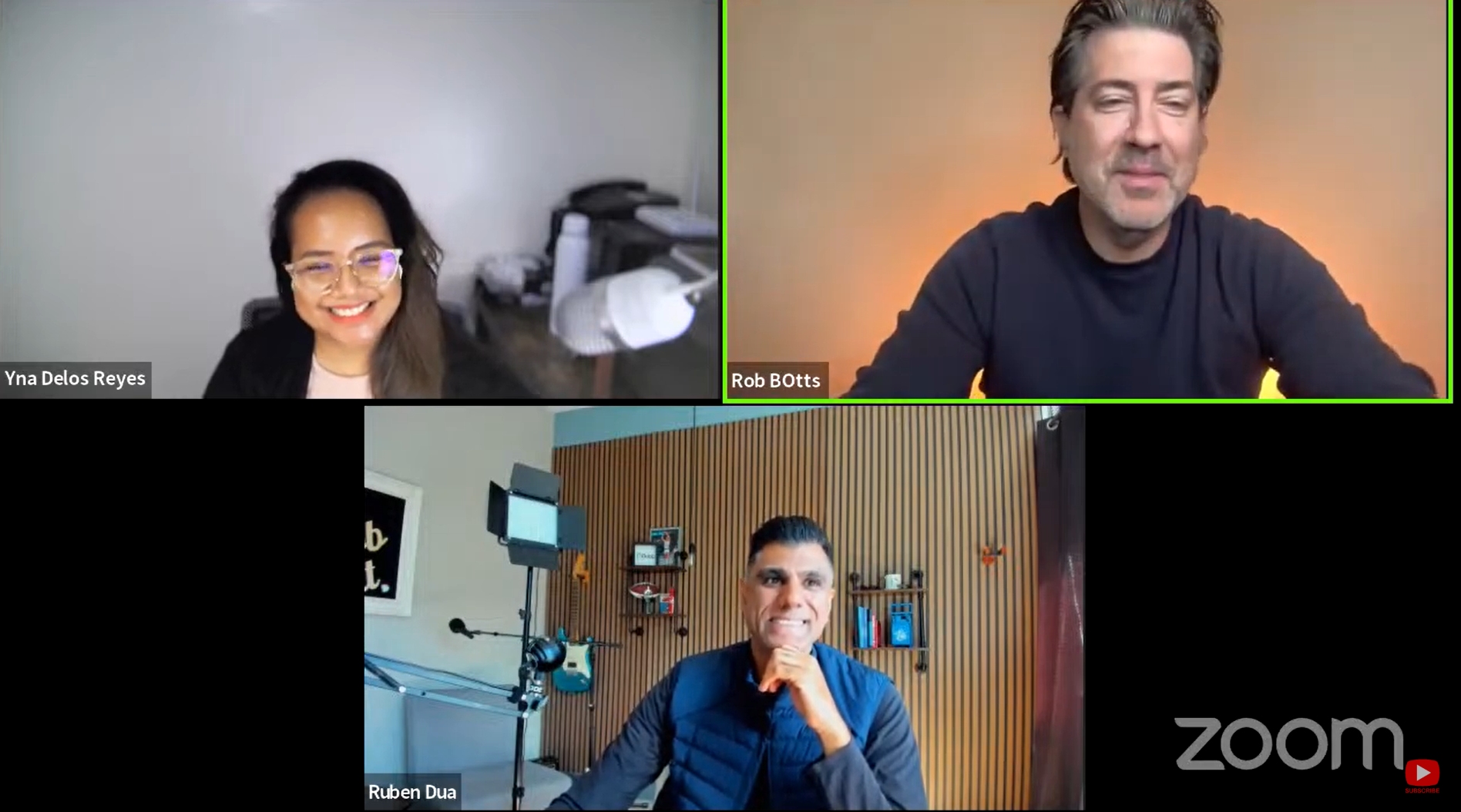
Here is a video for how the Linkedin Integration works
https://www.youtube.com/watch?time_continue=7&v=gY6Uytro2Bo&feature=emb_logo
In order to record, upload or select videos from LinkedIn, you must have the Dubb Chrome Extension.
Visit the messages section of your LinkedIn profile.
There you will notice a Dubb icon on your messages.
This allows you to record, select or upload videos directly from LinkedIn.
Once you add a video, you will be able to paste it directly into a LinkedIn message.
Record Videos

 '
'Once you finish adding a photo, you can simple paste the video into a message. Once you do this you will see a thumbnail graphic.