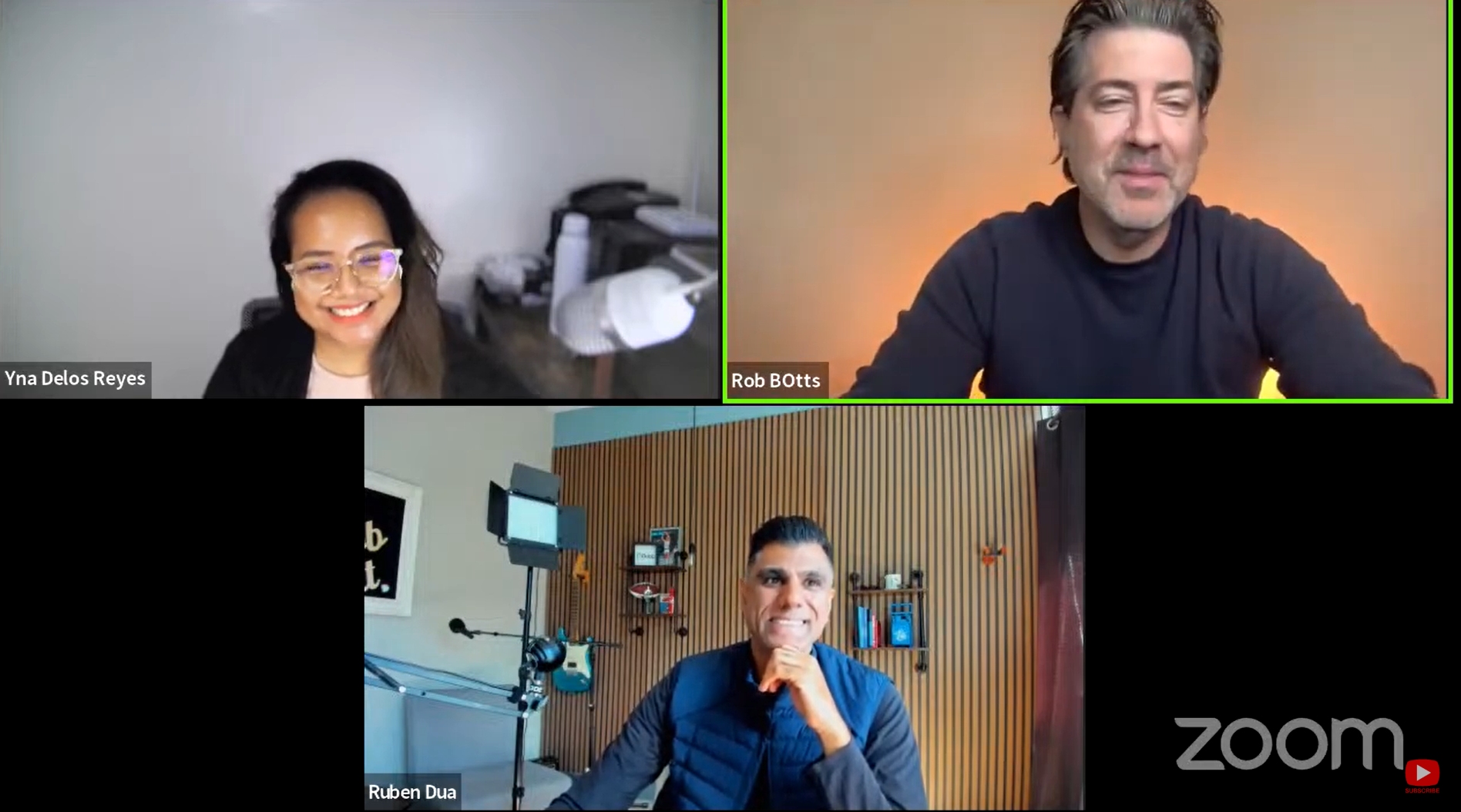
Have you ever wanted to make your Asana tasks more visual in nature? Well now you can with the Asana Dubb video integration. Learn more at https://dubb.com.
Here’s how to easily share webcam and screen videos with just the click of a button.
https://www.youtube.com/watch?v=HPFLinXfplo&feature=emb_logoStep 1. Install the free Dubb Chrome Extension (https://dubb.co/chrome)
Step 2. Signup for a Dubb account (https://dubb.com/register)
Step 3. Visit your Asana account and view a task description or task comment.
Step 4. Click on the Dubb icon to record, select, or upload a video with your Dubb account.