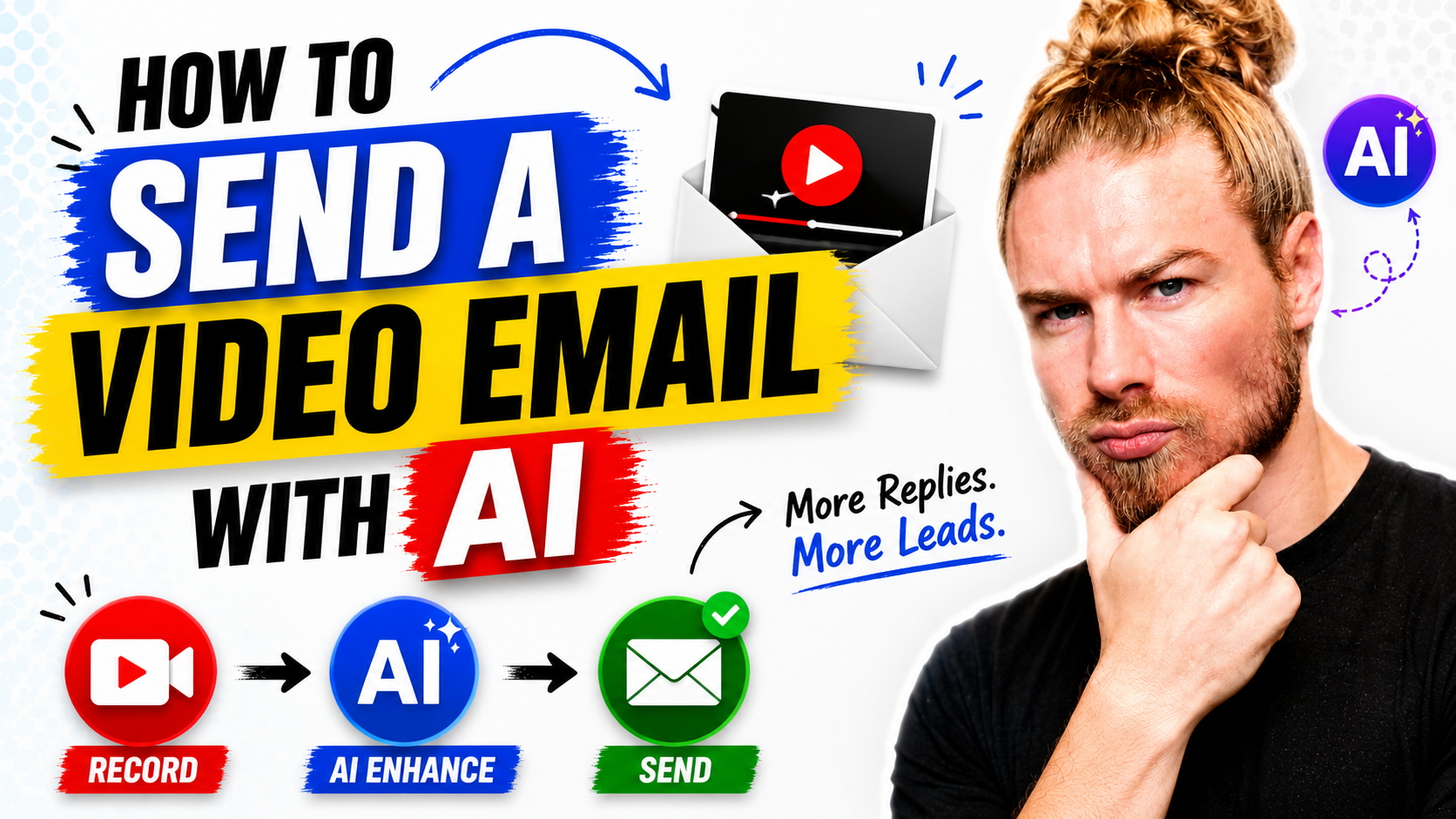
How Does an AI Sales Agent Work From Lead to Deal?
An AI sales agent works by taking the tasks around the sale off your plate. It finds and researches leads, writes the outreach, prepares the video, files the contact, and reports who watched. You keep the conversation and the closing. The agent does the administration that usually decides whether follow up happens at all.
What the agent actually does
The useful way to think about it is a colleague who is good at preparation and follow through, and who never gets bored of either. You describe the outcome and it works through the steps: who to contact, what to say, what to send, what to record afterwards.
It is not a chatbot bolted onto a recording tool. The agent side and the studio side sit in the same account, so the research that turns into a script can turn into a video without anything being exported.
Finding and researching a lead
Lead generation is one of the tasks the agent handles directly. Ask for a set of prospects that match a profile, and it returns a list you can work from rather than a list you have to qualify first.
The research step is where it earns its keep. A prospect with a website, a recent change and a specific problem is a different conversation from a name and an email address. You can ask for the detail that matters to your offer and get it before you write a single line of outreach.
Working a channel you already use
If your existing approach is a social platform, keep it. The agent is more useful as an accelerant on a channel where you already get replies than as a reason to start somewhere new and unproven. The pattern that works is to keep the channel and remove the manual steps around it.
Writing the outreach
Once there is a prospect and a reason to contact them, the writing is a prompt rather than a blank page. Ask for a short message that references the specific detail you found, and you get something you can edit rather than something you have to replace.
The editing still matters. A message that reads like it was written by someone who looked at the prospect is the whole point, and a message that reads like a template with a name inserted is worse than no message at all. Use the draft as a starting point and keep the one sentence that sounds like you.
Recording the video
The script becomes a teleprompter, and the recording happens on the side of the platform built for it. That is the practical advantage of having both sides in one account: there is no handoff between the thing that wrote the script and the thing that records the video.
Keep the video short and specific. The reason personalised video works is that it proves someone looked. A ninety second video that references the prospect's own situation does more than a five minute overview that could have been sent to anyone.
Filing and following up
After the send, the part that usually gets skipped is the part that decides the outcome. The contact gets filed, the video gets tracked, and you can see who watched, how much they watched and whether they clicked.
That is the signal worth acting on. A prospect who watched three quarters of a video and did not reply is a different follow up from one who never opened it. Without tracking, both look like silence.
Where the human stays
The agent prepares and reports. It does not build trust on your behalf. The judgement calls that win a deal, which include what to say when someone hesitates, what to concede and when to walk away, stay with you.
Treat it as leverage on the parts of the job you would rather not do, and keep the parts you are good at. Teams that get the most from this use it to remove the reason follow up does not happen, rather than to remove themselves from the conversation.
The conversation that closes the deal still has its own structure, and closing a deal in one call breaks down the version that works in a single call.
What to set up first
- Connect the account you already send from, so the agent works with your real data.
- Connect your CRM or use the built in contacts, so nothing lives only inside a chat.
- Set one routine for the recurring task you keep forgetting.
- Record one video and send it to yourself, so you know what the recipient sees.
- Pick one prospect and run the whole loop once, before you scale it.
Common mistakes
- Automating the wrong step. Automate preparation and follow up, not the conversation.
- Sending unedited drafts. The draft is a starting point. Keep the sentence that sounds human.
- No tracking. A send with no view data is a guess about what happened next.
- Long videos. Specific and short beats thorough and general for a first touch.
- Connecting everything at once. One connection and one finished task teaches more than ten half configured ones.
Frequently asked questions
Does the agent replace a salesperson?
No. It replaces the administration around selling, which is where most pipeline quietly leaks. The conversation, the judgement and the relationship stay with a person.
Can it work with my existing CRM?
The platform has integrations with the common CRMs and contacts tools, and the agent can connect to services through a custom integration when one is not built in. If you already have a system of record, connect it rather than running a parallel list.
How do I know if a lead watched the video?
The tracking view shows who opened, how much they watched and whether they took the action in the video. That is the reason to send video rather than a written message: it gives you a signal to follow up on.
What should the first routine be?
The one task you currently do manually and resent. For most people that is either finding prospects or writing the first message. Set one, let it run for a week, then add the second.
If you want the research, the script and the video in one place, start a free 7-day Dubb trial.
Watch the agent work before you trust it
Dubb Agent finds the lead, drafts the message and files the contact. Start with the one routine you resent doing by hand.