Are you searching for a more robust, feature-rich, and free Loom alternative, you're in luck. Buckle up, because in this article, we're pitting Loom head-to-head against Dubb — a video hosting and screen recording tool that's been aptly described by users as "Loom on steroids." Yes, you heard it right, these are the words of Dubb enthusiasts, not ours.
Exploring the Loom Desktop App: What You Need to Know
Let's start by examining Loom's flagship tool, the desktop app. While Loom offers an advanced recorder, its features are somewhat limited in the free version.Loom's Desktop App in Simple Terms
With Loom's desktop app, you can record your full desktop screen and choose to include your webcam feed and microphone audio. It's worth noting that the free plan for Loom only allows you to capture your screen for up to five minutes. If you're on macOS, Loom provides you the option to use either your iPhone camera or your Mac's built-in FaceTime camera. You can drag and resize your video bubble any way you want. Recent additions to the Loom software include a full-screen option and basic drawing tools with a pencil. To go full-screen mode, just click on the full-screen icon below your bubble, and then double-click on your webcam feed to switch back to bubble mode. The annotation tool is only available if you upgrade to one of their paid plans.What's Missing and What's Cool
The drawbacks become evident when considering the lack of a teleprompter, which is a crucial tool for smoother presentations. A similar feature is available on Loom and is movable around the screen, but lacks automatic scrolling. Which really only qualifies as speaker notes and not a full-functioning teleprompter. Loom's desktop app allows you to pause the screen recorder in the middle of a recording, which is helpful in case you get interrupted or need a quick break. It also lets you use virtual backgrounds and frames to add more flair to your videos. All features previously mentioned can be found on Dubb, but Loom does offer a unique feature called Canvas. Canvas provides you with ready-made templates for presentations that you can easily edit and add text to. They also have a button that makes confetti appear on your screen, which is fun! So, in the end, Loom's desktop app is good for making videos, but it's not without its limits. Now, let's discuss everything that the Dubb platform has to offer.The Best Loom Alternative: Dubb's Desktop App
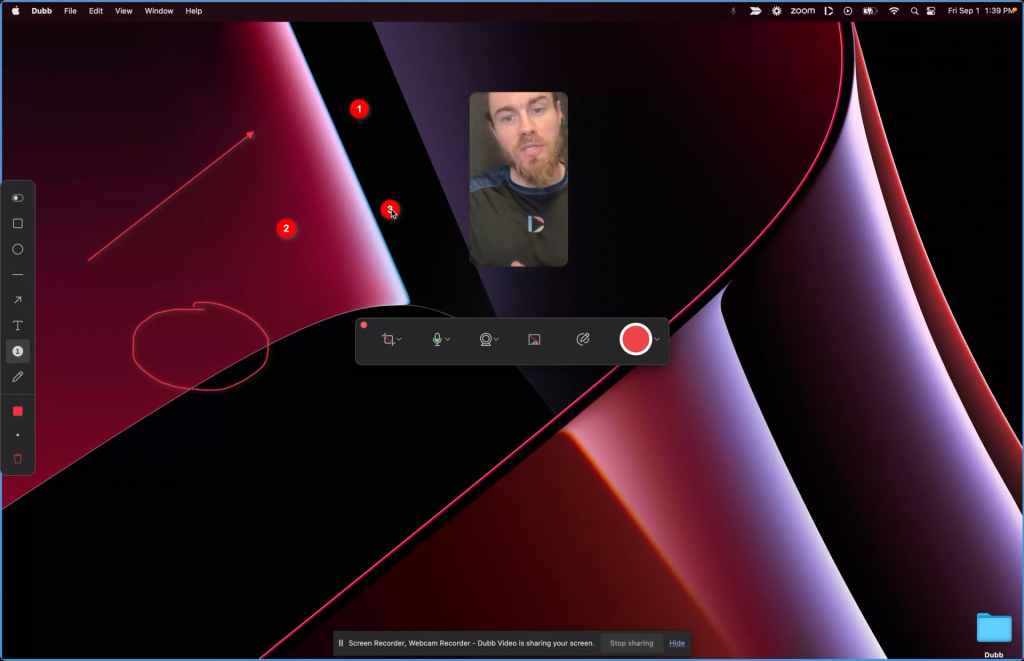
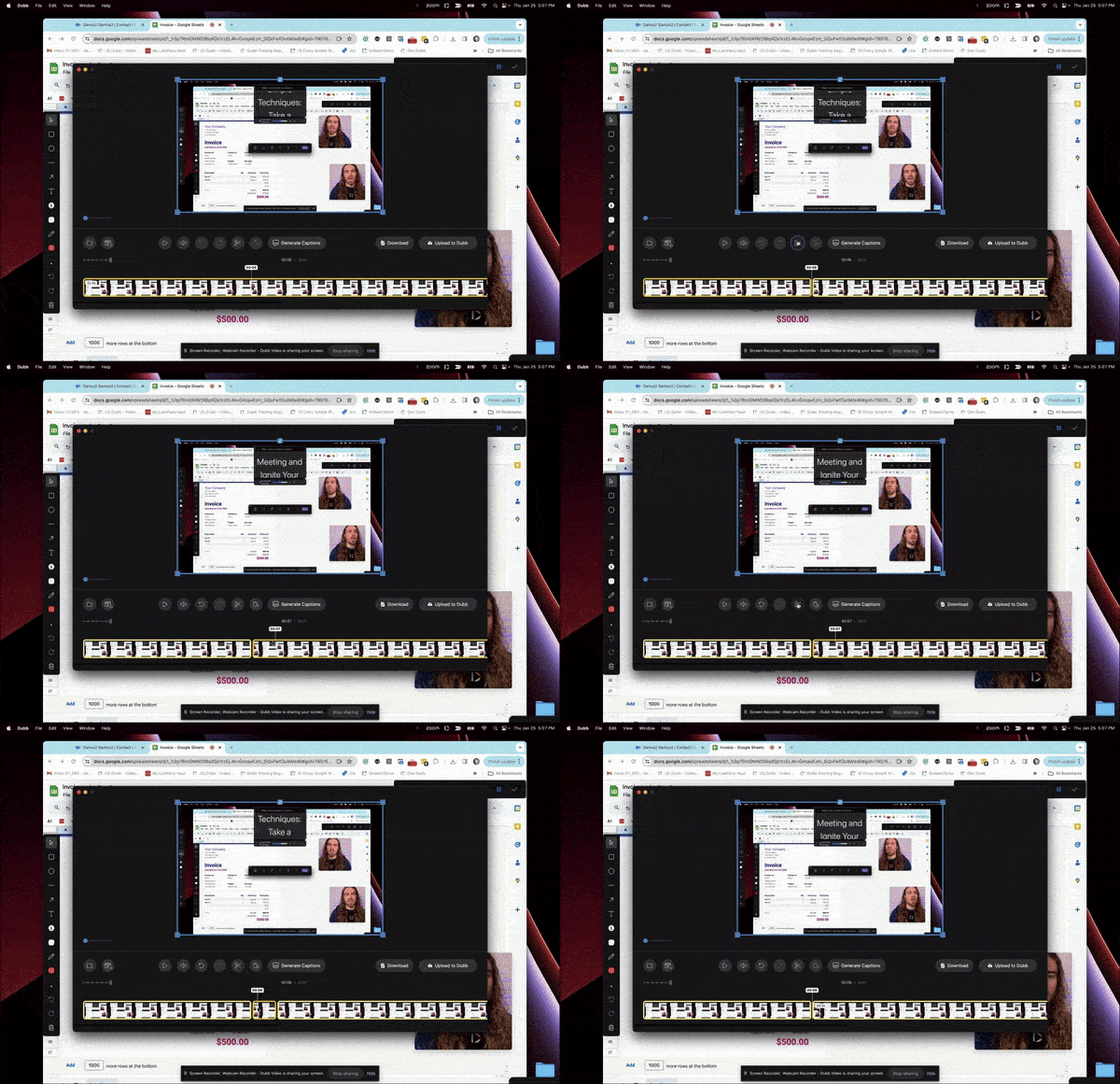
Now, let's turn our attention to Dubb's desktop app, the best Loom alternative. Right from the outset, Dubb stands out with more options for webcam video recording. In the Dubb desktop app, you have the freedom to choose any size and shape for your recording — be it a circle, square, rectangle, or even a vertical-style video. And if you prefer, you can easily switch to full-screen mode.Next-Level Annotation Tools
The Teleprompter Advantage
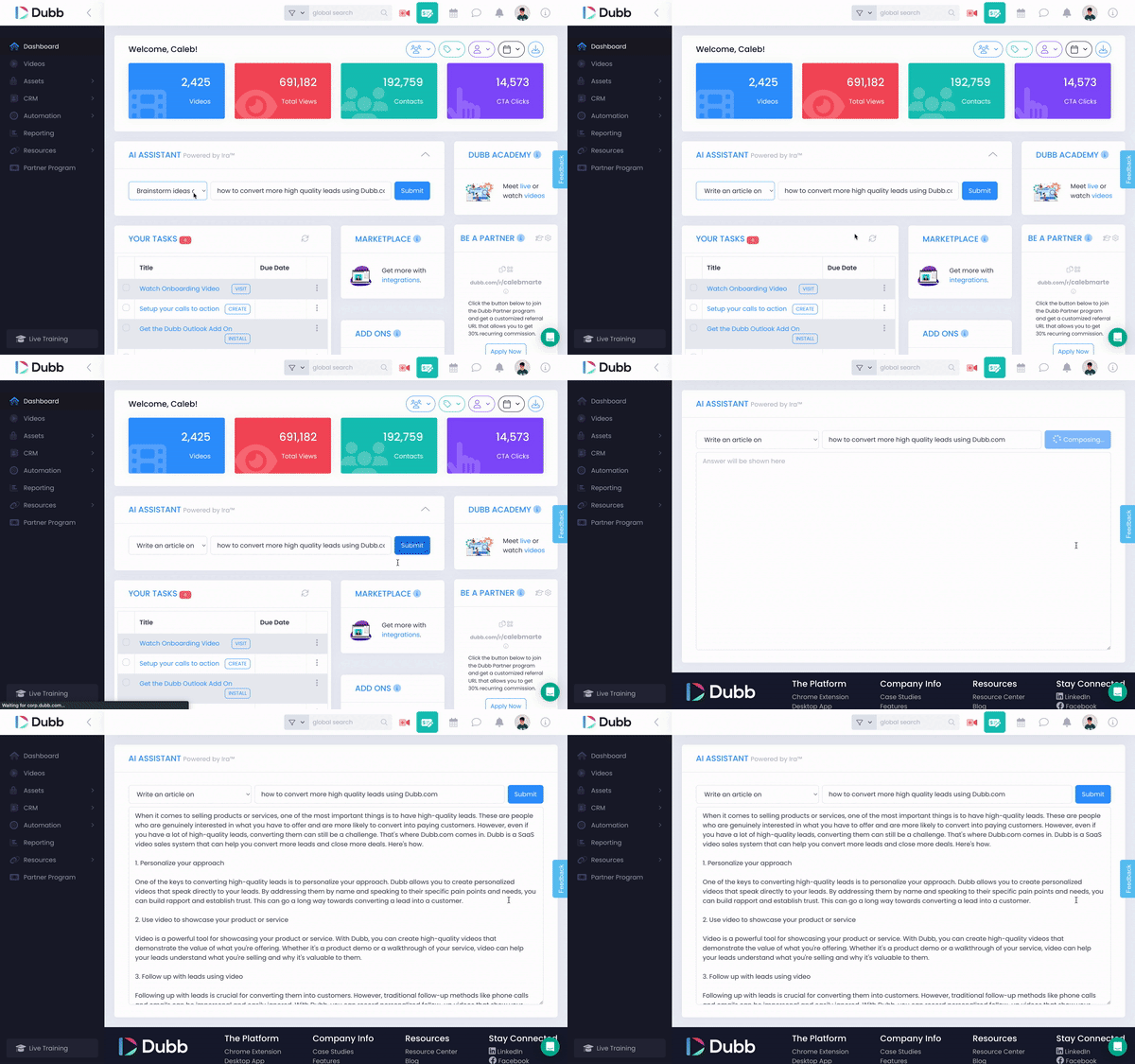
Another significant advantage that Dubb has over Loom is its built-in teleprompter, offering a full-functioning auto-scrolling feature. The teleprompter is a game-changer, especially when you want to stay on message and streamline script delivery. The more traditional way to follow a script is to write it down on an actual piece of paper and read from it, but we all know this method isn't very ideal. It requires you to look back and forth between your webcam and the script, which can make your delivery sound stilted and unnatural. It's positioned at the top center of your screen by default, just below your webcam. While you can customize its position, the default placement ensures that the text aligns with your eyeline, making it less obvious that you're reading from a script.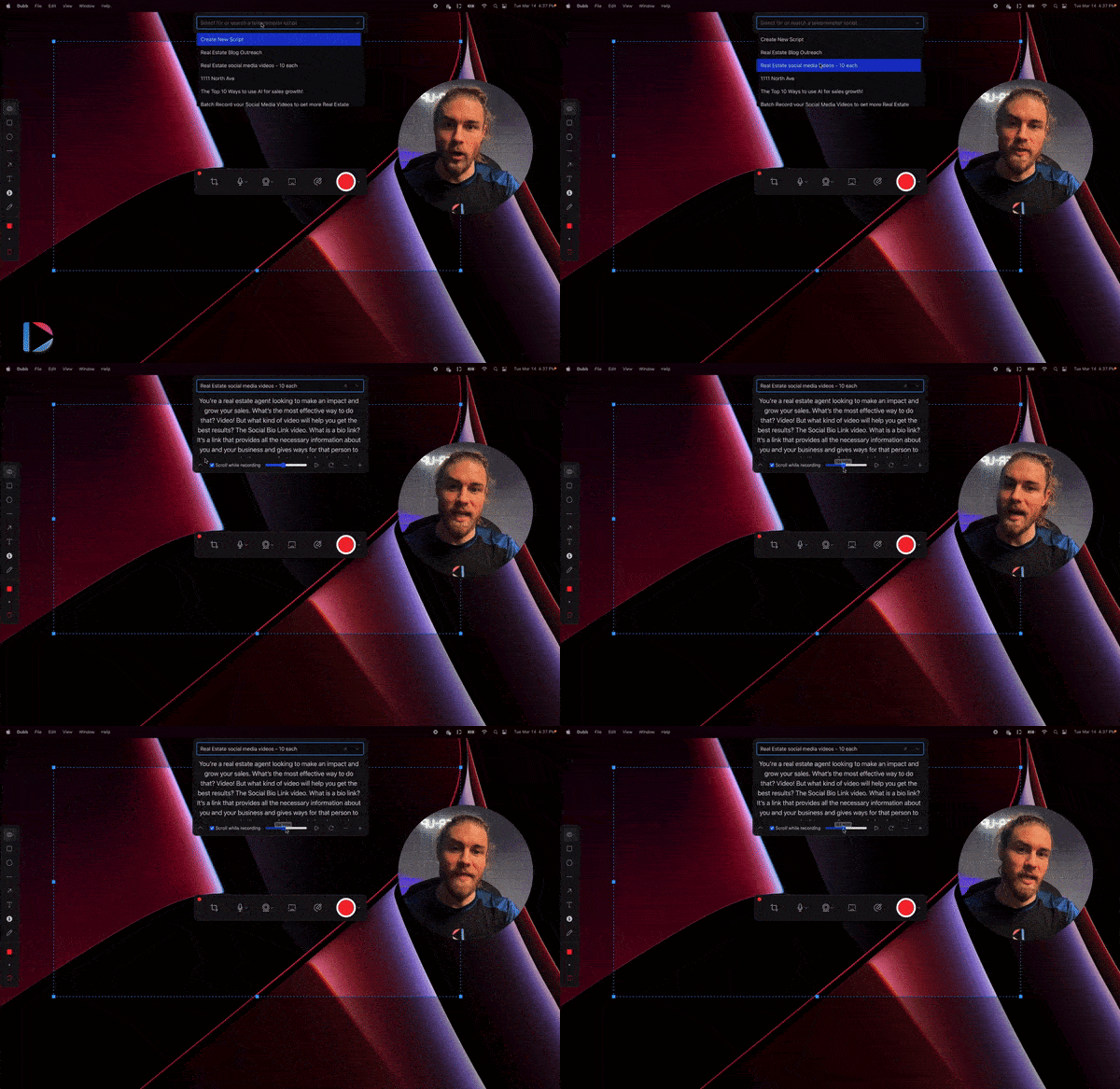
Efficiency at Your Fingertips: Keyboard Shortcuts
Adding to its feature-rich experience, Dubb offers keyboard shortcuts for pause, start, stop, and upload functions. This brings a new level of efficiency to the video creation process. You can customize these shortcuts based on your preference, making recording faster and more convenient. Dubb's commitment to providing a versatile and feature-rich recording experience is evident through its advanced annotation tools, flexible webcam options, and the incorporation of a teleprompter. These components collectively position Dubb as an exceptional choice for those seeking a more efficient and effective video creation process. So far, we've only talked about how Loom and Dubb's recording capabilities stack up. But what about what happens after you've created your video?Beyond Recording: Video Sharing Options and Capabilities
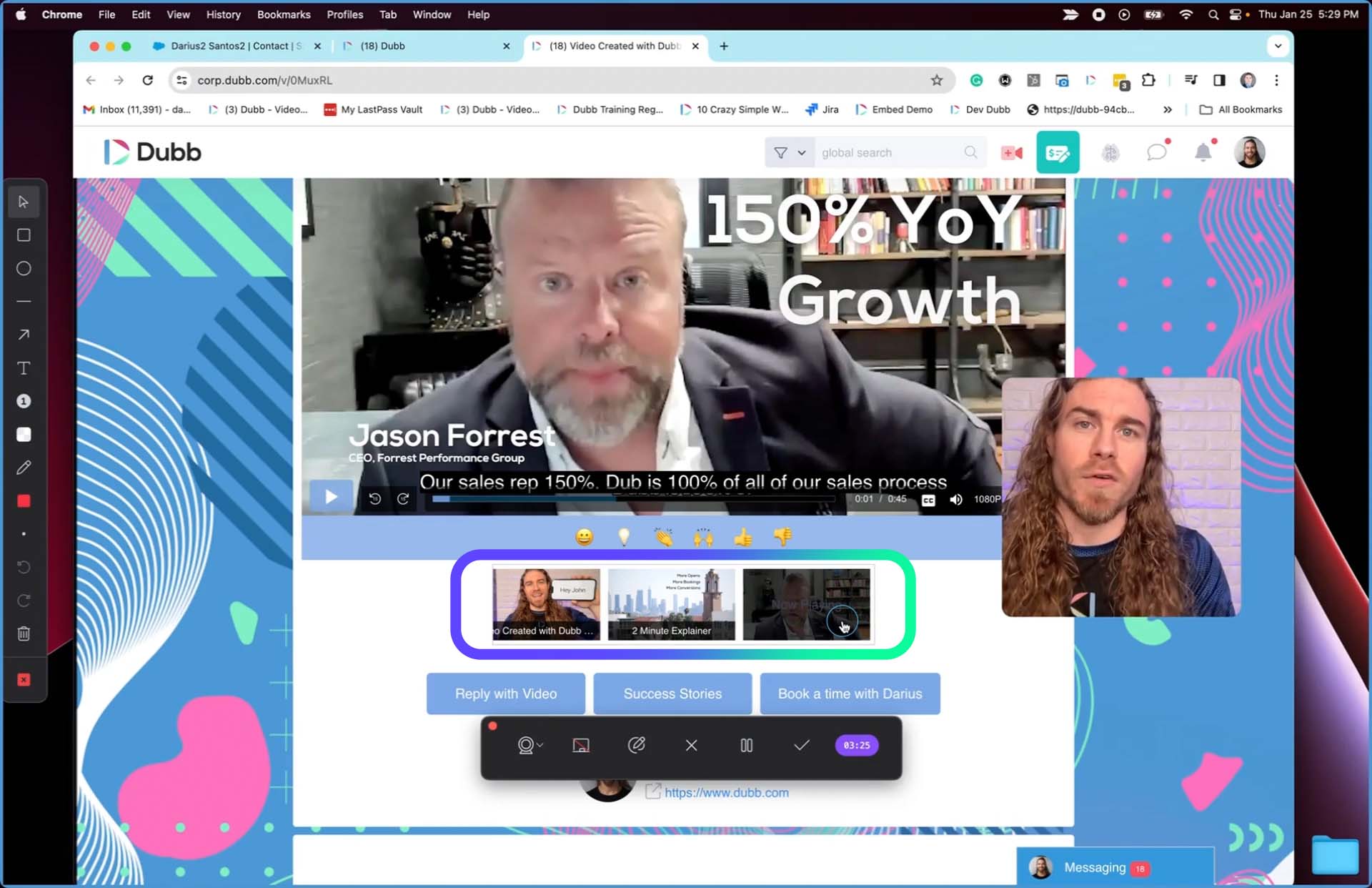
Moving beyond the recording process, let's delve into what happens once the video is created on both Dubb and Loom. Loom automatically uploads recorded videos to your Loom account and displays each one on a simple video landing page. However, the appearance of the video landing page varies based on whether you have the free or paid version. The free version includes Loom branding and advertisements, while the paid version allows for customization, such as adding your own logo and a call-to-action button. To share your video, locate the Share button above the video page. Here, you can either input your recipients' email addresses or copy the video's shareable link. Loom provides your contacts with the option to interact with your video through emoji reactions, written comments, or even video comments. Loom also provides you the ability to add additional clips. However, these clips must first be recorded with Loom or uploaded to Loom. Uploading local video files to Loom is a feature exclusive to their paid plans. Also, you can only add clips once you've finished recording and have uploaded the initial video to your Loom library. In contrast, Dubb offers greater flexibility by allowing you to record multiple clips or incorporate existing videos prior to uploading anything to your library. This means that your final upload will be the completed version, inclusive of all your additional clips. How this works is when you click on the check icon on the tool tray, a window appears, providing the option to add pre-recorded videos or record new screen and webcam footage. Subsequently, you can then rearrange these clips however you want.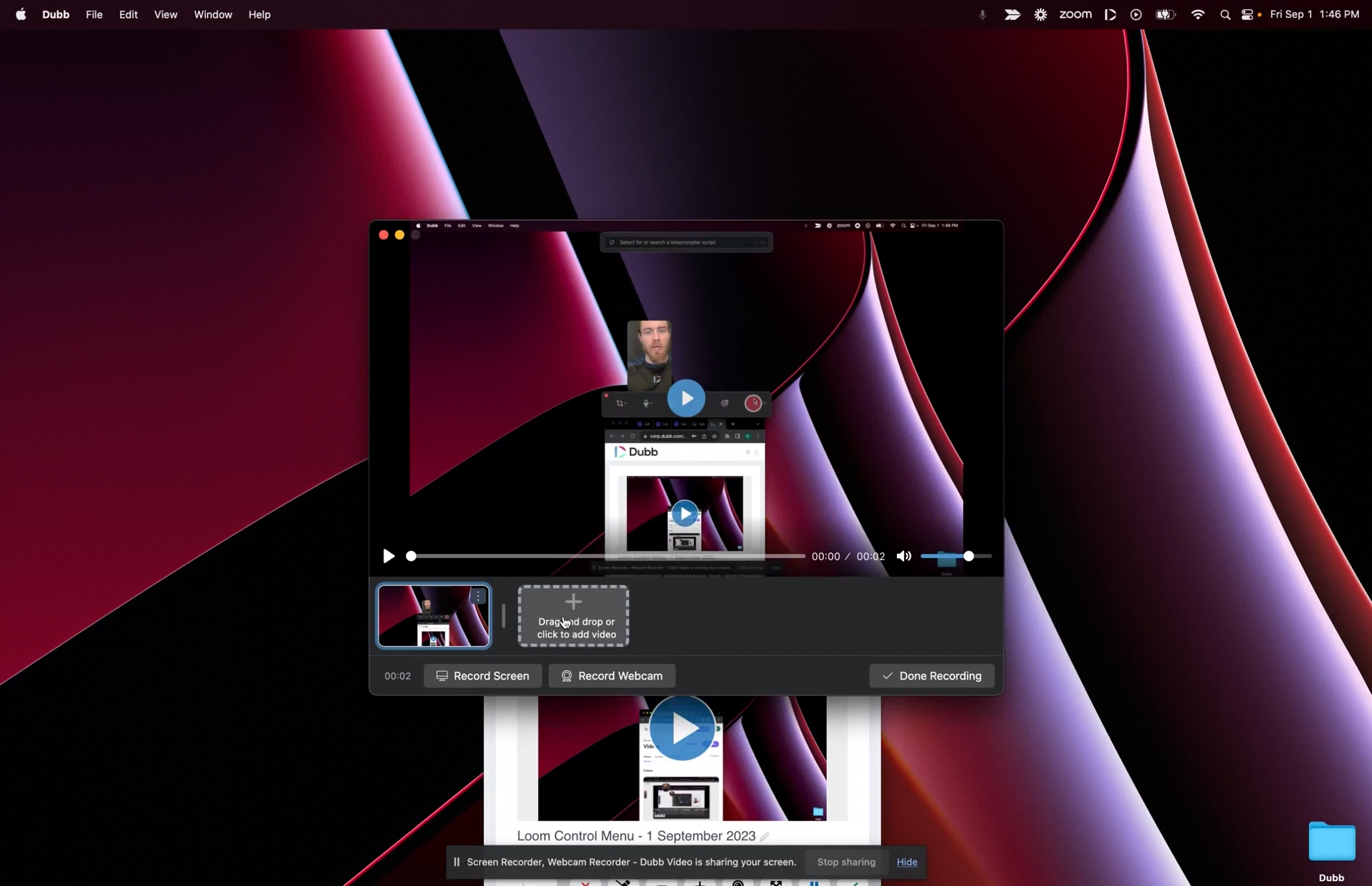
Enhancing Branding and Engagement with Dubb's Customizable Landing Pages
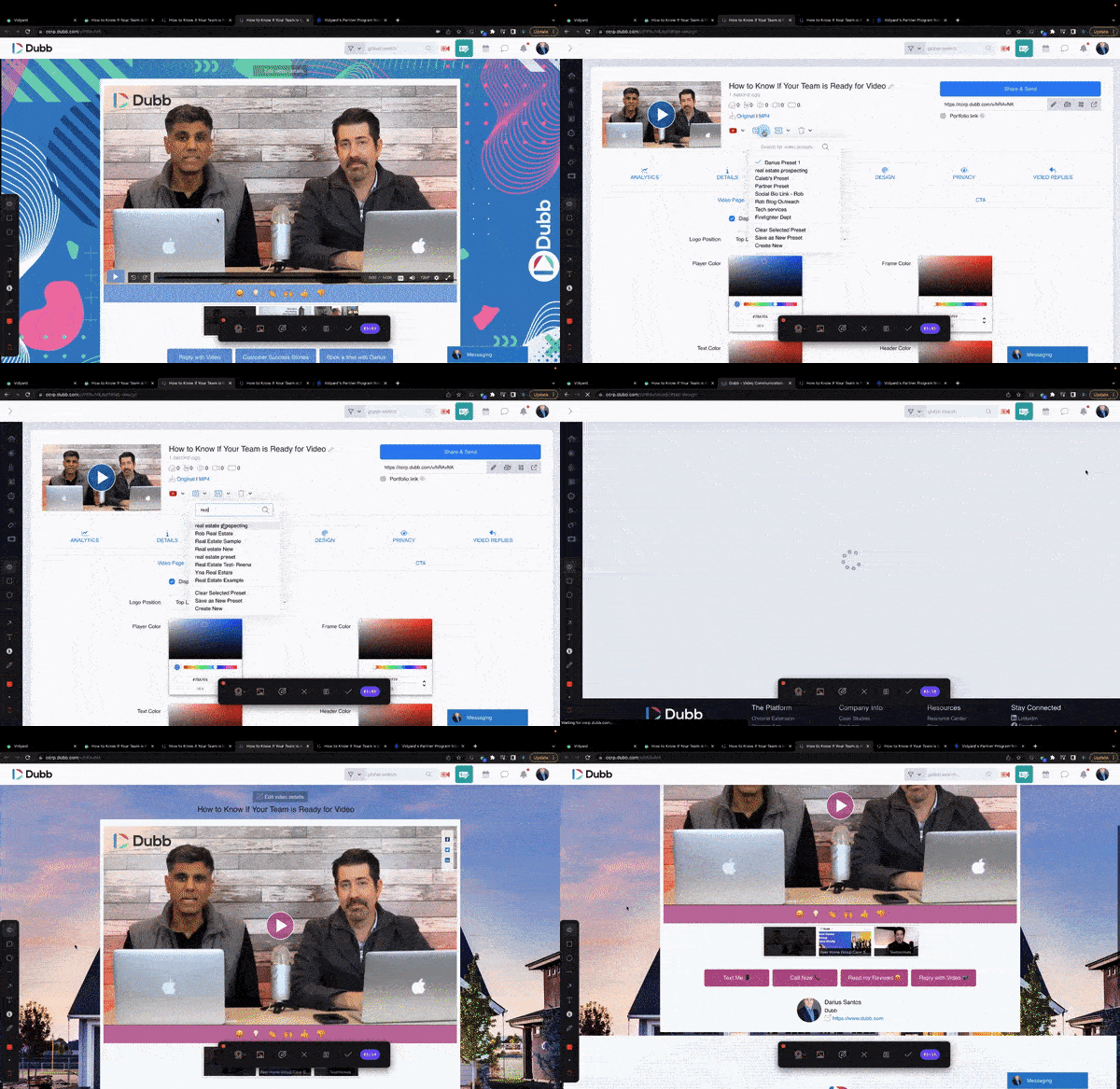
Dubb's landing pages offer extensive branding opportunities, allowing complete customization of every aspect, including the logo, background image, and colors.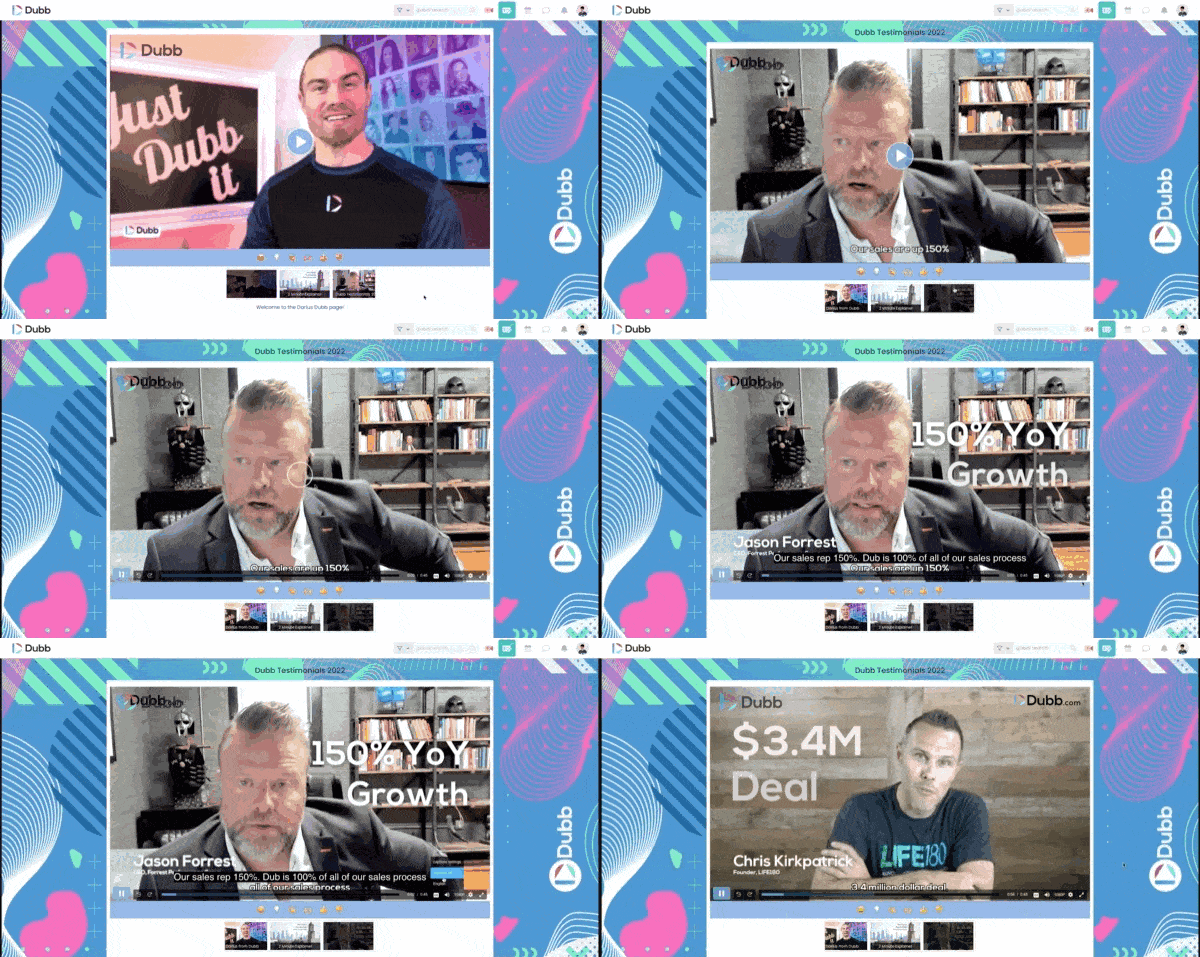
Integration Capabilities: Dubb's Wider Reach
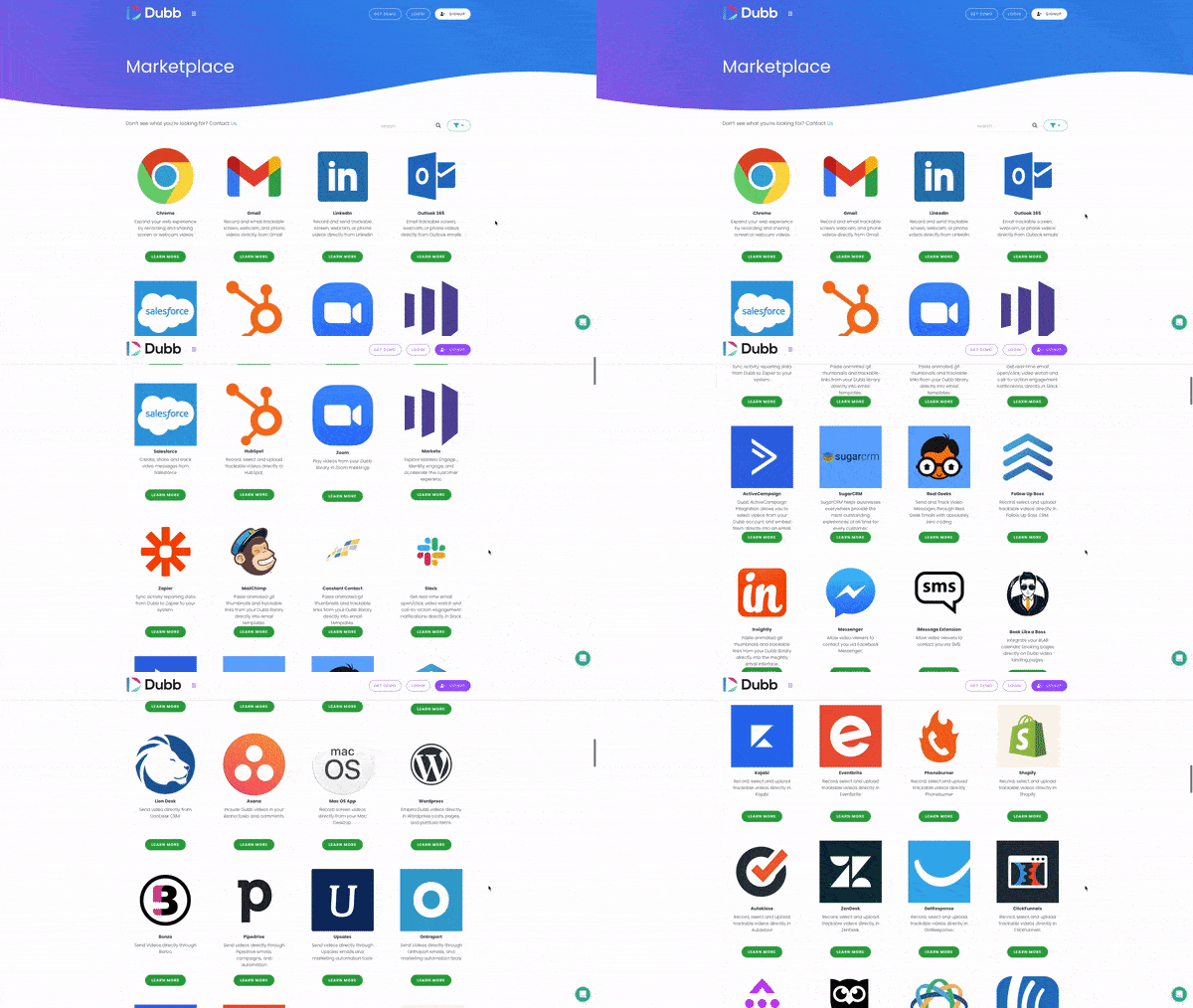
One of the crucial aspects where Dubb excels over Loom is its integration capabilities. Dubb seamlessly integrates with a wide range of platforms, including MailChimp, Constant Contact, ActiveCampaign, HubSpot, Salesforce, and so much more. This expansive integration capability enables you to send and track Dubb videos through any system you may already be using, and have the ability to monitor individualized tracking data for each viewer. This means you can find out specifically which of your contacts have watched your videos, what percentage of the videos they watched, and even where they're watching from.