How to Leverage Video for Business Coaching
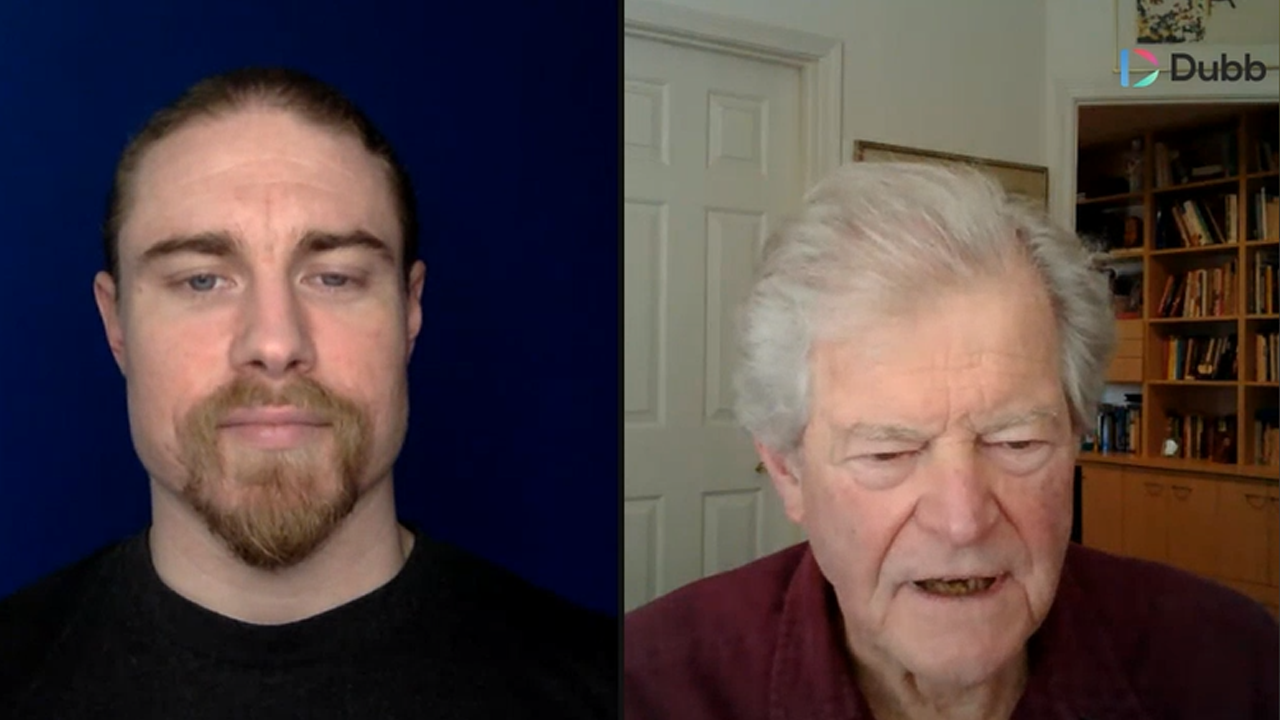
Watch this recorded video consultation call hosted by Dubb to explore the following items:
- Automation on Dubb
- Organized a Business
- Dubb Features
- Business Coaching
- Video Marketing
Want a consultation like this for your business? Book a time at here.
Dubb is a video communication platform that lets you create, share, track videos to grow your business. For more resources search for "Dubb" in YouTube and subscribe to Dubb's podcast, Connection Loop.
For a free trial to Dubb, click here.
Transcription from Video (transcription automatically generated with Amazon Transcribe)
Speaker 0:Are our Facebook and our YouTube channel. So, like I said, any questions we have that's glad to tell. Tell the audience is a little bit about yourself. What brings you on the call today? And I can help.Speaker 1:I'm an executive coach in, uh, San Francisco Bay area. Most of my work is done on the peninsula,Speaker 1:and I'm interested in working with sea level execsSpeaker 1:as well as, ah,Speaker 1:professionally organized businesses. Okay.Speaker 1:S o they dovetail becauseSpeaker 1:professionally organized business is gonna be set up likeSpeaker 0:that since theSpeaker 1:level team, rightSpeaker 1:and s Oh, that's, uh, my market I'm interested in, uh, uh, Dubb and I have some questions for you with regard to how can functionSpeaker 0:awesome.Speaker 0:Let's go ahead and let's let's not those questions out first broadside brought probably some other viewers have similar questions. And then what we'll do is based on those questions. I ask you, a couple of maybe learn a little bit about we jen progress and stuff like that. Maybe I'll have some suggestions for, you know, I'm gonna get the most out of the pool.Speaker 1:Okay, So my, uh uh, first question as eyes it possible that I can use Deb in conjunction with fire parks.Speaker 0:So there's a couple of things you'll be able to do with Dubb. I'm glad and share my screen with you real quick at this point here. Okay,Speaker 0:You can see my screen here, right? Yes. OK. So the things you'll be able to do with, uhSpeaker 0:in Firefox isSpeaker 0:you'll be able to do everything here on the platform,Speaker 0:such as managing your videos, customizing the video pagesSpeaker 0:on things like that. Editing the pages. Subtitles basically everything you can do here on this video management page. You won't be able toSpeaker 0:creating recordings or upload recordings to the platform inside of Firefox on. So that's pretty much the only thing you're limited from doing environ boxes, the actual creation of the videos. If you want to wait or upload a video, you would need to do that inside of chrome here. But every everything else on the site, all the other details on creating calls, actions, things like that can be done outside, of course.Speaker 1:All right. That's good. No. Terrific.Speaker 0:Yeah. What's next?Speaker 1:Um,Speaker 1:is Deva cr m facility?Speaker 0:It does have some light crn functionality. Let me go ahead and pop into the screen. Share again here.Speaker 0:So we will have to be having a lot of updates coming to our CR in function here in this, uh, that's on our product roadmap very high up there. So currently what you can do is we have a contact section. You can import your contacts, we can manage them, you can tag. Then we can have notes to them things like that. So currently I guess it is a light CR and functionality create store managed, organized the contacts and keep them updated with notes and things like that. We can also send out large broadcast emails to these contacts. Like I can send one email to my entire list or segments of the list. And then I can also build out automation sze little sequences of e mails to go automatically to that list or segments of that list. So that's functionality. Right now we will have you having a lot more coming to this, such as things like custom fields. So, you know, being able to add your own data points in here and some additional things too that the c r M sectionSpeaker 0:yeah,Speaker 1:and MySpeaker 1:other question then, is I presume that, uh, you can set up groups here.Speaker 0:Yeah, the way we are Grouping system is basically done on tags. So you'll see. Here we have that most people will be signed up, are tagged with a sign up. But if I want a filter just by certain groups of people, you'll see that there's different numbers of contacts for each of these. And so that's basically are grouping system. There is with tags.Speaker 1:And that's how um,Speaker 1:uh, you would then select a group of people based on the tag that's attached to them.Speaker 0:That's correct.Speaker 1:It was in one bag.Speaker 0:Yeah, so the only we wouldn't be able to organize with here at this point is multiple tags in this section actually take that back. We can weaken, chews up sumo, and we can choose. Sign up. Um,Speaker 0:but we can, with filter those by one at a time,Speaker 0:Okay. And then when we were when we want to send, such as a campaign on automation, we can select multiple tags at that level. So, like, say, if I wanna send an email to two separate groups at the same time, I can do that. I can select both those groups and send an email or video too.Speaker 1:Okay, So I I'll have a group, for instance, that I would upload, um, And then depending on, uh, their roleSpeaker 1:in the organization, some of them would receiveSpeaker 1:mail, and others wouldn't.Speaker 0:Yeah,Speaker 0:you chose to break it up. So let's say if you had members of theSpeaker 0:particularly sea level, exactly. If you only want a market to them, we would have the tag on there that says, you know, sea level or whatever your designation for that is. And then that way, when you want to send an email out just to them, you would easily be able to isolate that list and consent.Speaker 1:Okay