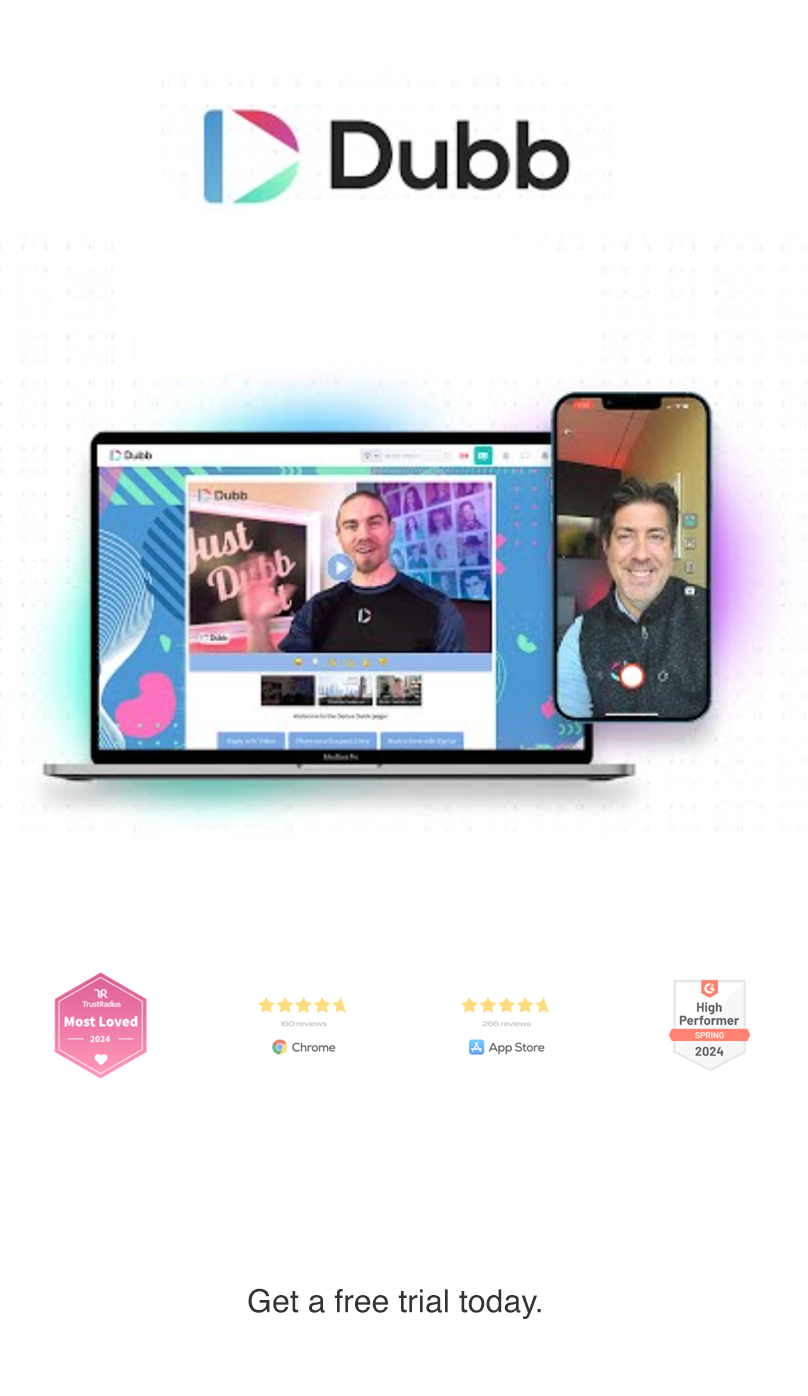
Best Video Messaging Software for Business: Why Dubb Still Deserves a Look
Video has become a standard part of modern B2B communication. Buyers use it to understand products faster, marketers use it to improve engagement, and sales teams use it to add context and personality to outreach that would otherwise feel generic. Wyzowl’s 2026 research says 91% of businesses use video as a marketing tool, and 84% of consumers want to see more video from brands. HubSpot’s 2026 marketing data also shows that video-based formats are among the strongest ROI drivers for marketers.
That is the context behind this review. If you are looking for video messaging software, you are not just looking for a recorder. You are looking for a system that helps you create videos, share them in the right channel, guide viewers to the next step, and measure what happened after they watched.
Dubb has long positioned itself as more than a basic screen recorder. The original version of this article described it as a one-stop platform for recording, sharing, analytics, automation, and business communication. That framing still fits the commercial intent behind this page, even though some product details and market claims needed updating.
Quick answer
If your goal is simple internal recording, many tools can do the job. If your goal is personalized sales, marketing, support, onboarding, and follow-up, Dubb is designed around that broader workflow: record on desktop or mobile, share through email, SMS, and LinkedIn, use landing pages and calls to action, and track engagement after the send. Dubb’s public site still emphasizes Chrome-based recording, desktop and mobile creation, teleprompter support, email and SMS campaigns, LinkedIn sharing, and engagement tracking.
What is video messaging software?
Video messaging software helps you record and send personalized videos for communication, outreach, training, onboarding, or support. In a B2B setting, the strongest tools usually combine five capabilities:
- Recording, including webcam, screen, or both
- Easy sharing through email, text, social, or direct links
- A destination page with clear calls to action
- Analytics that show opens, clicks, and watch behavior
- Integrations with CRM, email, and workflow tools
That matters because a business video usually is not the finish line. It is the beginning of the next action.
What is Dubb?
Dubb is a video communication and sales platform built around recording, sharing, and tracking personalized video. On its public homepage, Dubb describes itself as a system for video messaging, email and SMS campaigns, workflows, and CRM-related activity, with apps across Chrome, desktop, mobile, and web.
The original blog correctly focused on Dubb as an all-in-one business tool rather than a simple recorder. That distinction still matters. A screen capture tool can make a video. A sales-focused video platform is supposed to help that video produce a result.
The four main ways to create videos in Dubb
The original article centered on four core creation workflows. Those workflows still make sense for search intent and product evaluation.
1) Screen recordings
Screen recording is one of the most practical use cases for B2B teams. It is useful for proposals, product walkthroughs, onboarding, bug reports, training, and support.
The original post described Dubb’s Chrome extension as a way to record a browser tab or your screen, with webcam and microphone support, plus a movable face bubble. Dubb’s current site still highlights Chrome Extension recording and screen capture as a core part of the product experience.
2) Direct recording
The original post also emphasized direct-to-camera recording from the dashboard, including the script feature used as a teleprompter. That remains a strong differentiator for teams that want consistent messaging while still sounding human. Dubb’s public materials continue to highlight an integrated teleprompter, and its support center includes teleprompter resources for the mobile app as well.
3) Upload pre-recorded videos
Not every workflow starts with a live recording. Some teams already have polished demos, testimonials, webinars, or product explainers and simply need a better distribution layer.
The original article described uploading videos to a Dubb library, generating a unique URL, adding descriptions and tags, embedding videos on a site, and using GIF-style previews in sharing workflows. Dubb’s current ecosystem still centers around hosted video pages, advanced sharing, mobile GIF and video sharing help resources, and landing-page functionality.
4) Add YouTube videos into the workflow
The older post included a YouTube upload workflow so a video already published elsewhere could still be brought into Dubb for calls to action, chat, and conversion-focused presentation.
That point still matters strategically. Many teams already store or publish video elsewhere, but they want a sales layer on top of that content. The value is not just where the video lives. It is what happens around the video once someone watches.
What makes Dubb more than a recorder
The original blog spent most of its time on the layer that sits after recording. That is the right place to focus.
CTA buttons and landing pages
One of the clearest business-focused advantages in the original article was the ability to place calls to action beneath the video. The source text referenced actions like booking a calendar meeting, sending an email, making a call, using Messenger, or redirecting to a service page.
Dubb’s public site still emphasizes branded landing pages and conversion actions after the view, including booking meetings and taking the next step from the video page. That is a more commercially useful setup than simply dropping a bare link into an email.
Analytics and reporting
The original post highlighted click-through data, watch behavior, drop-off patterns, and comparisons across campaigns. That is still one of the biggest differences between consumer-grade video tools and sales-oriented platforms.
Dubb’s public site currently highlights real-time activity tracking, notifications, and data reporting tied to recording and sharing efforts. That makes the analytics section from the older article directionally accurate, even if specific labels and report views may have changed over time.
Collaboration and team workflows
The source text also described team access, shared libraries, reusable assets, and collaboration across members. Dubb’s current public site continues to market team onboarding, admin reporting, and support for growing teams, which aligns with that original positioning.
Integrations
The older post referenced integrations with tools such as Mailchimp, Insightly, HubSpot, Slack, Salesforce, Zapier, Outlook, iOS workflows, and LinkedIn. Dubb’s support center still lists products and collections tied to Outlook, HubSpot, Salesforce, automation, integrations, and mobile workflows.
LinkedIn workflows
The original article put special emphasis on LinkedIn and Sales Navigator. That still makes sense for B2B sales users. LinkedIn says Sales Navigator is designed to help sellers find the right people, engage effectively, and improve conversations through advanced search, recommendations, and CRM-connected workflows. Dubb’s homepage also explicitly calls out sharing through LinkedIn messaging and Sales Navigator.
A cleaner modern takeaway is this: if your sales motion depends on prospect research and relationship-building on LinkedIn, a video platform becomes more useful when it connects naturally with those workflows.
Dubb as a video text messaging app
This section needed the biggest update.
The old article argued that people are more likely to engage with video messages than plain text and positioned Dubb as a tool for bulk texting and automated workflows. The core business idea still holds: SMS is a direct channel, and Dubb still publicly references email and SMS campaigns as part of the product.
What needed correction was the provider explanation.
The original post referenced three setup paths for video texting: AWS SNS, “Message,” and Twilio, and it described AWS as one-directional while Twilio allowed replies. Today, Twilio’s official messaging docs support both sending and receiving messages programmatically, and AWS now documents two-way SMS support in supported countries and regions. So the accurate modern version is this: two-way capability depends on the provider, phone-number type, and regional support, not just a simple AWS-versus-Twilio split. The “Message” label in the old article should be rechecked before publication because it is not clear which vendor that name was intended to reference.
How to send a video text with Dubb
- Record or upload your video in Dubb
- Generate the shareable video page
- Connect your SMS workflow inside the platform
- Choose your sending method and compliance-ready provider setup
- Send one-to-one or launch a bulk or automated campaign
- Track clicks, views, and follow-up activity
That keeps the original intent intact while removing outdated implementation language.
Is Dubb worth the investment?
For a buyer comparing tools, the better question is not “Can it record a video?” The better question is “Can it shorten the path from message to action?”
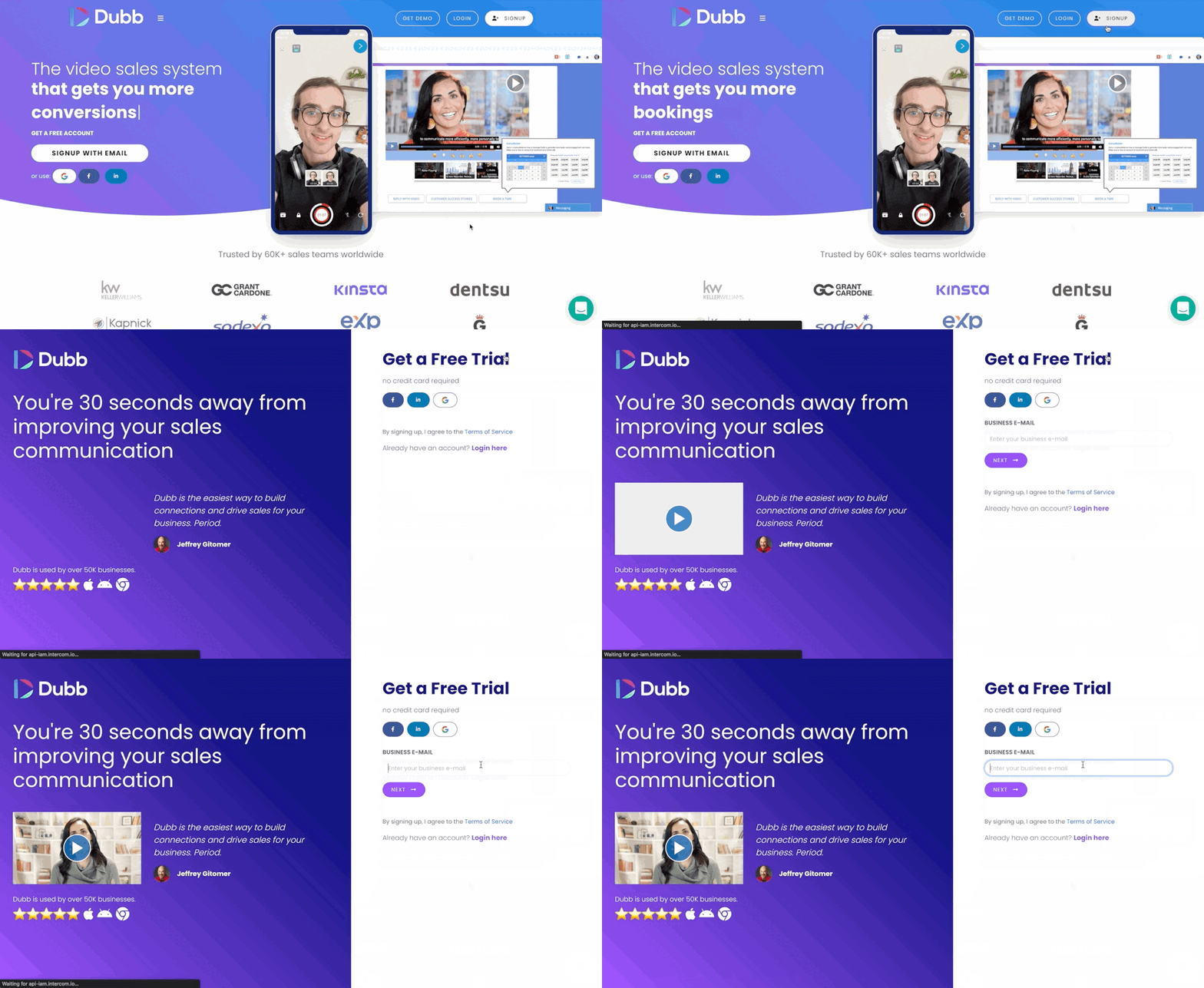
If you only need quick internal clips, Dubb may be more platform than you need. But if you want recording plus branded pages, CTAs, reporting, email and SMS campaigns, team workflows, and integrations, the value proposition is stronger. Dubb’s public site still centers its pitch around turning outreach into clients, using video, campaigns, workflows, and tracking across multiple apps.
The original draft also referenced a 7-day free trial, which still appears on Dubb’s public site.
Pro vs. Pro Plus: how to handle this section in 2026
This is the part that should be treated carefully.
The old blog named Pro and Pro Plus, and it listed feature differences such as contact limits, reporting, team management, forms, calendar integration, custom pixels, presets, API access, automation, custom email templates, custom scripts, phone support, and account-manager support.
Those plan names still appear in Dubb materials and workflows, but pricing and packaging in SaaS change often, and Dubb’s terms explicitly say subscription rates, plan characteristics, and commercial conditions may be modified over time.
So the publish-ready approach is:
- Keep the Pro vs. Pro Plus comparison because it exists in the original piece
- Remove or qualify any old dollar amounts unless you confirm them live before publishing
- Note that the legacy article referenced $32/month for Pro and $80/month for Pro Plus, but those figures should not be presented as current without checking the live subscription page
- Keep the feature framing, but label it as subject to change
That preserves the original content while protecting the page from becoming stale or inaccurate.
Editor’s note: This article preserves the original Pro and Pro Plus comparison for continuity, but SaaS pricing and plan limits change. Verify exact pricing and feature availability on the live subscription page before publishing.
Why video still belongs in a digital campaign
The older article made a broad case that internet users prefer visual communication over long text. The exact stats in that draft were outdated, but the larger point remains valid.
Wyzowl’s 2026 data reports that 96% of people have watched an explainer video to learn more about a product or service, 85% say a video has convinced them to buy, and 63% say they prefer short video when learning about a product. HubSpot’s 2026 data also shows video-based formats leading ROI discussions among marketers.
For B2B teams, that translates into practical use cases:
- prospecting
- proposal walkthroughs
- internal training
- customer support
- onboarding
- nurture campaigns
- renewal or upsell communication
That is why the original article’s business angle still works. Video is not just a content format. It is a communication format.
Key benefits of Dubb
- It supports recording, sharing, and tracking video messages.
- It supports dynamic video creation across Chrome, desktop, mobile, and web workflows.
- It includes reporting and engagement tracking that can support smarter follow-up.
- It gives you CTA-driven landing pages, which can make videos more actionable.
- It supports email, SMS, LinkedIn, and integration-led distribution.
- It can help add a more personal, human layer to outreach.
- It supports business use cases beyond marketing, including support, onboarding, and team training.
- It offers support and training resources, including recurring live training through the support center.
Bottom line
The old version of this blog was right about one thing: video can create a level of clarity and personalization that plain text often cannot.
The modern version of that claim is more specific. The best video messaging software is not just about recording. It is about combining video creation, distribution, conversion paths, and reporting into one workflow.
That is where Dubb still stands out in the way this original blog intended. It is not simply a camera tool. It is a platform built around using video in real business communication, especially for sales, marketing, follow-up, support, and training. Dubb’s current public positioning still reinforces that broader workflow, from recording and teleprompter use to email and SMS campaigns, LinkedIn sharing, landing pages, reporting, and team support.
If you publish this page, the safest modern editorial stance is: keep the workflow claims, keep the sales use cases, keep the Pro and Pro Plus comparison, but verify live plan pricing before you publish exact figures.
FAQ
What is video messaging software used for?
It is commonly used for sales outreach, customer support, onboarding, product demos, internal training, proposal walkthroughs, and follow-up communication.
Is Dubb just a screen recorder?
No. Based on both the original article and Dubb’s current public positioning, it is intended to combine recording, landing pages, CTAs, campaigns, reporting, and sharing workflows.
Can Dubb be used for SMS campaigns?
Yes. Dubb publicly references email and SMS campaigns, and the original article specifically discussed bulk and workflow-driven texting. Provider capabilities for two-way messaging should be verified by vendor and region.
Does Dubb support LinkedIn workflows?
Yes. Dubb publicly references LinkedIn messaging and Sales Navigator sharing, and LinkedIn describes Sales Navigator as a prospecting and relationship-building platform for sellers.
Should I publish exact Dubb pricing from the old draft?
Not without rechecking the live subscription page. Dubb’s terms make clear that rates and plan characteristics may change over time.