Have you been searching for the best way to make YouTube pages actionable? YouTube is one of the most visited websites in the world for a reason. Whether you are looking to be entertained during a work break or are looking for a great way to scale your company’s brand, YouTube often comes to mind.
All of that said, if you are a creator that is trying to grow your business through video sales and marketing, you may find that YouTube has some serious flaws. These flaws may not seem mission-critical right now, but as your business grows, they can seriously hamper your sales and marketing work.
But what if you could control the YouTube algorithm? Moreover, what if you could recommend what video comes next after a particular audience member watches a certain video?
In this post, I want to share the best way to make your YouTube pages actionable. Even better is the fact that this strategy is very easy and lets you leverage the benefits that YouTube has to offer. Whether you have just started making video content or are looking for a better way to connect with your audience, this strategy can help you accomplish those goals and grow your business.
That strategy? It is all about embedding your videos on a webpage that you can customize.
Some Subtle Flaws With YouTube
Before getting into the specific strategy, however, it is helpful to further explore some of these subtle flaws with YouTube. After all, YouTube has become such a force on the Internet today. Looking at the data, we can see that YouTube is the second most visited website across the planet. YouTube is only getting stronger and we are spending much more time consuming all of the stellar content on the platform.
But for as strong and powerful as YouTube is, it isn’t perfect for creators. This is true for everyone from the solopreneur to the largest corporations.
For instance, one shortcoming of YouTube is that you cannot select what video is played after your video. You may have an outstanding piece of video content that was created for a certain subset of your audience. Once your viewers watch that video, you may want them to view another video about your product or service. Unfortunately, YouTube doesn’t let you select the next video in your viewer’s queue. Your audience receives a recommendation for a video that could be virtually anything. It could be everything from a video from one of your competitors to a video about one of their other many interests. All of this is to say that you cannot select the subsequent video after your audience views your initial video.
From there, YouTube also isn’t ideal for business videos because your content is placed next to your competitors’ content. Ideally, your audience would go to a place where they could view your content and only your content. It intuitively makes sense. By having your competitors’ video content next to your own, you are forcing your audience to make a choice. They subconsciously debate whether they should view your content or view your competitors’ content. In some cases, they may view both. Whatever the case may be, your audience is not fully focused on your video content and the product or service that you are offering.
Finally, YouTube doesn’t let you leverage or add calls to action. As you likely know, calls to action are fantastic ways to move prospects down your sales or marketing funnels. In other words, calls to action make it more likely that you will turn an interested prospect into a paying customer. Unfortunately, YouTube doesn’t offer this feature. Yes, you can direct your viewer to a website or other link in the content of your own video. That said, you can’t do things like insert call to action buttons below the video itself. The absence of call to action features makes it more difficult to monetize your video content.
These are just some of YouTube’s shortcomings when it comes to business videos. While YouTube’s scale and popularity are certainly appealing, there are downsides to posting your video content on YouTube.
Making Your YouTube Pages Actionable
So considering all of the above, you are likely wondering about the best way to make YouTube pages actionable. Like I referenced above, it comes down to embedding your video content on a customizable webpage. But doing this doesn’t mean that you have to surrender all of the benefits that you get from YouTube.
Ultimately, by embedding your video content on a customizable webpage, your videos can continue generating organic growth on YouTube and drive actions on your webpage. Even better, these customizable webpages can be shared directly with potential clients and customers over LinkedIn, Gmail, SMS, or wherever else that you are communicating.
As you already know, videos can grab attention. They can educate an audience and then inspire that same audience to take some sort of action. That action can be things like reaching out to your organization or even making an immediate purchase.
There are so many benefits to having a customizable webpage for your video content.
For starters, customizable webpages can contain the features that are missing from YouTube. As a reminder, YouTube doesn’t let you do things like select the subsequent video after your initial video, add any call to action buttons, and isolate your content from other types of content (including your competitors’ video content). The awesome thing about customizable webpages is that you can do all of these things. You can add call to action buttons and take advantage of playlist features. Customizable webpages don’t have your competitors’ video content on them. Essentially, you can have complete control over the user experience.
From there, customizable webpages can be a central hub for your specific video. You can think of these customizable webpages like building gardens. You own the garden that you build and you control the outcome. In other words, you can design your garden (your customizable video webpage) in whatever way you’d like. Once you have finished creating your video, your customizable webpage can be the destination for your viewers. You can keep your videos hosted on YouTube, yet direct your audience to these specific webpages (which contain all of the features mentioned above). Pretty great, right?
Finally, customizable webpages look more professional. As great of a platform YouTube is, directing your users to your YouTube page can seem less professional than directing them to your customizable landing pages. Your video landing pages can include your logo, custom font, your brand’s colors, and more. Overall, the viewer gets a much more customized experience that will leave them impressed.
Once again, adopting this best way to make YouTube pages actionable doesn’t mean that you have to leave YouTube entirely. Through this strategy, you can still develop organic reach on YouTube and have this central hub where you can fully engage with your audience.
How Dubb Helps You Create Customizable Video Landing Pages
At Dubb, we are fully aware of the power of customizable webpages for your video content. Whether you are creating video content for the first time or have been creating videos for a long time, Dubb arms you with all of the tools to capitalize on this best way to make YouTube pages actionable.
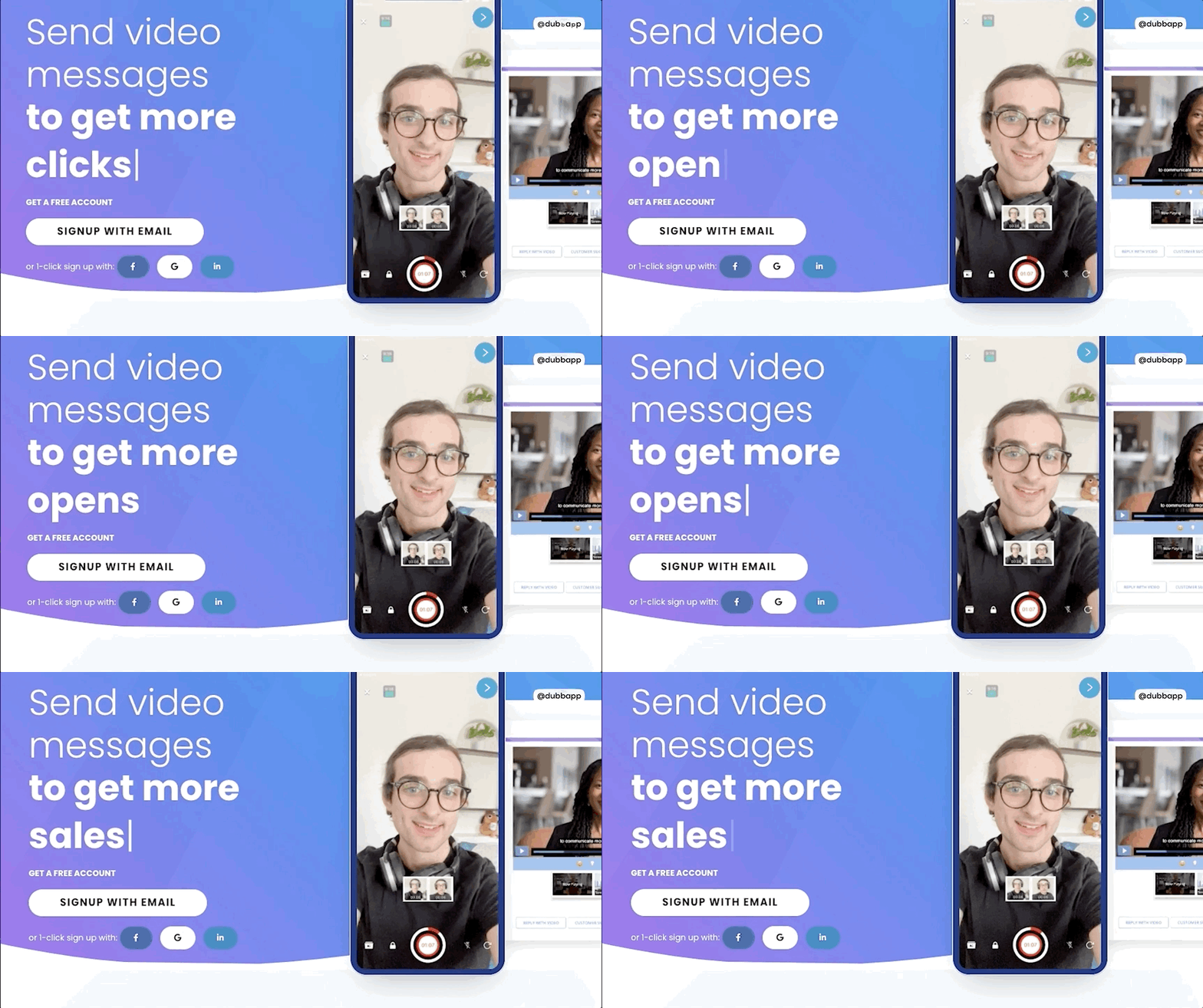
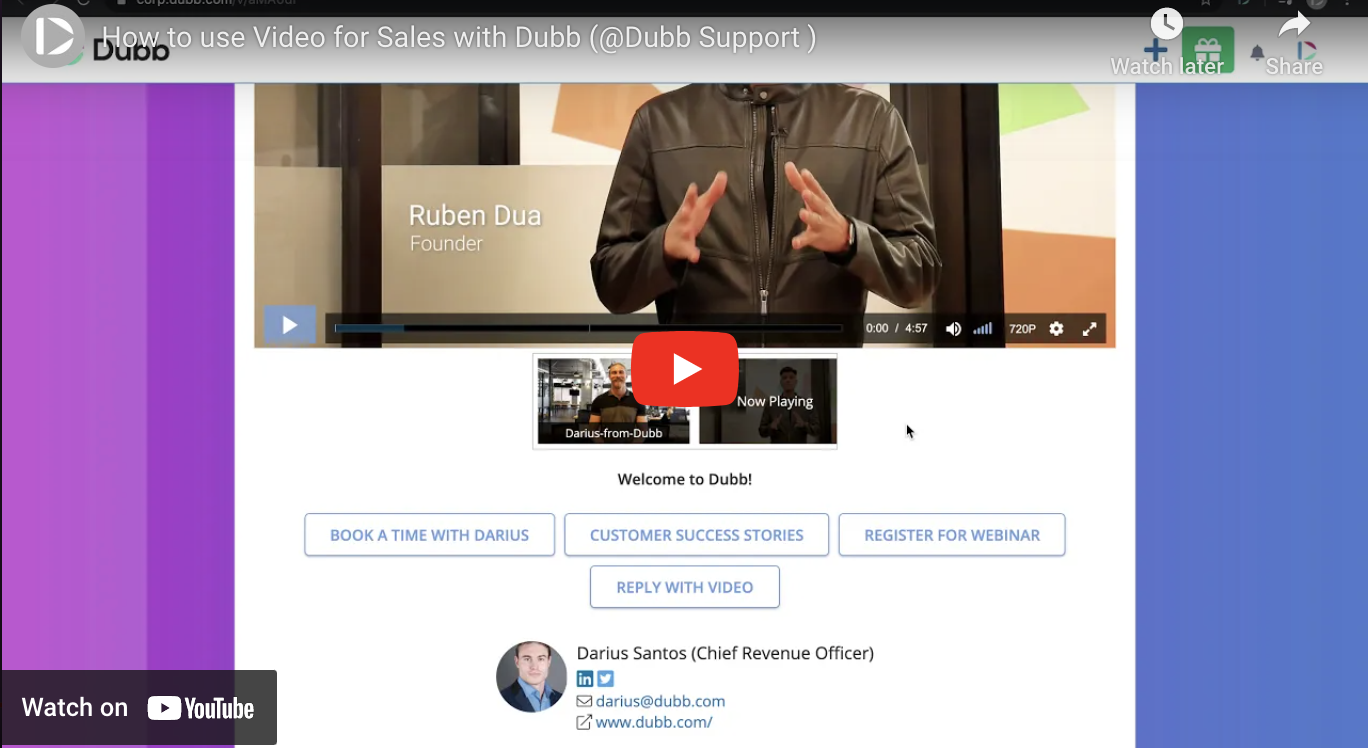
We call our customizable webpages Dubb action pages. Dubb action pages can be an extremely effective tool as you work to accomplish your video sales and marketing goals.
Why are they so powerful? Ultimately, Dubb action pages provide a one-stop-shop for you to get the most out of your video content.
To start off, you can generate a Dubb action page from any public or unlisted YouTube video. This means that you get Dubb action pages for video content that you have already posted to YouTube and videos that you post to YouTube in the future. Essentially, you get two distinct homes for each piece of video content. Whether your video is for one distinct person or for a much larger audience, you have full access to an individual Dubb action page.
From there, you will quickly see that a Dubb action page is a completely customizable video page. It also has multiple use cases, giving you the flexibility to use this action page in virtually any way that you want.
To start, Dubb action pages are designed to help your company stand out. You have complete customization, whether you want to include your logo, your brand colors, or even a particular font.
This is extremely powerful. When you upload your video content to YouTube, for example, you are forced to adopt YouTube’s design and user experience. In other words, your audience sees YouTube’s branding rather than your own.
However, with Dubb action pages, you get complete control over the user experience. Your action pages become distinctly yours, making it much easier to separate your action pages from competitors. Whether your branding is similar or much different than your competitors, the wide levels of customization here can be a key asset in your video sales and marketing work.
Then, there are the many calls to action that are available on Dubb action pages. At Dubb, we understand how important calls to action are. They can make the difference between signing a key prospect and losing him or her to a competitor. Some of the key calls to action that you can find on Dubb action pages include:
- Completing a form.
- Scheduling a call on your calendar.
- Downloading a white paper or eBook.
- Communicating with your company via Facebook Messenger.
- Replying to your video with a video of their own.
- A link to any website that you want.
- Directly calling your company.
- Making a purchase.
- And more!
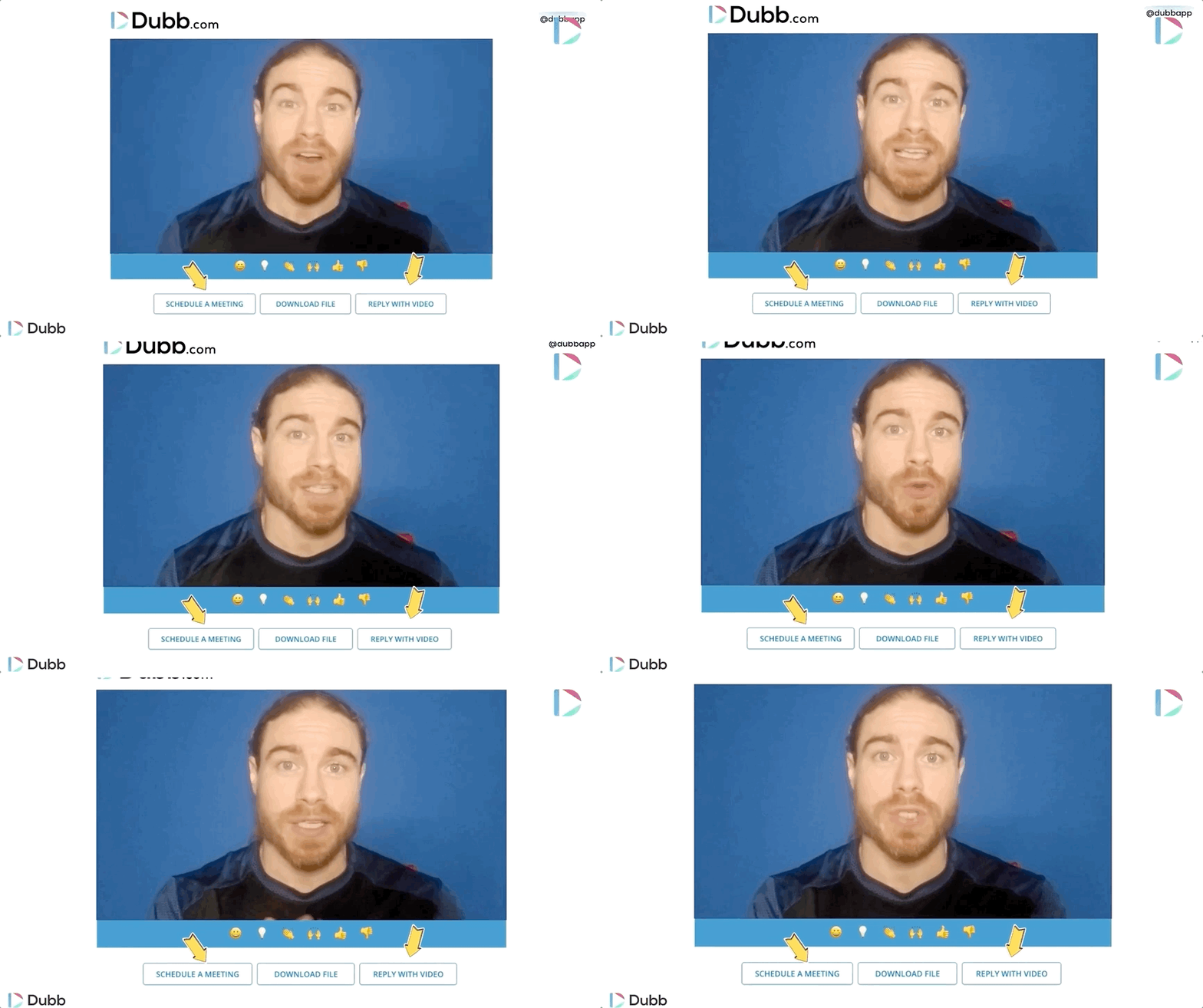
You can choose however many calls to action that you like. Whichever calls to action you choose, they will be located right below your video.
As you can guess, these calls to action can make a huge difference in whether you hit your sales quota. For example, let’s say that you created a video that explains a new product that you are launching. This product is unlike many other products that your company has launched, yet it is a critical aspect of this year’s growth strategy. You and your team have created a high-quality video that explains what the product is and how it can create value in your audience’s lives.
Having said all of this, you and your team want an easy way for your viewers to learn more about the product—or perhaps even purchase it after watching your video. You can easily get the job done with call to action buttons on your Dubb action page. For example, one of your call to action buttons can be scheduling a call on your calendar. Your viewer can easily book a slot on your calendar, giving you a great opportunity to provide more information about the product. You can also include a call to action button that lets your user purchase the product right away. That button may take them to another webpage, where they can easily make their purchase.
Whatever the case may be, these call to action buttons can play a massive role in helping you generate more sales. If you become a Dubb user, I highly encourage you to use them on every one of your Dubb action pages.
Then, there is the playlist feature. With Dubb, you can easily control what video comes after your initial video. You don’t need to hope that YouTube’s algorithm suggests a specific video plays after the first one. Instead, you can choose which video (or videos) come next. This is an extremely powerful feature. You can stack together different types of video content for all types of audiences.
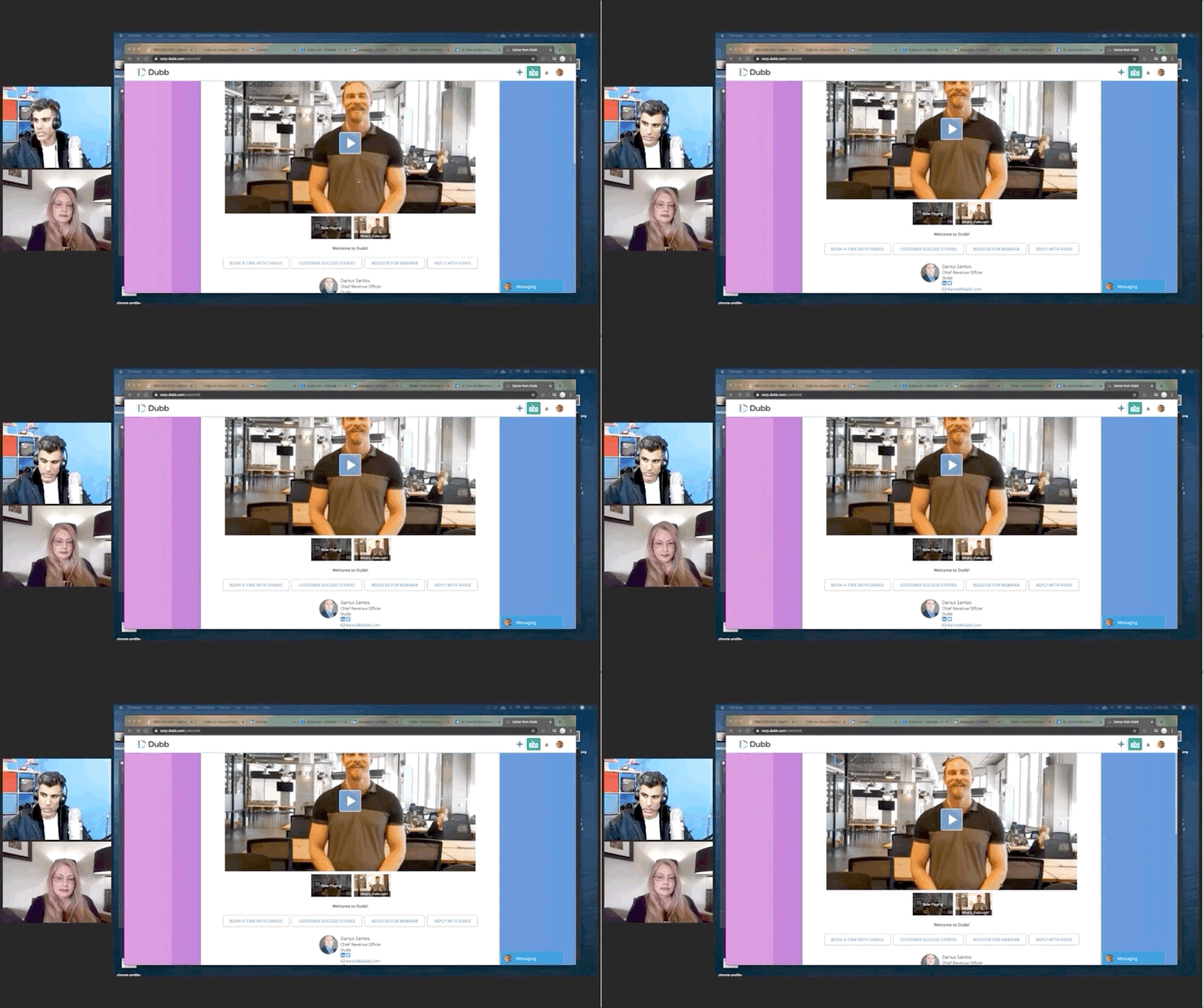
As just one example, you can create a one-to-one video for a key prospect. That video may be hyper-personalized. It may be a pitch for this key prospect to consider your product or service. Then, after that first video, you can tack on a well-produced, more generalized video that speaks about that product or service in greater detail. Ultimately, you can combine both personalized and more generic videos to create an outstanding experience for that key prospect. You can’t rely on this level of customization when solely posting your video content to YouTube.
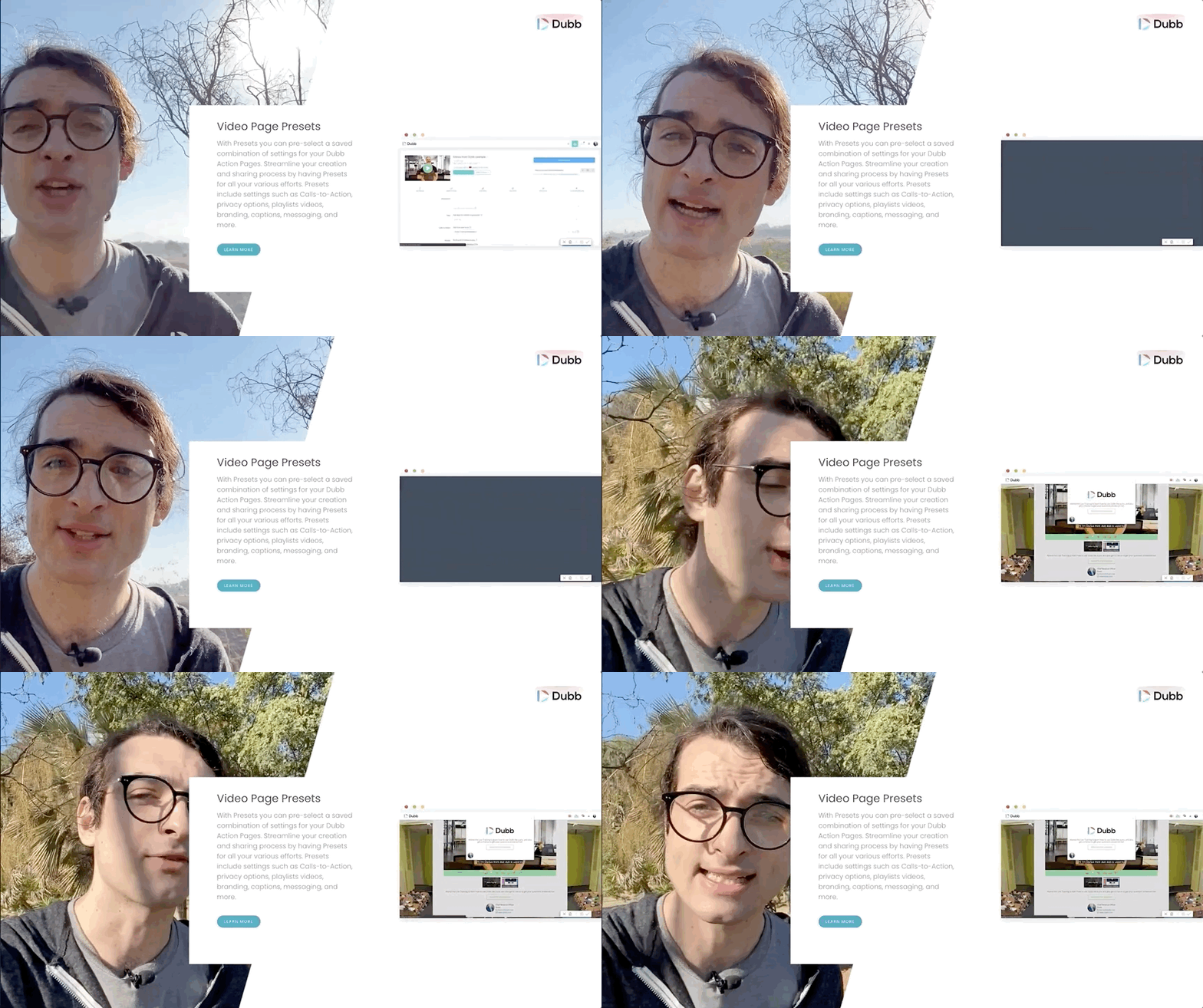
Once you have all of your customizations, you can easily save those customizations as a preset.
What does this mean?
Essentially, presets make it really easy to set up brand new action pages. Instead of having to go through the process of adding your logo, calls to action, or something else, you can get your desired Dubb action page with one click. In the end, these presets make it easy to set up your action pages and connect with members of your audience. You can save precious time and spend that time on more important matters.
In the end, we offer a completely free account if you want to try Dubb out. This free account doesn’t let you access many of the most important features, but it can be a good launching point if you are interested. If you would like to learn more about pricing for all of Dubb’s plans, go ahead and click here.
Make Your YouTube Pages Actionable
No matter the size or sector, your company should absolutely be leveraging the power of video sales and marketing. Video helps you get much closer to your audience. Not only do you get to build stronger relationships with prospects and clients, but you can build your personal and/or company brands in your industry.
All of that is well and good. However, some creators fall into the trap of solely posting their videos on YouTube. While YouTube is a great platform, it has some flaws which affect salespeople and marketers.
Because of this, I encourage you to follow this best way to make YouTube pages actionable. By leveraging Dubb action pages, you can easily distribute high-quality content and generate more sales. Whether you are promoting a new product or service or just want to build a closer relationship with a key customer or prospect, Dubb action pages can help you accomplish your goals.
To learn more about Dubb and how it can help you reach your business goals, click here. You can also click here to get a free seven-day trial of our premium plans.